USB Devices
48 FRITZ!Box Fon WLAN 7170 – 6 USB Devices
6USB Devices
The FRITZ!Box Fon WLAN 7170 has a built-in USB host con-
troller. A USB host controller provides a USB port to which
you can connect USB devices. The USB host controller of the
FRITZ!Box Fon WLAN 7170 is suitable for connecting the fol-
lowing USB devices:
z USB mass storage devices (hard drives or memory
sticks)
z USB printers
z FRITZ!WLAN USB Sticks
z USB hubs
6.1 Connecting USB Devices
Some of the USB devices, such as memory sticks or the AVM
FRITZ!WLAN USB Stick, are inserted directly into the USB port
of the USB host controller. Other devices like USB printers
are connected to the USB host controller by means of a USB
cable.
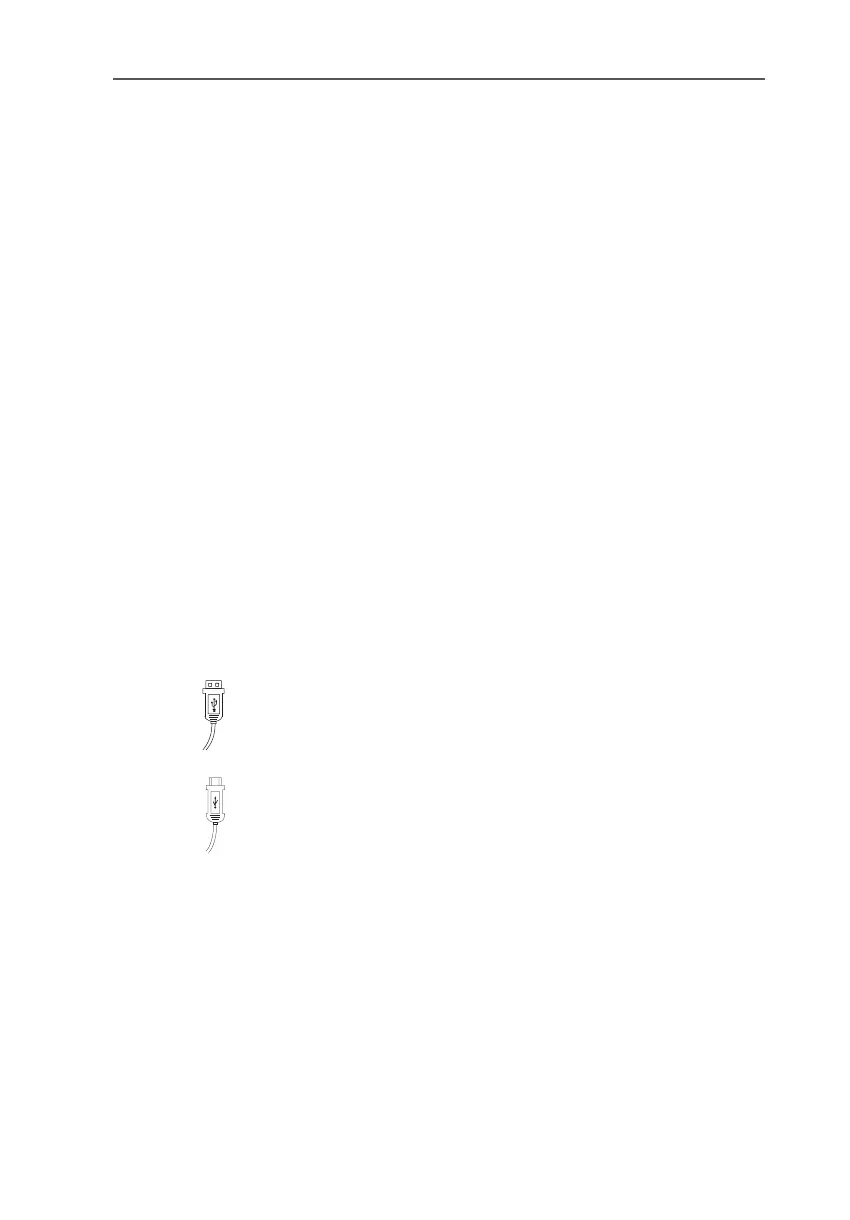
To connect a USB device via a USB cable, insert the end of
the cable with the flat plug into the USB port of the USB host
controller.
The end of the cable with the square plug goes into the USB
port of your USB device.



 To Next Page
 Loading...