24 25
Recording
24 25
Recording
Basic Operation
1
1 If you want to playback DVD during recording with video, insert a DVD disc.
Place the desired DVD disc on DVD tray, press [DVD] button to convert OUTPUT
into DVD mode and press [PLAY] button. Then, you can watch DVD.
2
2 If you want to watch a TV channel during DVD recording with video, press
[VCR] button to convert OUTPUT into VCR mode and press [PR+/-] button.
Then , you can watch a TV channel.
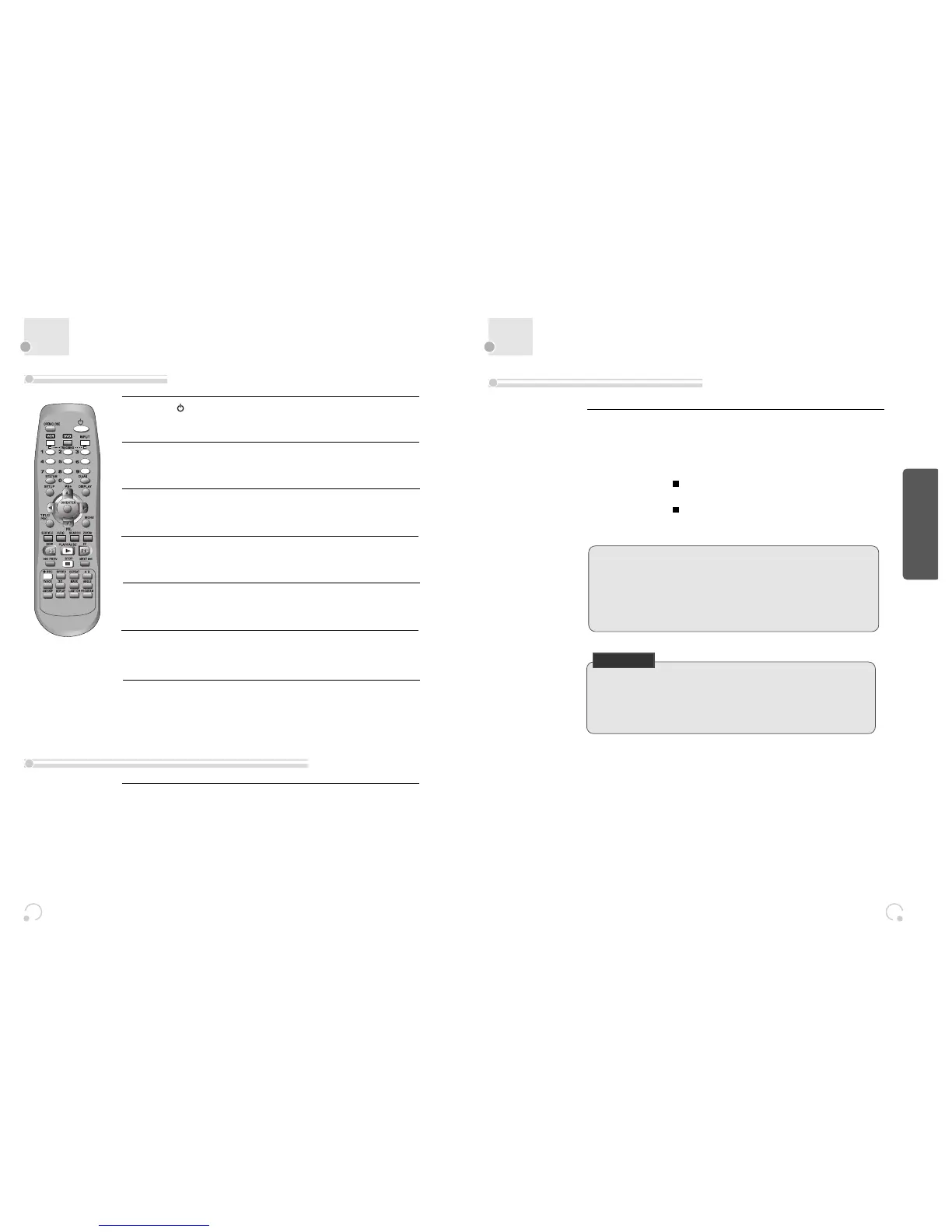
Press [ ] button to power on.
• Press [VCR] button of remote control to change into VCR mode.
Insert a recordable tape.
Insert a tape with recording tab.
With [CHANNEL], [NUMBER] and [INPUT] buttons, select the desired
broadcasting channel or external input unit to record.
1
2
3
Select the desired speed (SP or LP) with [SPEED] button.
4
Press [REC] button.
Then, it starts recording.
5
If you want to pause recording, press [PAUSE] button.
After pressing [PAUSE] button, if the pause status continues for five minutes, the
recording is released automatically.
6
To exit recording, press [STOP] button.
7
To Record With VCR
To Enjoy a TV Channel or DVD during recording
“This product incorporates copyright protection technology that is protected by
U.S patents and other intellectual property rights.
Use of this copyright protection technology must be authorized by
Macrovision, and is intended for home and other limited viewing uses only
unless otherwise authorized by Macrovision. Reverse engineering or
disassembly is prohibited.”
1
1 Insert the desired DVD disc.
When it is a DVD disc with copy protect function, you can’t copy it.
Insert a recordable tape.
2
2 Press [REC] button during playing of DVD.
DVD plays and VCR starts recording.
3
3 If you press STOP [ ] button in DVD mode, DVD and VCR will stop at the
same time.
If you press STOP [ ] button in VCR mode, VCR stops to record and DVD
continues to play.
To Copy From DVD To Videotape
CHECK IT!
* Only record in interlaced mode
This DVD+VCR can only record in interlaced mode.
To get proper picture, press [SYSTEM] to “INTERLACED” before recording.


 To Next Page