36 37
Connections and Copying
36 37
Playing a desired scene
Should you wish to assemble your own film, from camcorder footage for example, use the assembly technique for
smooth edit points:
• The symbol is lit in VCR mode and goes out in TV
mode.
• This symbol means the cassette is in.
• This symbol means a timer recording is setting.
For the best results, the source cassette from which you
are recording should already be playing back when you
start recording.
Assembling
To move to next chapter (or track), press [√√❚ NEXT] button.
The current chapter (or track) moves to the next chapter (or track).
Press [❚œœ PREV] button.
The current scene moves to the previous chapter (or track) or first scene of current
chapter (or track).
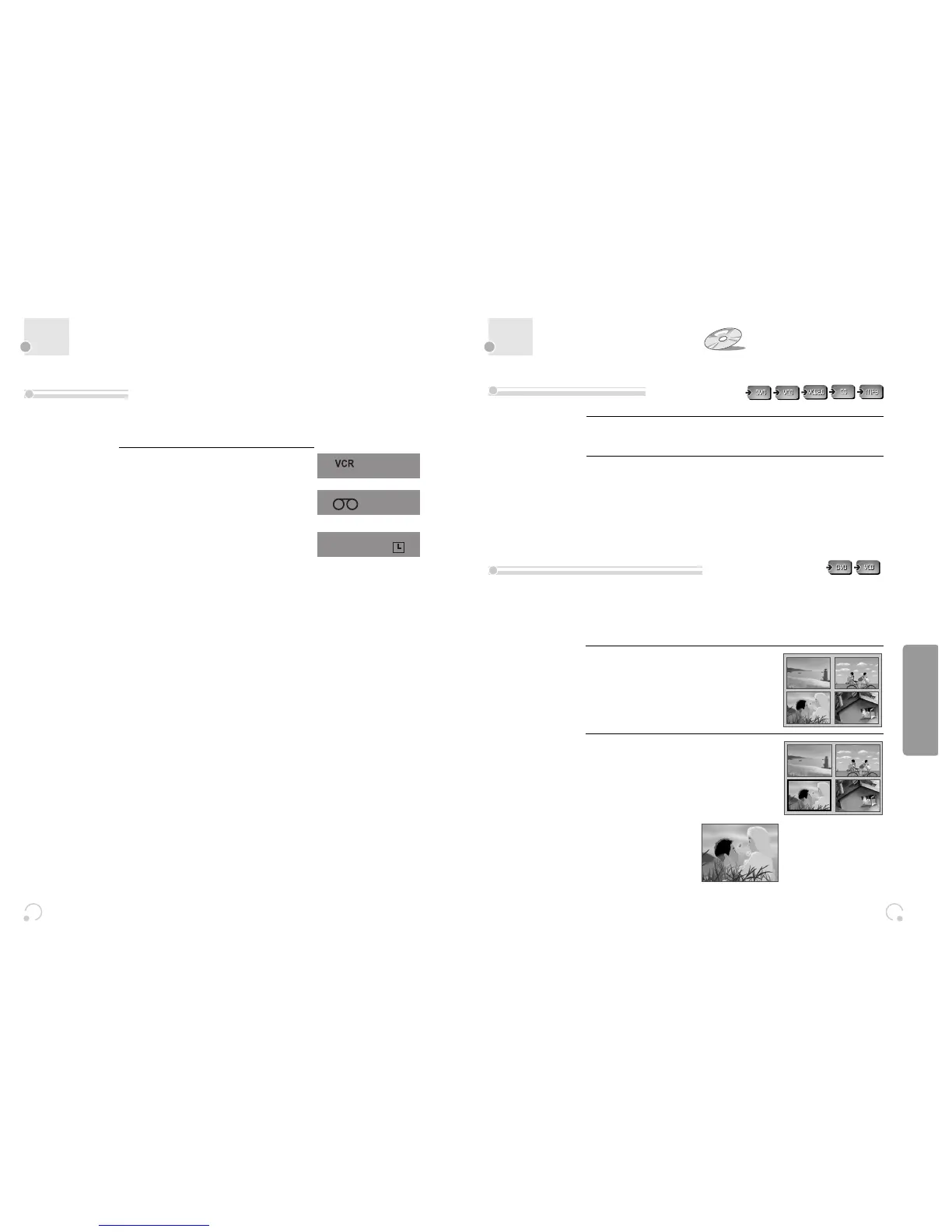
Press the [TITLE/PBC] or [MENU] button.
A list of the titles on the disc is displayed.
* For the case of VCD disc, menu screen will
appear only when the disc has PBC function
and PBC ON is activated.
1
Press the [ENTER] button or [PLAY] button
after pressing the [œ √…†] button to
select the desired title.
For the case of VCD disc, press the [Number]
button.
The selected title now starts playing.
2
■ Some movie discs may contain multiple titles. If the disc has a movie title menu recorded on it, the [TITLE/PBC]
or [MENU] button can be used to select the movie title. Details of operation may differ depending on the disc
used.
* Selecting a title may not be available on certain DVD discs.
To skip scenes in a disc
Directly moving to a desired title
DVD Operation


 To Next Page