42 43
Confirming the current PLAYING TIME
42 43
Selecting an AUDIO language and
SUBTITLE language
DVD Operation
■ The user may select an audio language and subtitle language if a disc includes Multi-language.
Keep pressing [AUDIO] button till the user’s preferred language appears in
playback mode.
If DVD disc includes audio information, every time the user presses [AUDIO] button,
English (ENG), French (FRE), Spanish (SPA) and others appear one by one.
Keep pressing [SUBTITLE] button till the user’s preferred language appears in
playback mode.
If a DVD disc includes subtitle information, every time the user presses [SUBTITLE]
button, English (ENG), French (FRE), Spanish (SPA), ... and OFF appear one by one.
A certain disc may
not support audio
select or subtitle
select.
Selecting an audio language
Selecting a subtitle language
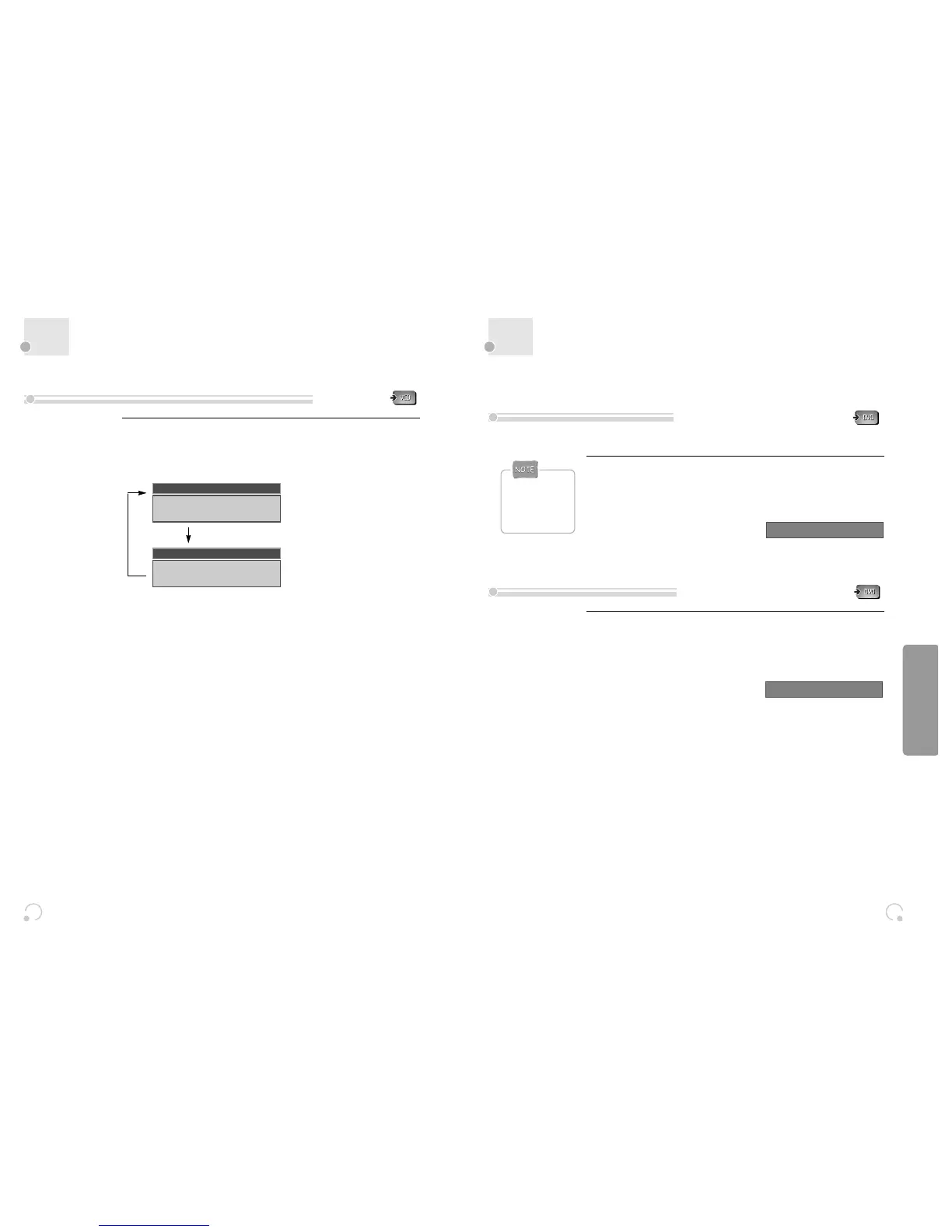
While in playing, press [DISPLAY] button.
It shows the current playing time.
Each time you press [DISPLAY] button in playback mode, DISPLAY is change as below.
Confirming the current playing time of VCD disc
TRACK ELAPSED
TRACK 01/20
0:00:57
TRACK REMAIN
TRACK 01/20
0:05:57
AUDIO 1/2 : AC3 2CH ENGLISH
SUBTITLE 01/02: ENGLISH


 To Next Page