5554
Others Setup Features
LANGUAGE
VIDEO
AUDIO
OTHERS
ENTER
SETUP
OSD
SCREEN SAVER
DEFAULTS
PARENTAL
PASSWORD
CHANGE ✓
LANGUAGE
VIDEO
AUDIO
OTHERS
ENTER
SETUP
OSD
SCREEN SAVER
DEFAULTS
PARENTAL
PASSWORD
CHANGE ✓
OLD PASSWORD
NEW PASSWORD
CONFIRM PASSWORD
xxxx
xxxx
OK
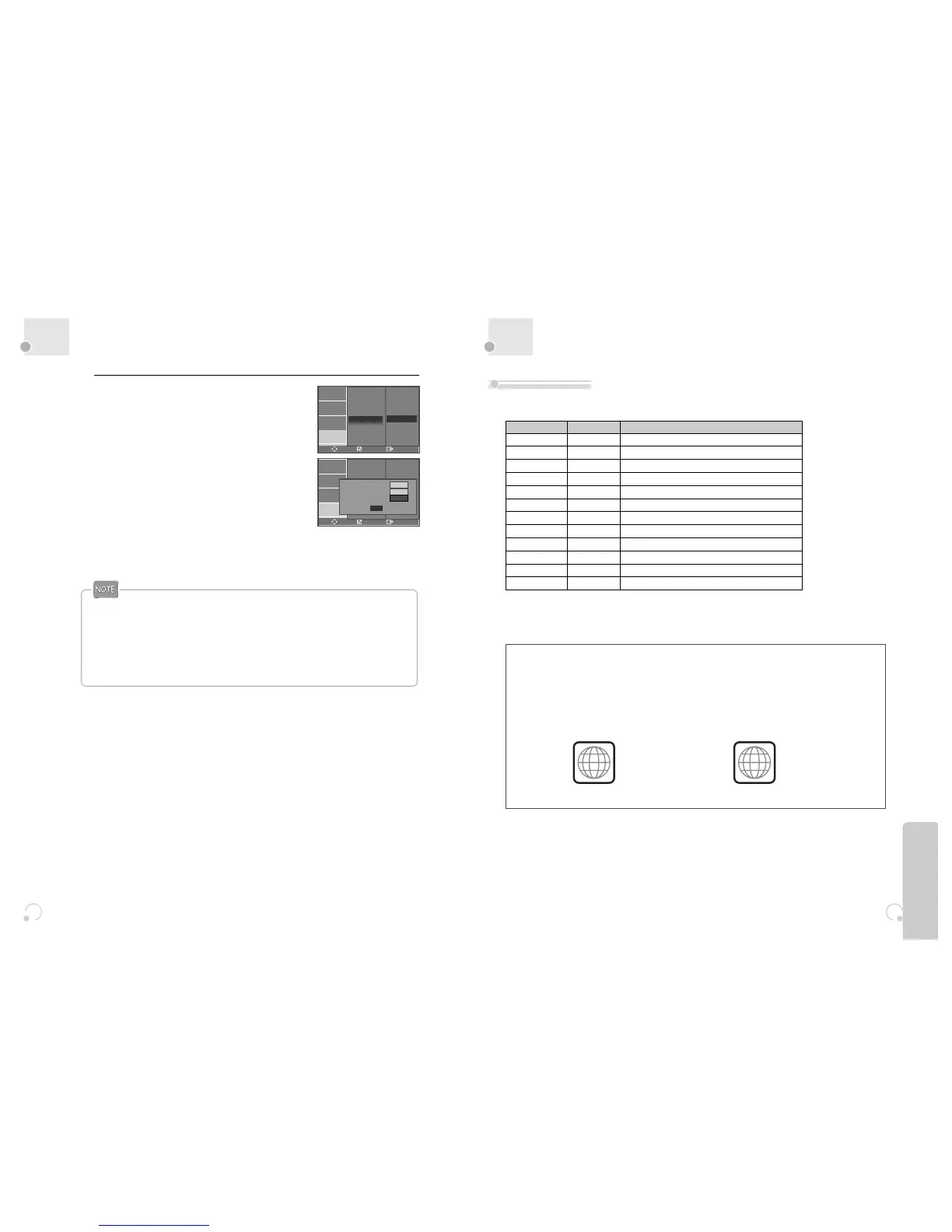
Changing the password.
To change your password, move the cursor to
“PASSWORD” and press [√]. Then press the
[ENTER] button.
Enter “OLD PASSWORD”, “NEW PASSWORD”,
and “CONFIRM PASSWORD”.
And press the [ENTER] button.
Now your password is changed.
6
“Parental Lock” activates only if you set a password and the unit goes into Lock status. When the
disc has no parental function even if the disc for adult only, Parental Lock doesn’t activate.
The initial password is 3308. In case you forget newly-input password, you can use 3308 as a
password.
About DVD
• DVD, Video CD (Version 1.1, 2.0), S-VCD and Audio CD
Disc type Playable Restriction
DVD Possible Region number 4 or Region number All
Video CD Possible Version 1.0/1.1/2.0, SVCD
CD Possible PCM or dts
CD-ROM Possible MP3 File
CD-R Possible Video-CD/CD/CD-ROM (MP3 File)
CD-RW Possible Video-CD/CD/CD-ROM (MP3 File)
DVD-R Possible DVD Video
DVD-RW Possible DVD Video
DVD+RW Possible DVD Video
DVD-ROM Impossible
DVD-RAM Impossible
Photo CD Possible except KODAC CD
REGION MANAGEMENT INFORMATION
This unit is designed and manufactured to respond to the Region Management information that is
recorded on a DVD disc. The region number of this player is “4”. If the region number described on the
DVD discs does not correspond to the Region number of this player, the player will not play this disc. This
player will play DVD discs made for “ALL” regions. Therefore, this player will play DVD discs marked with
labels containing the region number “4” or “ALL”.
(Region 4) (Region ALL)
4
ALL
Playable Disc
• You should record the file with standard format.
• Playback of some discs such as CD-R, CD-RW, DVD-R, DVD-RW, or DVD+RW may be impossible according to its
record status.
Other Features


 To Next Page