46 47
About MP3 and JPG discs
About MP3 and JPG discs
The ability of this unit to read MP3 discs is dependent on the followings:
• The Bit Rate must be within 64-256 kbps.
• The maximum number of directories should not exceed 32.
• The maximum depth level of directories should not exceed 4.
• In case that the file is recorded with the variable bit rate (VBR) in one file (Example: 54-
256kbps) the sound breaking may occur during the playback.
• File names should be named using 8 or fewer letters and/or numbers, and must incorporate
the “MP3” file extension. EXAMPLE:
********
. MP3 where each
*
is a letter or number.
• Use only letters and/ or numbers in file names. If you use special characters, the file and/ or
folder names may not be displayed correctly on the on-screen display.
Caution
• Due to many different recording formats which exist for CD-RW-discs, we cannot guarantee
that each CD-RW can be played with this unit.
• The CD-R must be recorded with the standard format because it can not be played back
according to the recording format.
• The CD-R should be written using the ‘disc at once’ method.
• The disc which is made with ISO 9660 format can be played back.
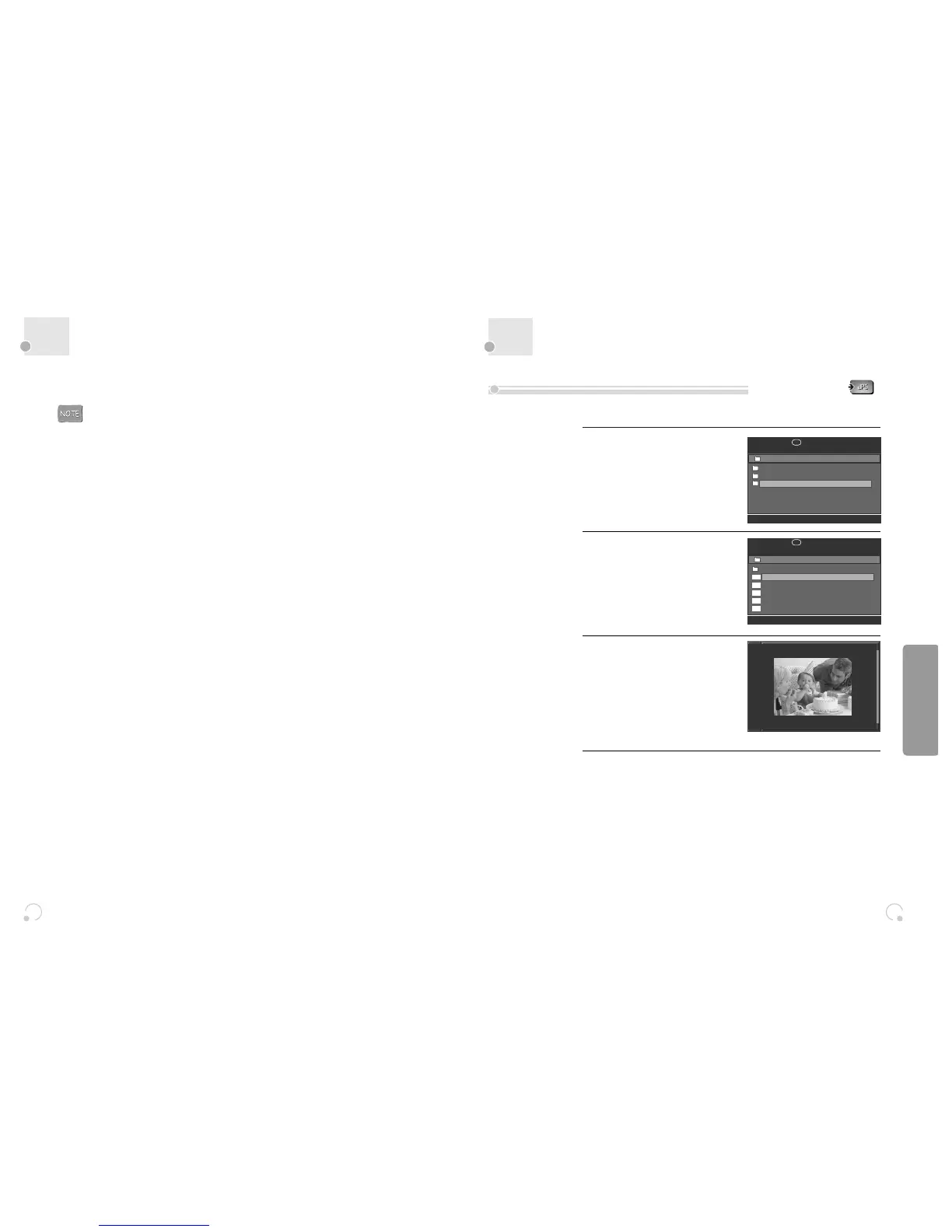
This unit will play JPG files recorded on CD-R and CD-RW discs.
Select the desired folder.
Move the cursor to the desired folder
by pressing […†] and press [ENTER]
to confirm.
1
Select the folder.
Move the cursor to desired folder by
pressing [œ √…†] button and press
[ENTER] button to confirm.
2
Select the file which you want to
view by pressing the […†] button.
3
If you press the [PLAY] or [ENTER] when a JPG image is selected, a slidshow will
begin automatically starting from the selected image.
Press [■] to stop playback.
4
00:00
■
001:003
/
CAR
ANIMAL
CAMP
00:10 04:22
■
002:125
/ CAMP
1. CAMP001
2. CAMP002
3. CAMP003
4. CAMP004
5. CAMP005
1. CAMP001
jpg
jpg
jpg
jpg
jpg
Playing a disc containing JPG (PHOTO) files
DVD Operation


 To Next Page