OXYGEN 1000 & OXYGEN 2000 · User Manual · ENG
TELEPHONE LINES USAGE AND CONNECTIONS |EXTERNAL BLUETOOTH DEVICE
5.3 EXTERNAL BLUETOOTH DEVICE
The console allows you to pair an external bluetooth device for the following 2 excluding purposes:
- Microphone TX(Mono)- RX(Mono) Interface for telephone communication (GSM call, Skype,
FaceTime, WhatsApp, Facebook, Etc.)
- RX (Stereo) interface for file/streaming player…
The device is in pairing mode after a fast press (< 1 sec) of the Bluetooth button. It starts to blink in
blue color.
search for the Oxygen 1000D-XXXX if you have an Oxygen 1000 (or search for the Oxygen 2000D-
XXXX if you have an Oxygen 2000) in Bluetooth device and connect with it. Once the device is
connected the blue light stops blinking.
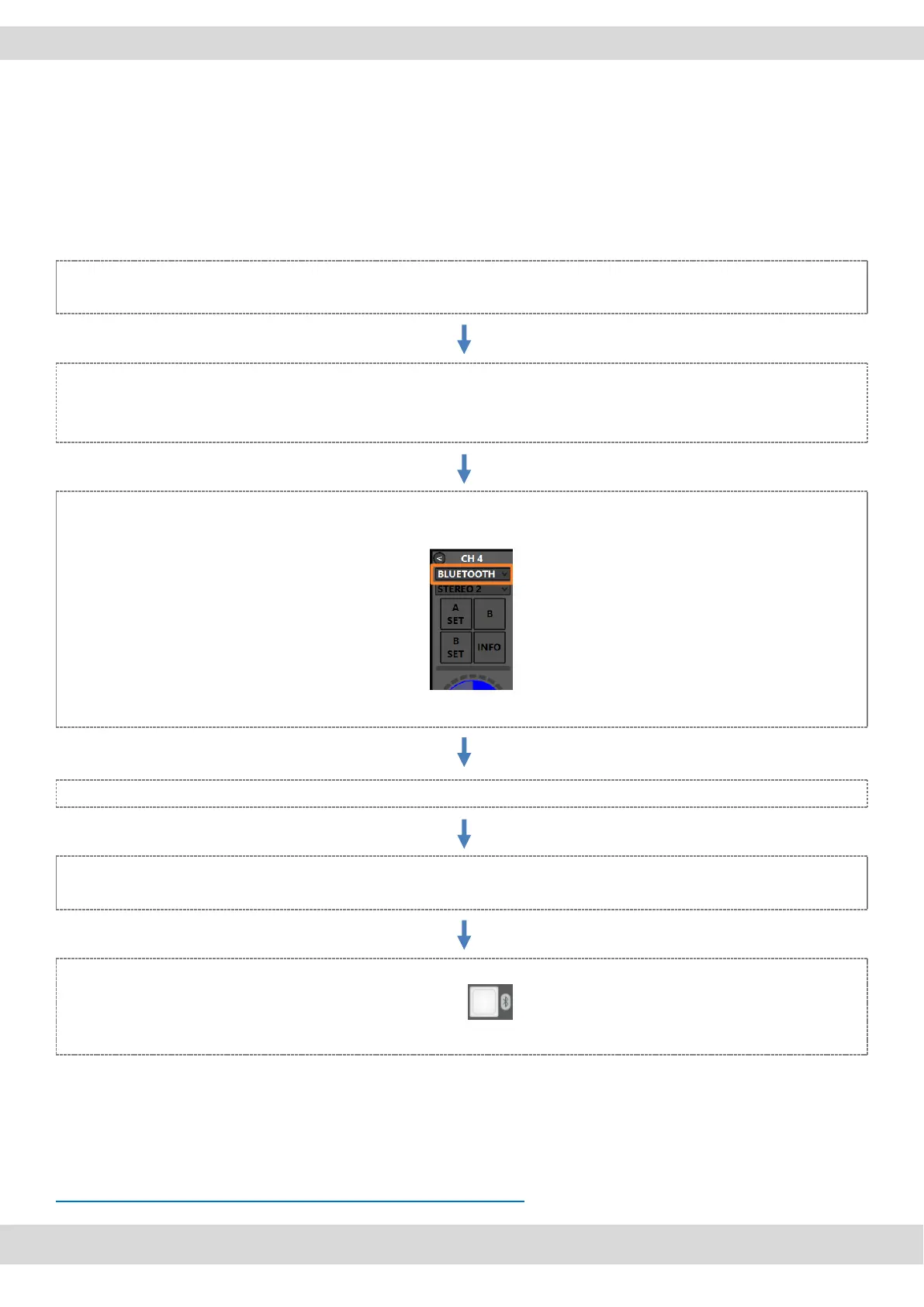
From OXYGEN REMOTER assign the Bluetooth audio source by selecting it into the desired drop-
down menu (for example in 4th channel CH-A)
Press the desired BUS on the channel (in example PGM).
start the audio streaming (music, audio from YouTube/Music Player) or the phone call (Call, Skype,
WhatsApp,) from the Bluetooth device.
With a long press of the Bluetooth button , you will disconnect the device.
If you turn on again the Bluetooth in the device and if the device is still associated with the console, it will
be automatically paired. You will see a fixed blue light. The console is included RN52 Bluetooth Audio
Module.
Note: For the module certifications, check this website please:
HTTPS://WWW.MICROCHIP.COM/WWWPRODUCTS/EN/RN52



 To Next Page