UMAX140900. Ethernet to CAN Converter. Version 5 Page: 14-35
In case the user leaves the page without saving, all changes will be discarded. The user can
also discard changes by pressing the Discard Changes button.
3.2 Ethernet Configuration
All Ethernet configuration parameters can be changed through the Main Settings web page,
except the MAC Address, which is programmed at the factory. The user-changeable
configuration parameters are presented in Table 2.
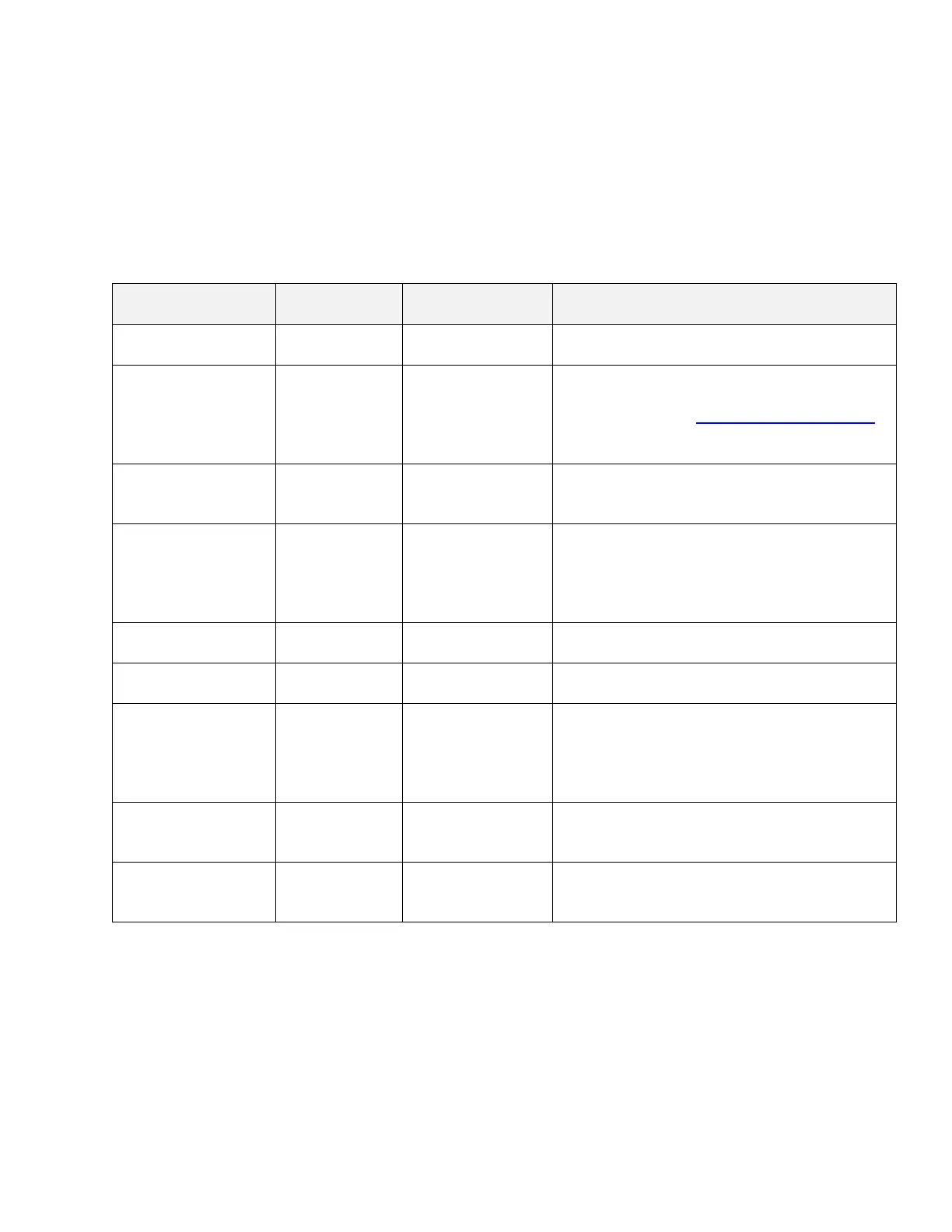
Table 2. Ethernet Configuration Parameters
The device IP address. The embedded
web server uses the same IP address.
Any port value
except the Web
Server Port and
the Discovery
Protocol Port
The device server port. The device is
listening to this port for incoming
connections. The Discovery Protocol Port
(35100) and the Web Server Port should
not be used.
Type of the IP protocol used by the device.
The device server and client use the same
IP protocol.
Any port value
except the
Device Port and
the Discovery
Protocol Port
The communication port of the embedded
web server.
The device subnet mask. Used also by the
embedded web server.
The device default gateway. Used also by
the embedded web server.
The device client state. When the Auto
Connect to Remote is Yes, the device
client is activated, and the device will try to
establish a connection with the remote
server.
The remote server IP address. Used by
the device client, when the Auto Connect
to Remote is Yes.
The remote server port. Used by the
device client, when the Auto Connect to
Remote is Yes.
3.3 CAN Configuration
The CAN configuration parameters can be changed through the Main Settings, CAN ID Range
Filters, and CAN ID Mask Filters web pages.
The main CAN configuration parameters are available through the Main Settings web page,
see Table 3.


 To Next Page