Section 5: Using the AXIS 200
AXIS 200 User’s Manual
42
Input and Boot
Field
The sixth field is an optional Input and Boot field that defines the
input and boot trigger functions.
You can program the AXIS 200 to trigger at startup or on the logical
states present on the Control button and digital input ports, using the
trigger variables
boot
,
B
,
I1
and
I2
respectively. The
B
,
I1
and
I2
trigger variables must be proceeded by an activate condition,
/
,
\
,
0
or
1
, to indicate when the trigger variable is activated.
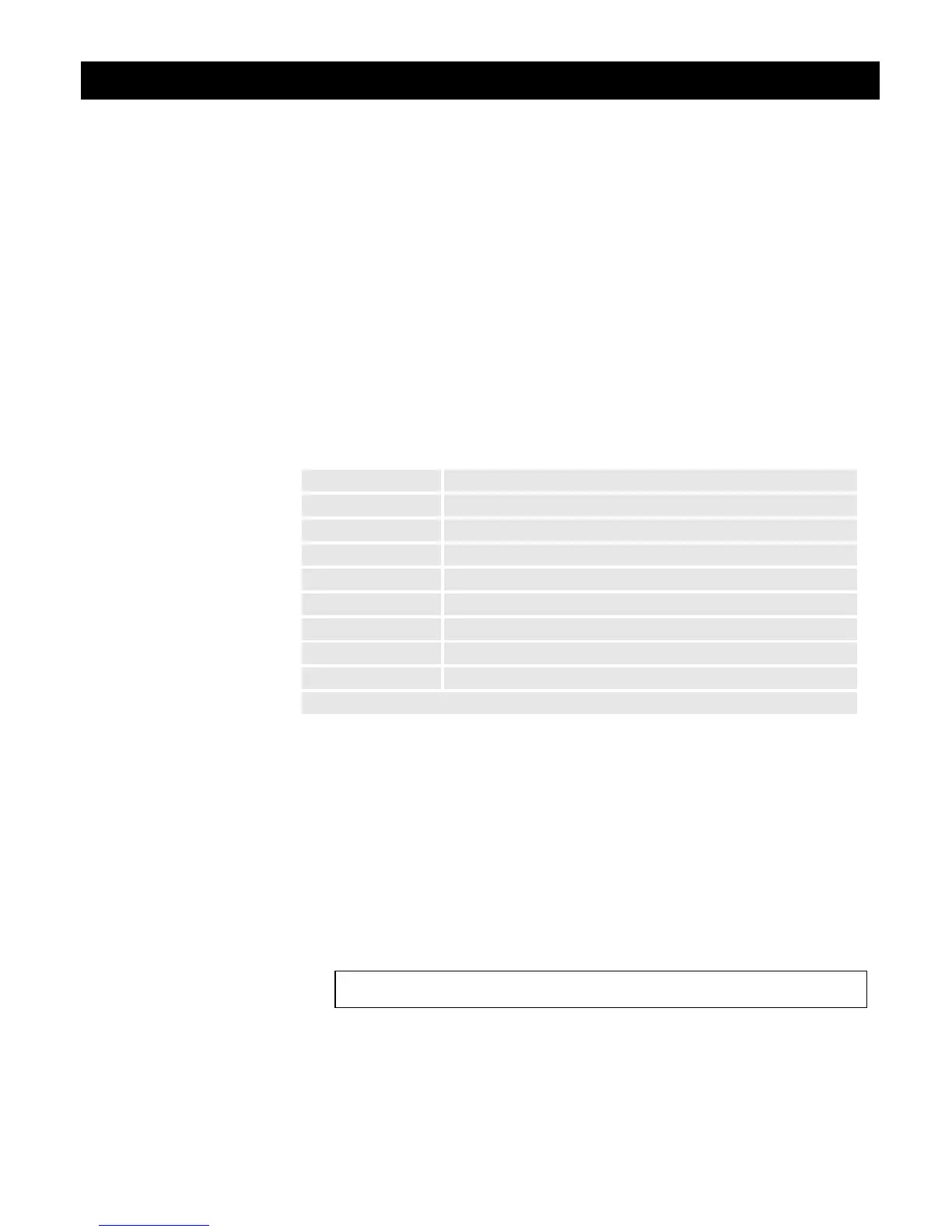
This table outlines the available trigger variables and their possible
conjugation:
Note:
❏ The AXIS 200 polls the input ports every 0.2 seconds. Thus,
more rapid logical transitions will not be detected.
By conjugating the trigger variables using a logical AND function (&),
you can develop complex triggering mechanisms.
Example 1
Activate on Control button transition from high to low and Input
port 1 high.
Trigger Variable Description
boot Activate at startup
\B Activate after high-low logical transition of Control button
/B Activate after low-high logical transition of Control button
1B Activate when Control button is logically high (pressed)
0B Activate when Control button is logically low (released)
\I1 Activate after high-low logical transition on Input Port 1
/I2 Activate after low-high logical transition on Input Port 2
1I1 Activate when Input Port 1 is logically high
0I2 Activate when Input Port 2 is logically low
... etc.
\B&1I1



 To Next Page