31
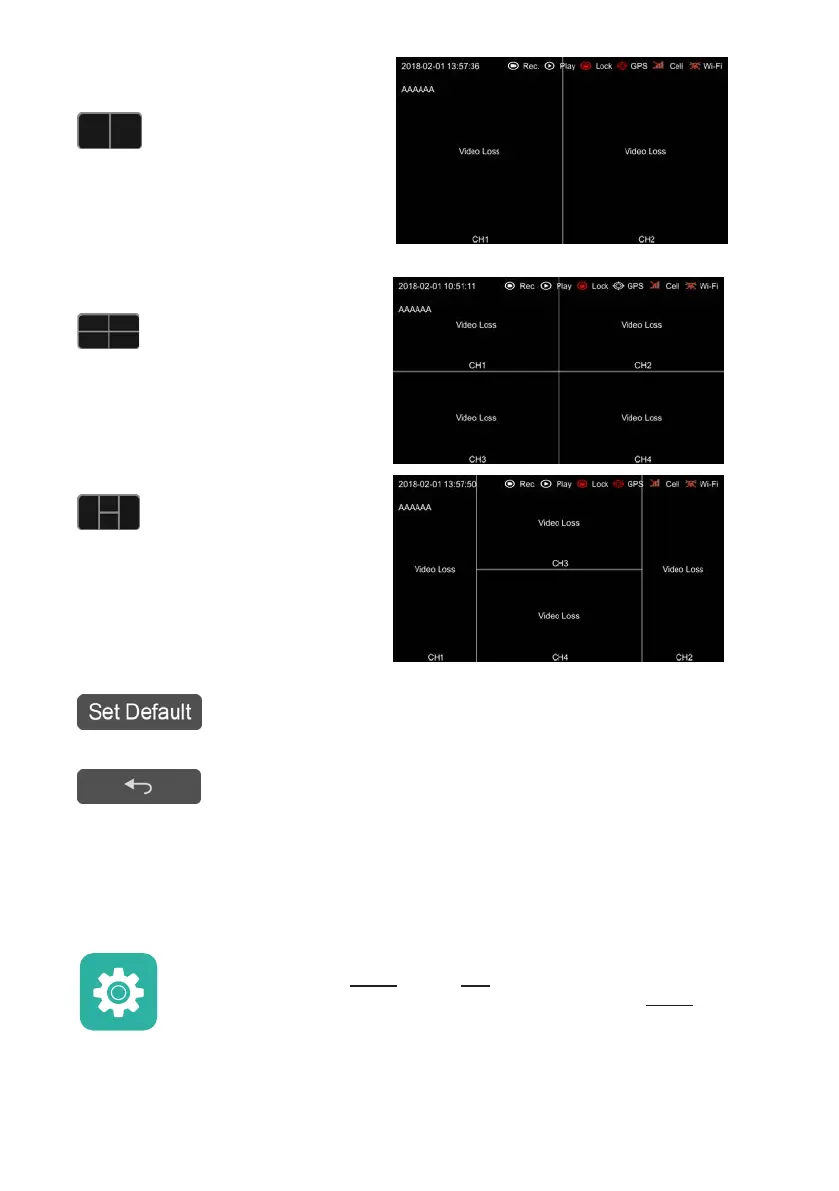
:Two-division mode of Camera
Left and Right (CH1, CH2)
:Four-division mode of Camera
Left, Right, Front and Back (CH1, CH2,
CH3, CH4)
:Four-division mode of Camera
Left, Front, Back and Right (CH1, CH3,
CH4, CH2)
:Set the current selected mode as default.
:Exit.
7.8 System
System settings button: Touch System to enter the setup menu. A prompt
dialog will display "Unable to record in set-up mode! Continue?” Touch OK to
enter.



 To Next Page