EasyManua.ls Logo

Axis AGS200/T250 - User Manual

Axis AGS200/T250
40 pages
Print Icon
To Next Page IconTo Next Page
Loading...
User Manual
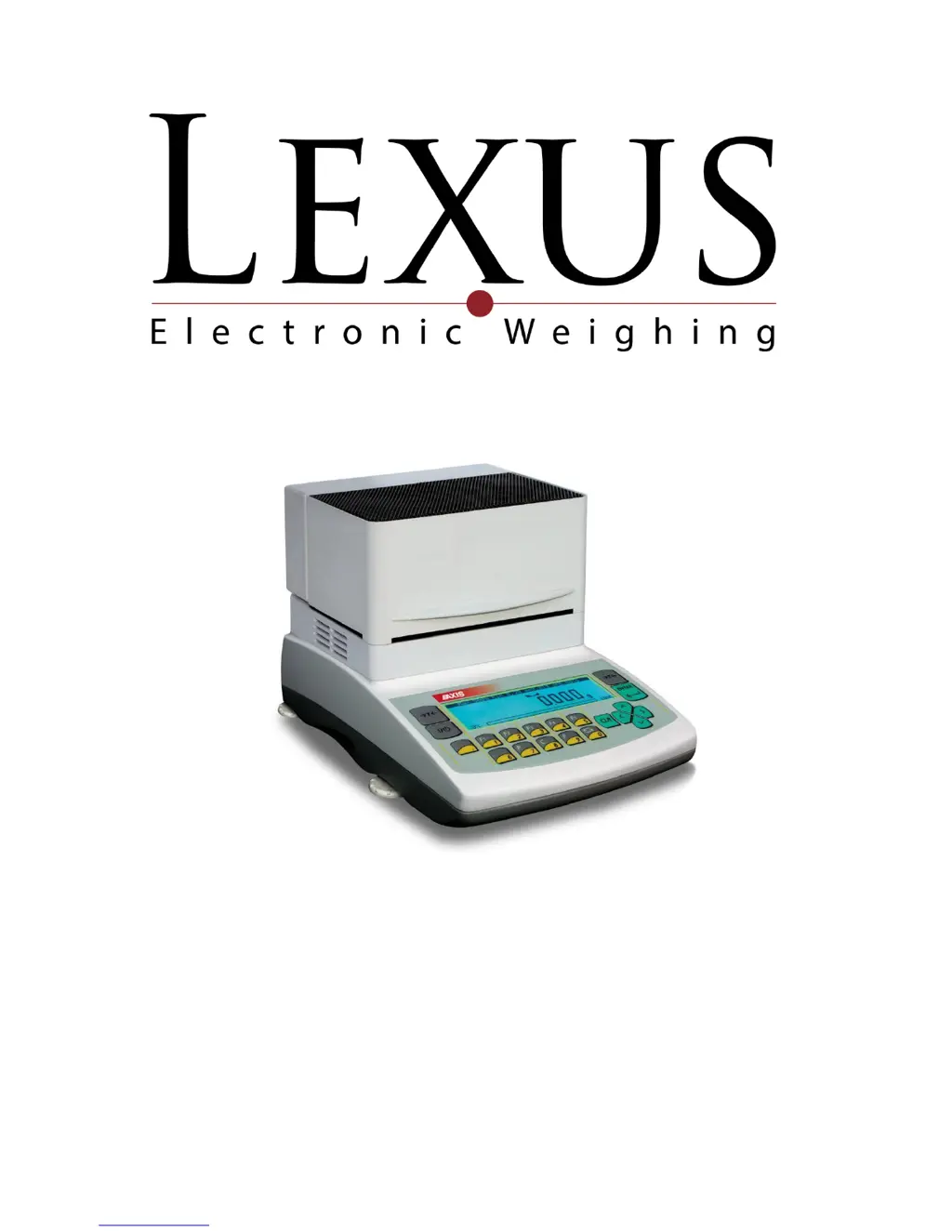
Moisture Analyser
AGS series
Measuring method description
Ver. 1 2014-08-28

Questions and Answers

  • R
    Ryan NavarroAug 2, 2025
    What to do if the Axis AGS200/T250 Measuring Instruments shows “Weighing range exceeded”?
    • J
      jenniferjamesAug 2, 2025
      If the Axis Measuring Instruments displays “Weighing range exceeded”, it means the permissible weighing range (Max +9e) has been exceeded. Reduce the load on the instrument to resolve this.
  • K
    Karen LoganAug 6, 2025
    What to do if the Axis AGS200/T250 Measuring Instruments shows “Zeroing range exceeded”?
    • A
      Ann FullerAug 7, 2025
      If the Axis Measuring Instruments displays “Zeroing range exceeded”, it means that the permissible zeroing range was exceeded. Remove the load from the pan to resolve this issue.
  • J
    Jessica BlakeAug 12, 2025
    How to fix Axis AGS200/T250 if the heater doesn't light and temperature doesn't reach 105°C?
    • A
      Amanda RiveraAug 12, 2025
      If the initial heating temperature (Ts) of your Axis Measuring Instruments does not reach 105°C and the halogen heater(s) do not light, the heater is likely damaged. Replace the heater to resolve this issue.
  • W
    williamjohnsonAug 17, 2025
    What to do if the Axis Measuring Instruments displays “Tare range exceeded”?
    • J
      Jennifer HooperAug 17, 2025
      If the Axis Measuring Instruments displays “Tare range exceeded”, it means the tare key was pressed during zero indication. Ensure the moisture analyzer indications are different than zero.
  • C
    Cody PetersAug 22, 2025
    What to do if the Axis AGS200/T250 Measuring Instruments is zeroing with mechanical damage?
    • A
      Amy RyanAug 22, 2025
      If the Axis Measuring Instruments is zeroing and may have mechanical damage, wait for 1 minute. Also, check if the moisture analyzer is placed on stable ground and is not affected by vibrations.
  • W
    watkinsAug 27, 2025
    Why does the Axis AGS200/T250 Measuring Instruments' temperature exceed 105°C and the sensor doesn't react?
    • A
      Ashley NguyenAug 27, 2025
      If the initial heating temperature (Ts) exceeds 105°C and the sensor does not react when touched, the temperature sensor is damaged. Contact an authorised service point.

Summary

Safety and Security Rules

Technical Specifications

Control Panel Keys and Indicators

Main Operational Controls

Keys for starting, stopping, setting, taring, and cancelling operations.

Initial Setup and Preparation

Device Interfaces and Connectivity

General Operating Guidelines

Thermogravimetric Analysis Explained

Sample Acquisition and Preparation

Glass Fibre Filter Application

Selecting Drying Parameters

Steps for selecting optimal drying temperature, weight, and time.

Analyser Operation Overview

Analyser Power On and Initialization

Procedure for powering on the analyser and initial self-tests.

Drying Process Modes

Humidity Calculation Methods

Setting Drying Parameters

Customizable Drying Profiles

Saving and Managing Settings

Loading Saved Drying Settings

Performing Initial Moisture Analysis

Conducting a Standard Moisture Analysis

Internal Thermometer Calibration

Computer and Printer Connectivity

Balance Testing and Calibration

Using the Analyser as a Balance

Balance Calibration Steps

Procedure for calibrating the balance using external weight standards.

Maintenance and Minor Repairs

Device Troubleshooting Guide

Axis AGS200/T250 Specifications

General IconGeneral
BrandAxis
ModelAGS200/T250
CategoryMeasuring Instruments
LanguageEnglish

Related product manuals