EasyManua.ls Logo

Axis AGS200/T250 - Auto-Zeroing Feature

Axis AGS200/T250
40 pages
Print Icon
To Next Page IconTo Next Page
To Previous Page IconTo Previous Page
Loading...
32
USER MANUAL
14.2 Auto-zeroing
Auto-zeroing function causes that the close to zero indication will be corrected
automatically and when the pan is unbiased zero indication will be hold independently
even when environment conditions change (temperature, air density etc).
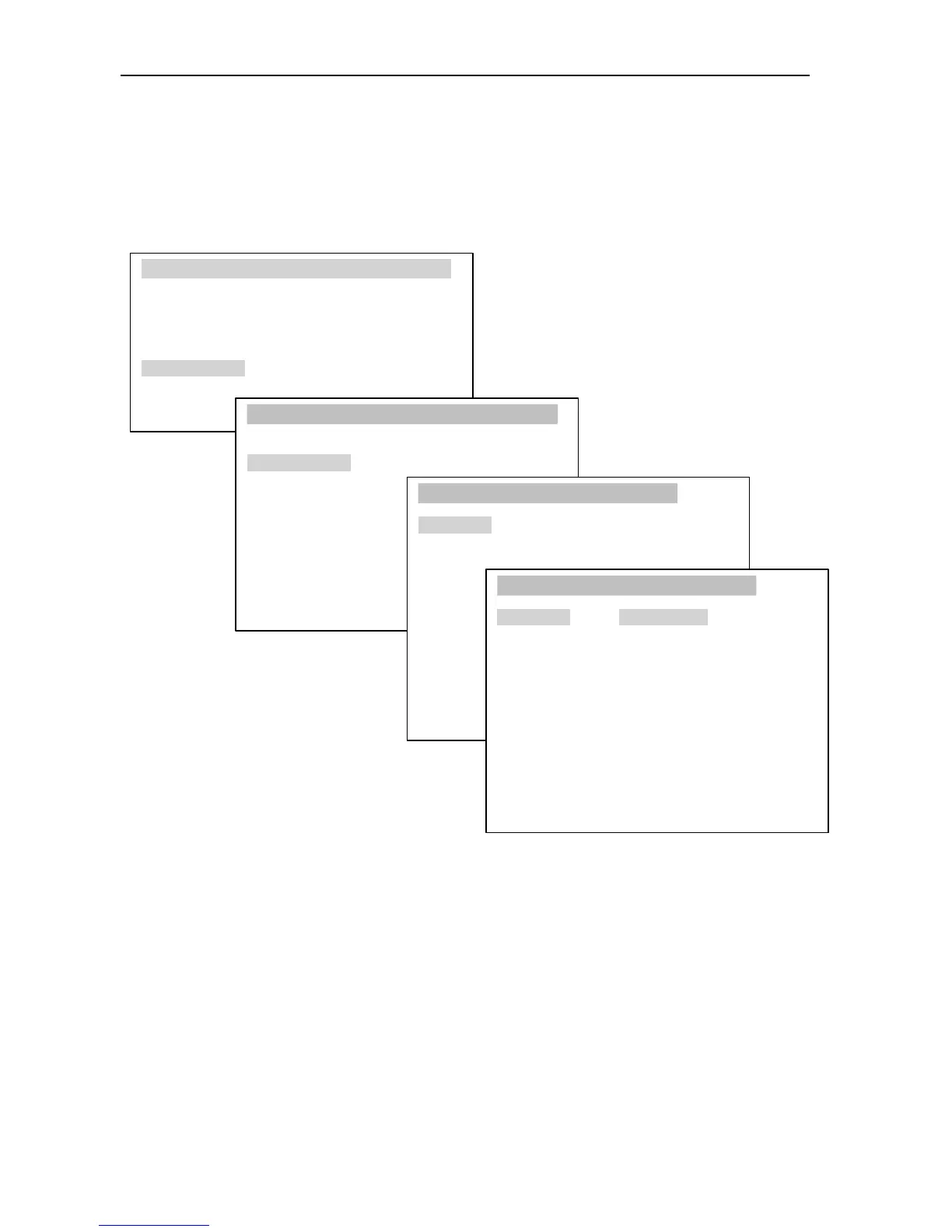
USER
M
ENU
1. Drying settings
2. Memory settings
3. Drying options
4. Drying report
5. Configuration
6. Settings default
7. Exit
CONFIGURATION
1. Units
2. Auto-zeroing
3. Interface
4. LCD settings
5. Language
6. Time&date
7. Keyboard
8. Defaults
9. Calibration
10. Info
Exit
AUTO-ZEROING
1. Status: OFF
2. Exit
AUTO-ZEROING
1. Status: <ON> <OFF>
2. Exit
In order to turn on Auto-zeroing function use navigation keys and ENTER key, choose
Status ON.

Related product manuals