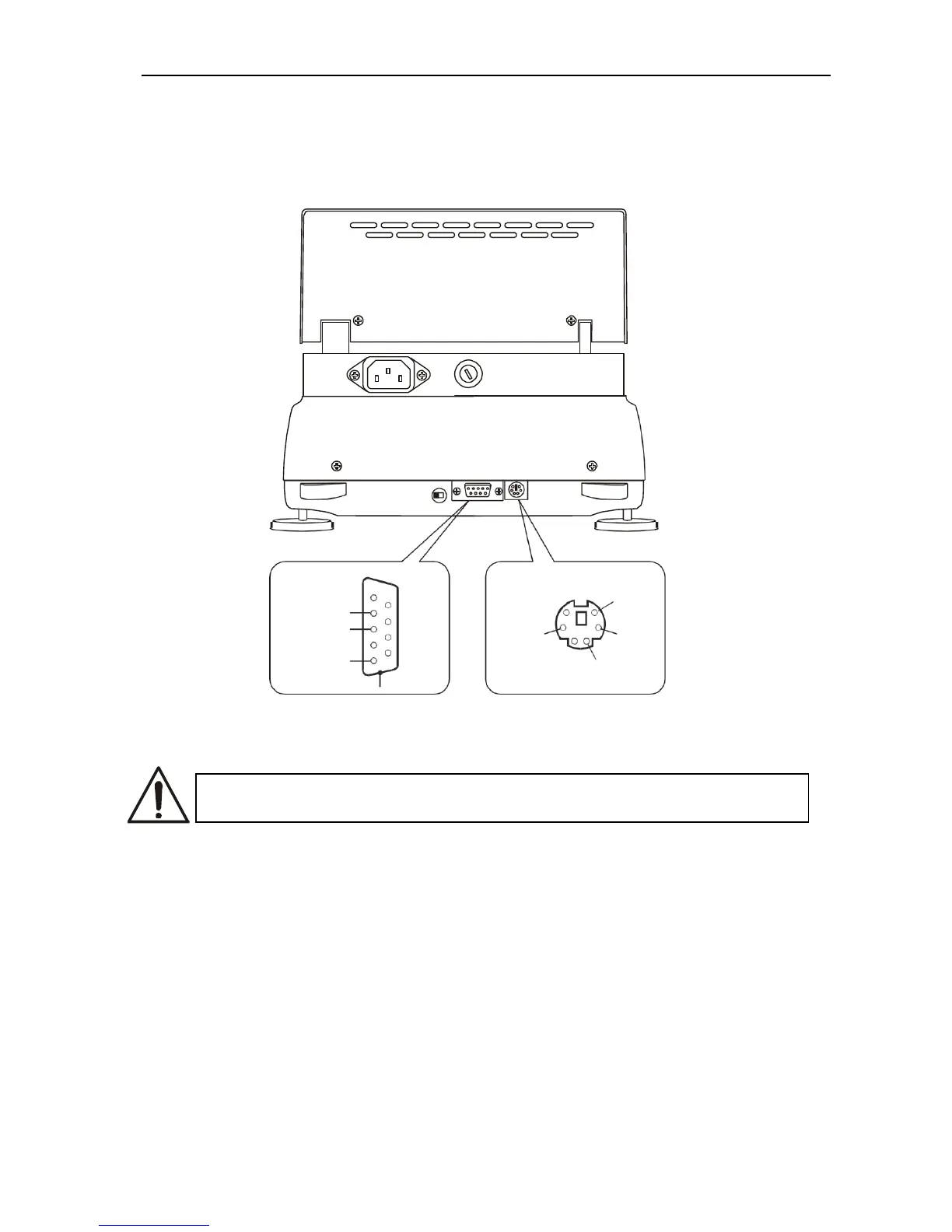
8. Interfaces
The moisture analyser is equipped with RS232C interface to connect a printer or a
computer and with PS2 port to connect an external computer keyboard.
RS232C
PS2
1
RxD
(receiver)
2
TxD
(transmitter)
3
4
GND
5
7
8
case
+5V
6
5
4 3
2 1
Data
Clock
GND
9. General working rules
During transportation remove the pan, the pan support and the pan
shield and place it in a separate package.
1. Distribute a sample all over the pan. A sample surface should not touch temperature
sensor placed above the pan.
2. The balance is equipped with the tare equal to its range. To tare the balance press
T key. Writing the tare does not extend measuring range, but only subtracts the
tare value from a load placed on the pan. To make weight control easier and to avoid
range overdrawing, the balance is equipped with weight indicator (graduated in
percentages).
3. Do not overload the moisture analyzer more then 20% of maximum load (Max).
4. The mechanism of the balance is a precise device sensitive to mechanical strokes
and shocks. Do not press the pan with a hand.



 To Next Page