14.3 Calibration
Calibration with external weight standard should be performed in case indications
exceed permissible error (for example more than 5 graduation overflow). To scale
calibration use weight standard presented in technical data table (or more precise).
Depending on the value of gravity acceleration the producer sets the scale to specific
location of use.
If the location of use change the scale should be calibrated once again
Attention: Scale sensitivity error
doesn‟t
cause directly humidity error thanks to
percentage calculation formula.
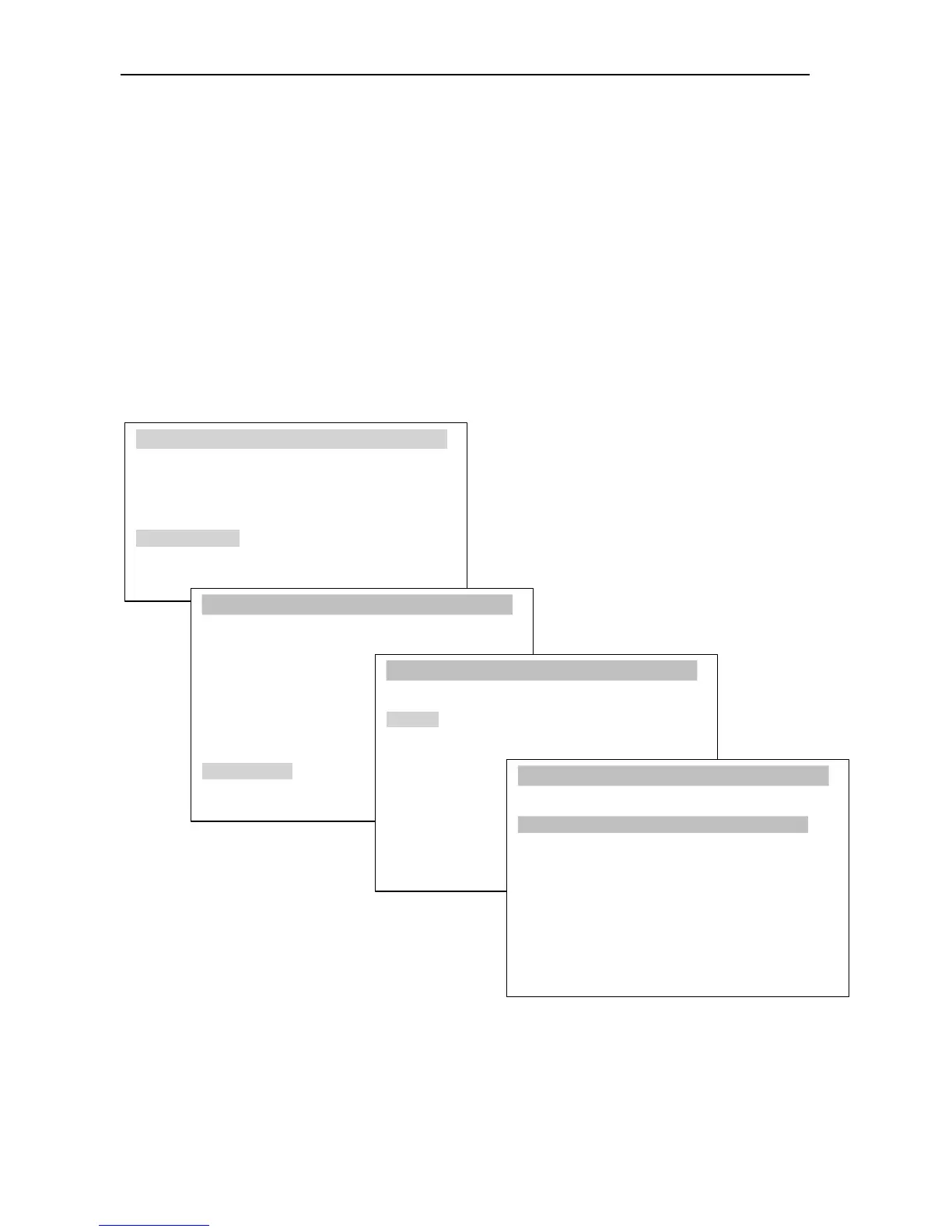
In order to calibrate the balance use MENU key and Configuration option, and then
Calibration.
USER
M
ENU
1. Drying settings
2. Memory settings
3. Drying options
4. Drying raport
5. Configuration
6. Settings default
7. Exit
CONFIGURATION
1. Units
2. Auto-zeroing
3. Interface
4. LCD settings
5. Language
1. Calibration:
CALIBRATION
6. Time&date
7. Keyboard
8. Defaults
9. Calibration
10. Info
Exit
2. Load : 100g
3. Exit
1. Calibration:
CALIBRATION
2. Load : <20g><50g><100g><...>
3.
Exit
Load enables to inscribe standard mass value that will be used to calibrate. User can
choose from few values or inscribe his own value.
After setting the standard of mass prepare single-use pan, put the standard and choose
Calibration option by pressing ENTER.



 To Next Page