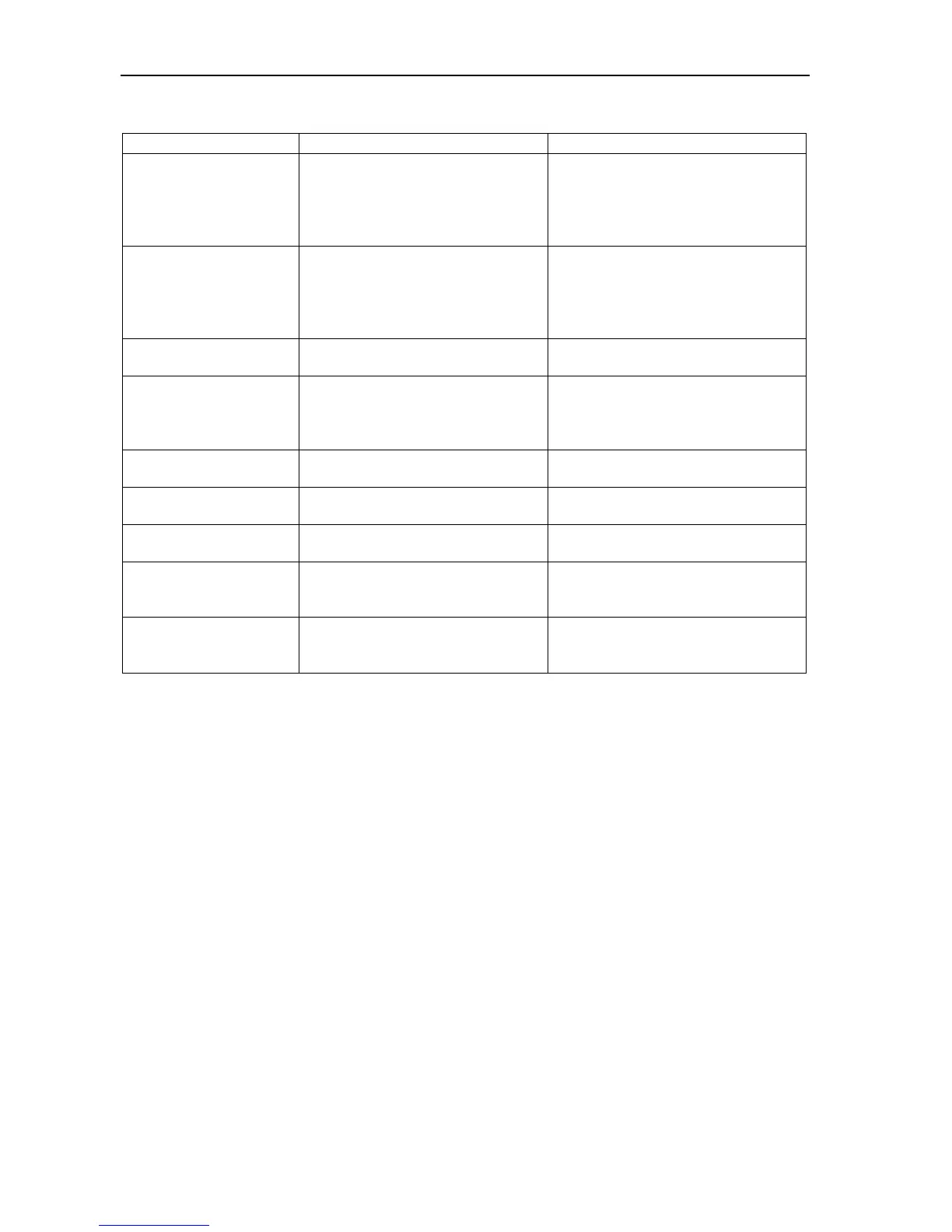
Initial heating Ts
temperature exceeds
105°C, the sensor
does not react when
touched with a finger
The temperature sensor is
damaged.
Contact an authorised service
point.
Initial heating Ts
temperature does not
reach 105°C,
the halogen heater(s)
do not light.
Auto-tests in progress /
electronic unit damage
The moisture analyzer is during
zeroing
/ mechanical damage
wait for 1 minute
check if the moisture analyzer is
placed on stable ground, not
affected by vibrations
Tare key pressed during zero
indication
Moisture analyzer indications must
be different than zero
Permissible zeroing range was
exceeded
Remove the load from the pan
„Weighing range
exceeded”
Permissible weighing range
(Max +9e) was exceeded
„Measuring range
exceeded (+)”
Upper limit of analog-digital
transducer measuring range was
exceeded
Remove the load from the pan
„Measuring range
exceeded (-)”
Lower limit of analog-digital
transducer measuring range was
exceeded
Check if there are all necessary
pan elements



 To Next Page