59
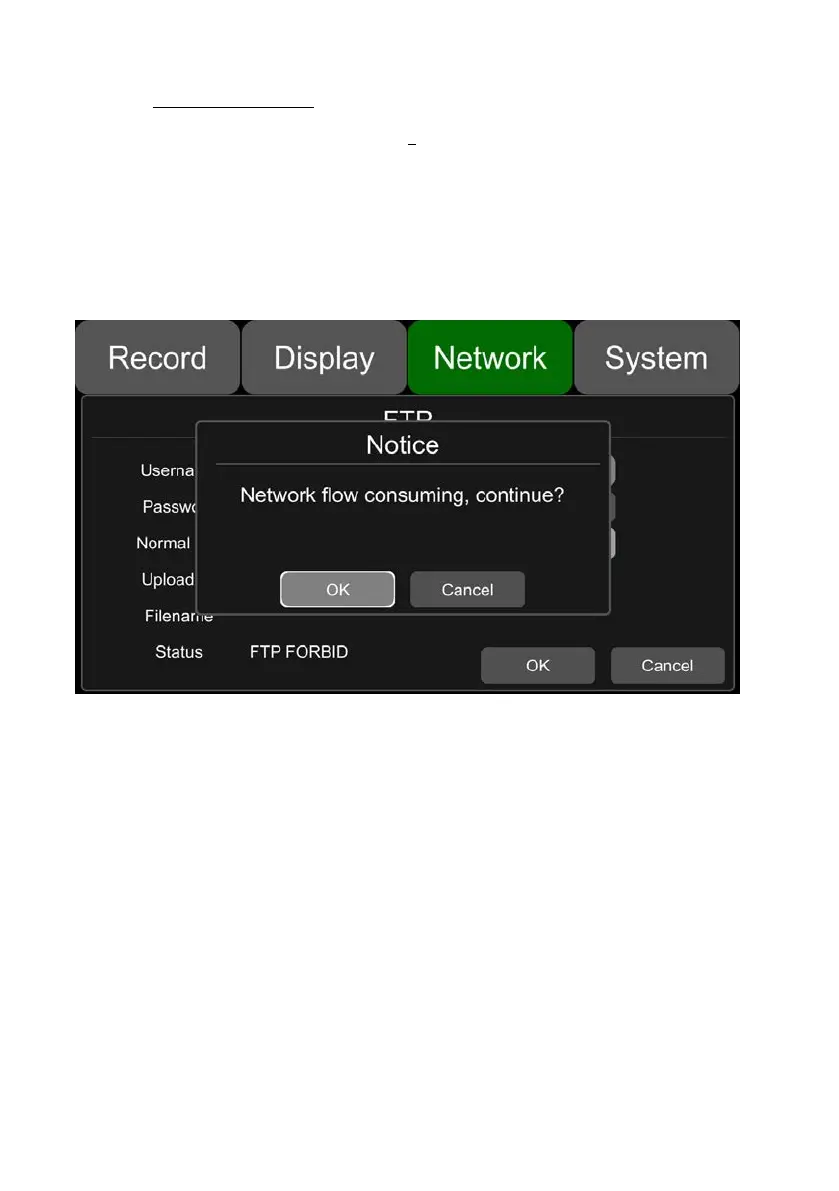
Normal File: Two states, OFF and ON
OFF: Upload alarm files only
ON: Upload all files (including Normal Files)
Cellular: Two states, OFF and ON
OFF: Files are not allowed to be uploaded when Cellular is connected to the Internet
ON: Files are allowed to be uploaded when Cellular is connected to the Internet. To save
network flow data, please select OFF.
Uploading: Display the progress bar of the uploaded file
Filename: Display the file name of the file being uploaded
Status: Display the working status of the FTP function
Successfully uploaded files can be found on the client as below:



 To Next Page