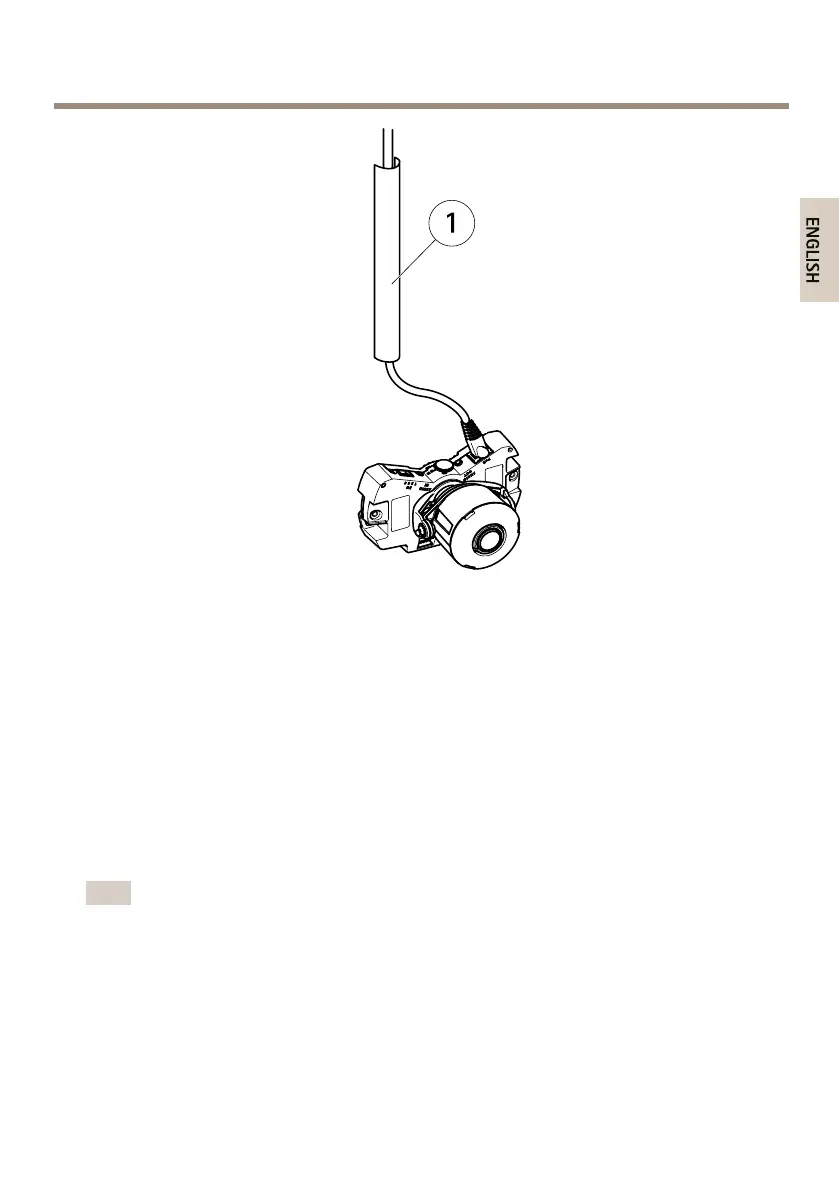
AXISP3364-LVENetworkCamera
1
Metalconduit(notincluded)
Performthehardwareinstallationinthefollowingorder:
1.PreparetheNetworkCable
2.RoutetheCables
3.InstalltheCameraUnit
4.AdjustthePositionoftheLens
5.AdjustFocusandZoom
6.CompletetheInstallation
PreparetheNetworkCable
Note
•Donotforcethenetworkconnectorintothegasket.
•Donotpiercethegasketwithaknifeorothersharpobject.
17



 To Next Page