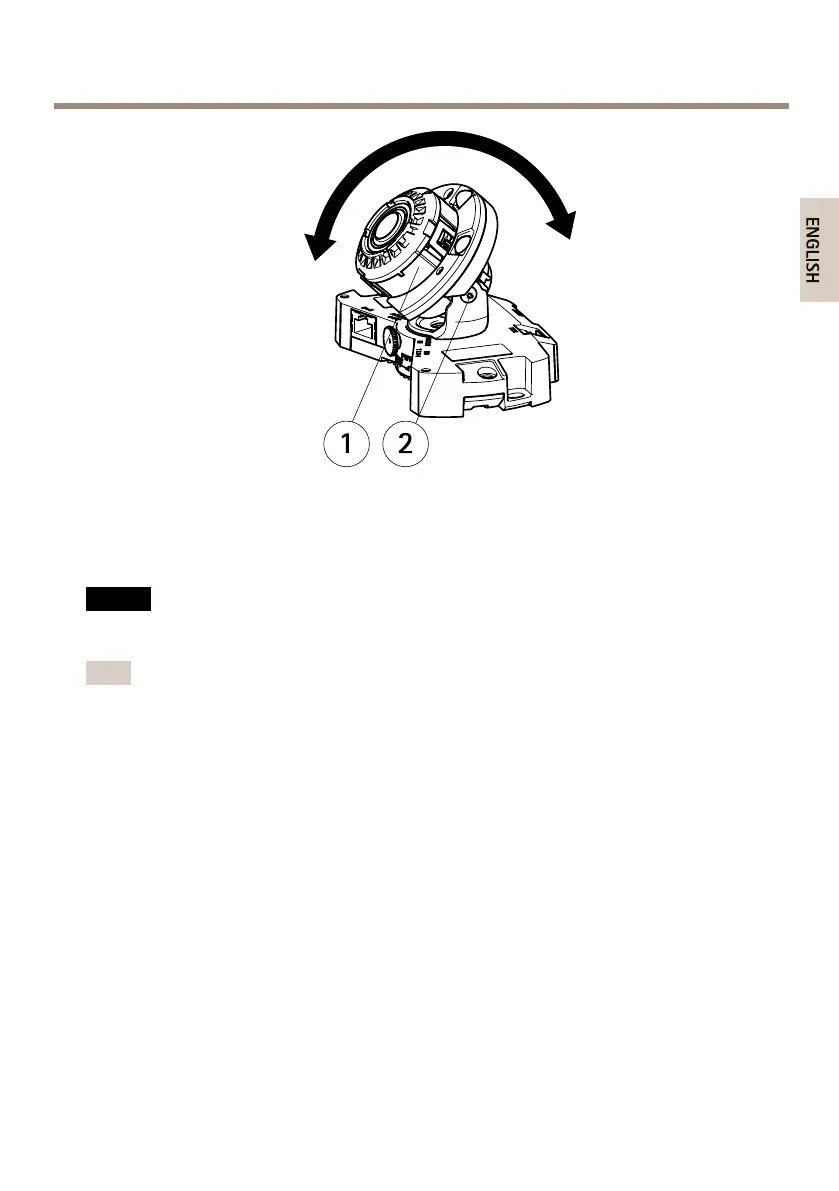
AXISP3364-LVENetworkCamera
1
Lens
2
Screw
AdjustFocusandZoom
NO NO
NO
TICE TICE
TICE
Adjustingfocusandzoommanuallycandamagethelens.
Note
•Duetothedome’srefraction,theimagemayappearslightlyoutoffocusoncethedome
hasbeenplaced.TocorrectthisgototheFocusAdjustmentwebpageunderSetup>
BasicSetup>Focus&Zoom,andadjustthefocusagain.
•Whenthezoomandfocusareadjusted,theIRilluminationisautomaticallyalignedto
thedenedangleofview.
OpentheFocusAdjustmentpageinthewebinterfaceunderSetup>BasicSetup>Focus&
Zoom,andfollowtheon-screeninstructions.Usetheimagewindowtoadjustthefocusandzoom.
Seetheonlinehelplesformoreinformation.
CompletetheInstallation
1.Rotatetheblackshieldinsidethedomecoversoitdoesnotcoverthelens.
23



 To Next Page