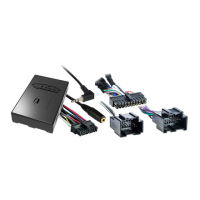
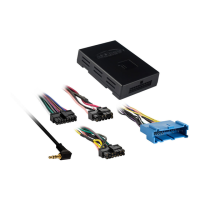
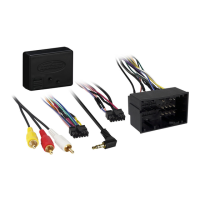
22
ASWC-1 Troubleshooting
Resetting Original ASWC-1 Settings
1) Turn the ignition on and wait 3 seconds.
2) Press the Reset button for 3 seconds and then release.
3) Refer to the Programming section (pp. 8-9) to program the ASWC-1.
4) Once the LED is solid the ASWC-1 is reset and should be operating
with the default settings.
A. Vehicle LED Feedback (indicated by Green LED on the ASWC-1)
1st LED flash is the White/Green
2nd LED flash is the Yellow/Green
3rd LED flash is the Green/Orange
4th LED flash is the Gray/Red
5th LED flash is the Black/Green
6th LED flash is the Gray/Blue
7th LED flash is the Pink
Note (section A):
• Short flashes represent the steering wheel control wire(s) that
are not connected to the vehicle from the ASWC-1.
• Long flashes represent wire(s) that are connected to the vehicle.
ASWC-1 Troubleshooting
LED Feedback


 To Next Page
 Loading...