4.5.2
Rollback from Windows Zero Configuration to RtWLAN
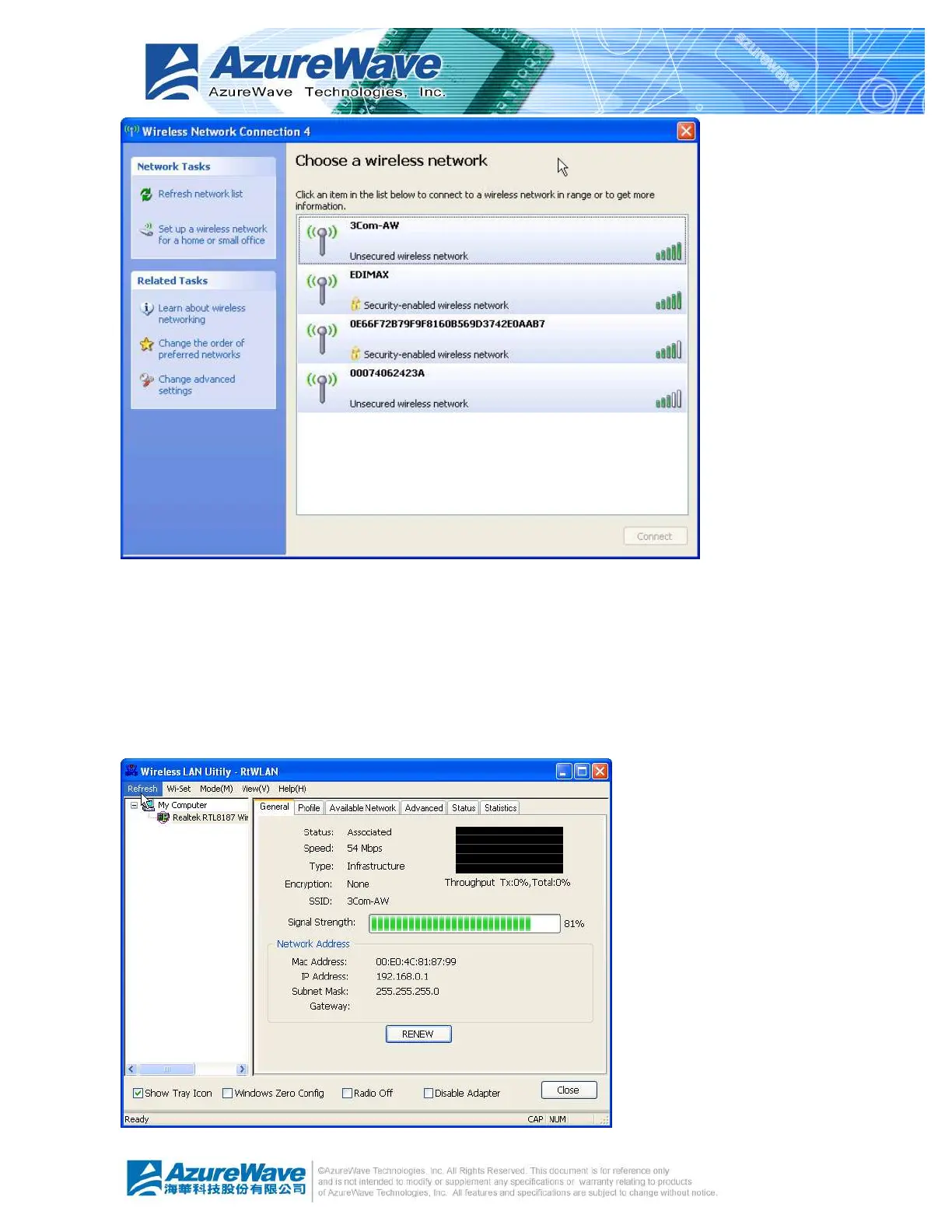
If you prefer the RtWLAN instead of Microsoft® Windows Zero Config, please follow the steps
to rollback. Open RtWLAN, make the “Windows Zero Config” item on global control bar to be
unchecked. After a while, the property area starts to display network connection.


 To Next Page
 Loading...