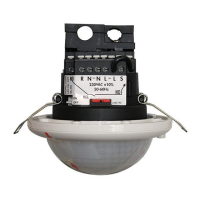
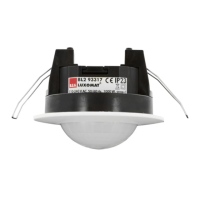
BL2 93317
Operating Manual 7
4 Mounting
4.1 Choice of mounting location
The most important aspect of motion detection is the correct choice of mounting location.
➜ Mount the detector so that the main direction of movement is always tangential (transverse to
the device).
➜ Always mount the detector at the location with the lowest amount of daylight.
If the smallest movements are to be detected (e.g. working with the PC keyboard), we recommend
selecting the mounting location directly above the desk. This ensures that the detection can be guar-
anteed.
4.1.1 Sources of interference
The following sources of interference can lead to faulty switching because they also generate
temperature differences:
■ Radiant heaters
■ Ventilation systems that emit warm or cold air
■ Luminaires in the direct detection area
The detector must be installed at an appropriate distance from these sources.
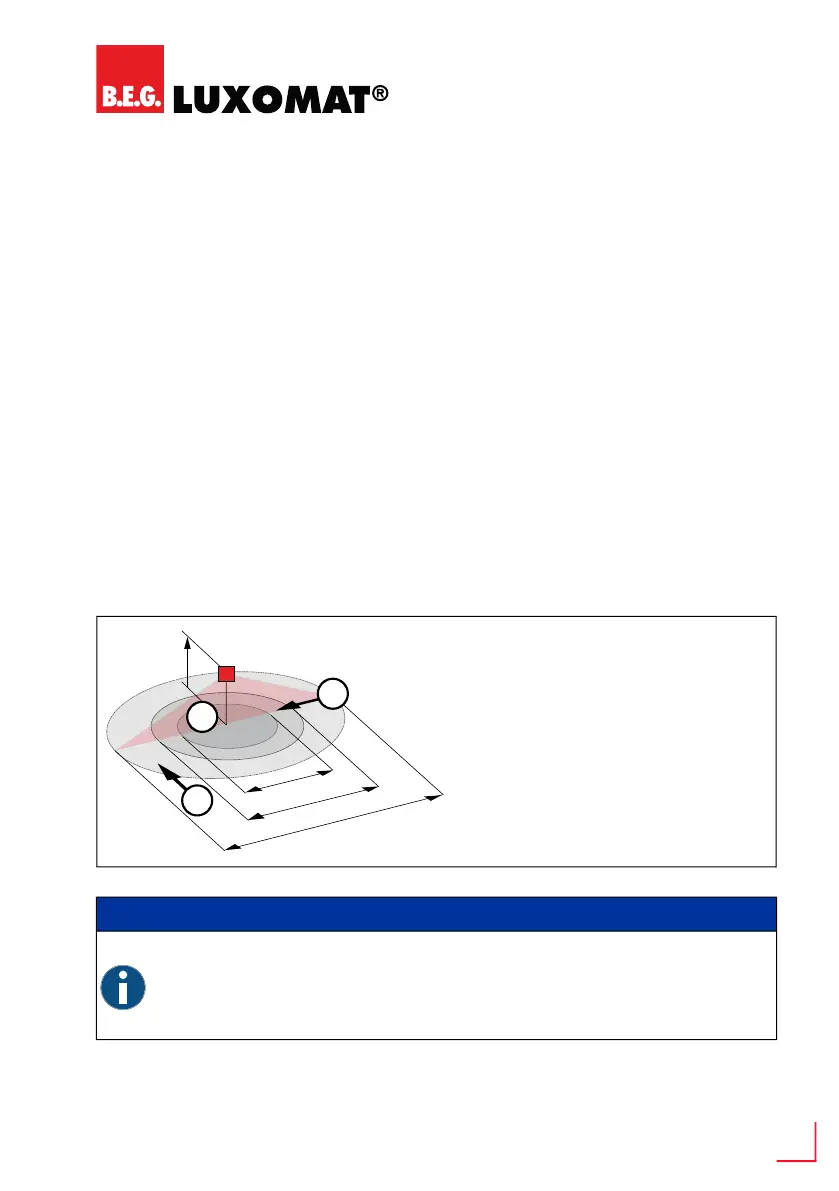
4.1.2 Range
INFO
Observe mounting height!
Please be sure to observe the mounting height indicated for the devices.
■ The range is reduced by a lower mounting height.
■ With a higher mounting height, the range increases, but the detection sensitivity
decreases.
Recommended mounting height: 2.5 m
1 Walking across
2 Walking towards
3 Seated activity


 To Next Page