Design and Construction
© b2 electronic GmbH DHV0086 Rev06 27
Step
Procedure
(Instrument Setup)
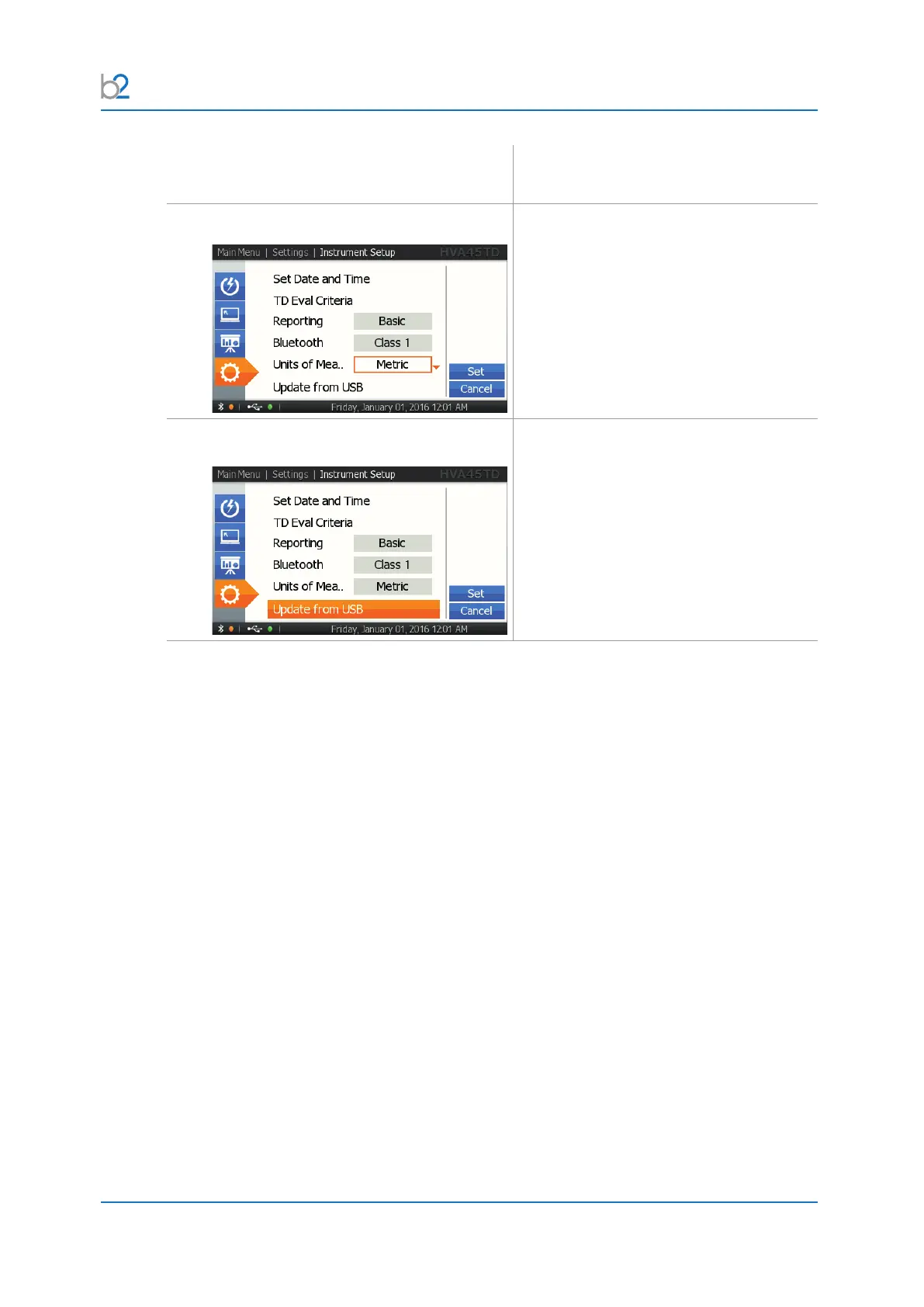
IS6: Units
Select metric or imperial units. When
“imperial” is selected, the temperature unit
is also set to °F.
IS7: Update from USB
This function is used when installing
updates and for transferring information
from the PC software to the unit via USB.
InserttheUSBashdrivebeforeselecting
this function.



 To Next Page