Design and Construction
© b2 electronic GmbHDHV0086 Rev0620
4�2 User Interface
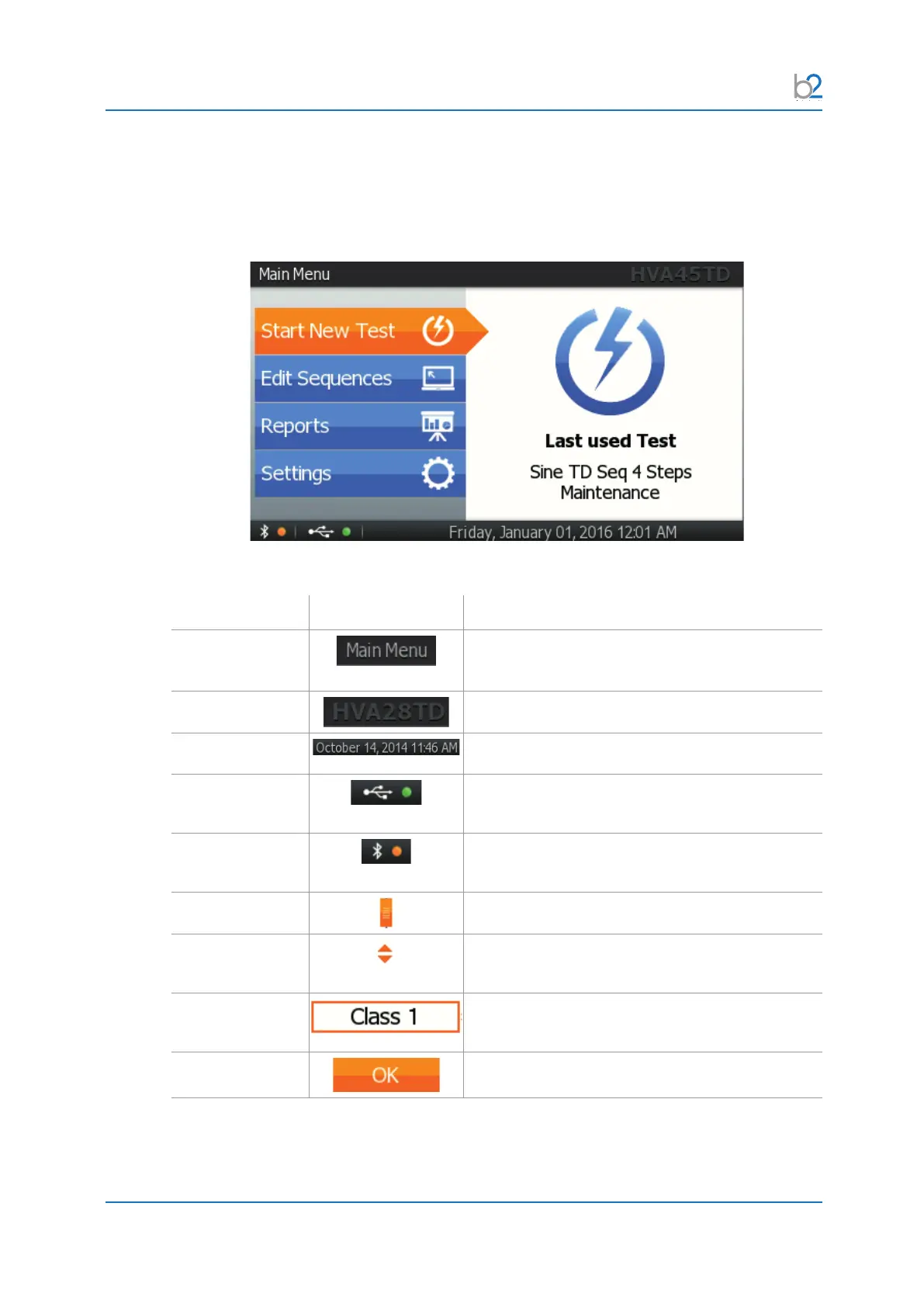
4�2�1 Main Screen
Element Picture Description
Title
After activating the unit, display shows “Main
Menu”
Unit Indicates type of unit operated
Date and time
Indicates day, date and time
USB Indicates if USB is enabled (green) or disabled
(red)
Bluetooth Indicates if Bluetooth is enabled (green) or disabled
(red)
Scroll button
If active, scroll up or down the screen
Up & Down
arrows
Use to navigate up and down in activated control
boxes.
Control Box
Selected
Control box is selected, press “Enter” to activate/
change/ edit
Button Selected Button is selected. Press “Enter” to activate



 To Next Page