Reporting
© b2 electronic GmbHDHV0086 Rev0690
7�4 Manage Reports
Reports can be viewed directly on the HVA display and can be exported on a
USBashdriveordownloadedtob2ControlCenterorb2SuiteviaBluetooth.
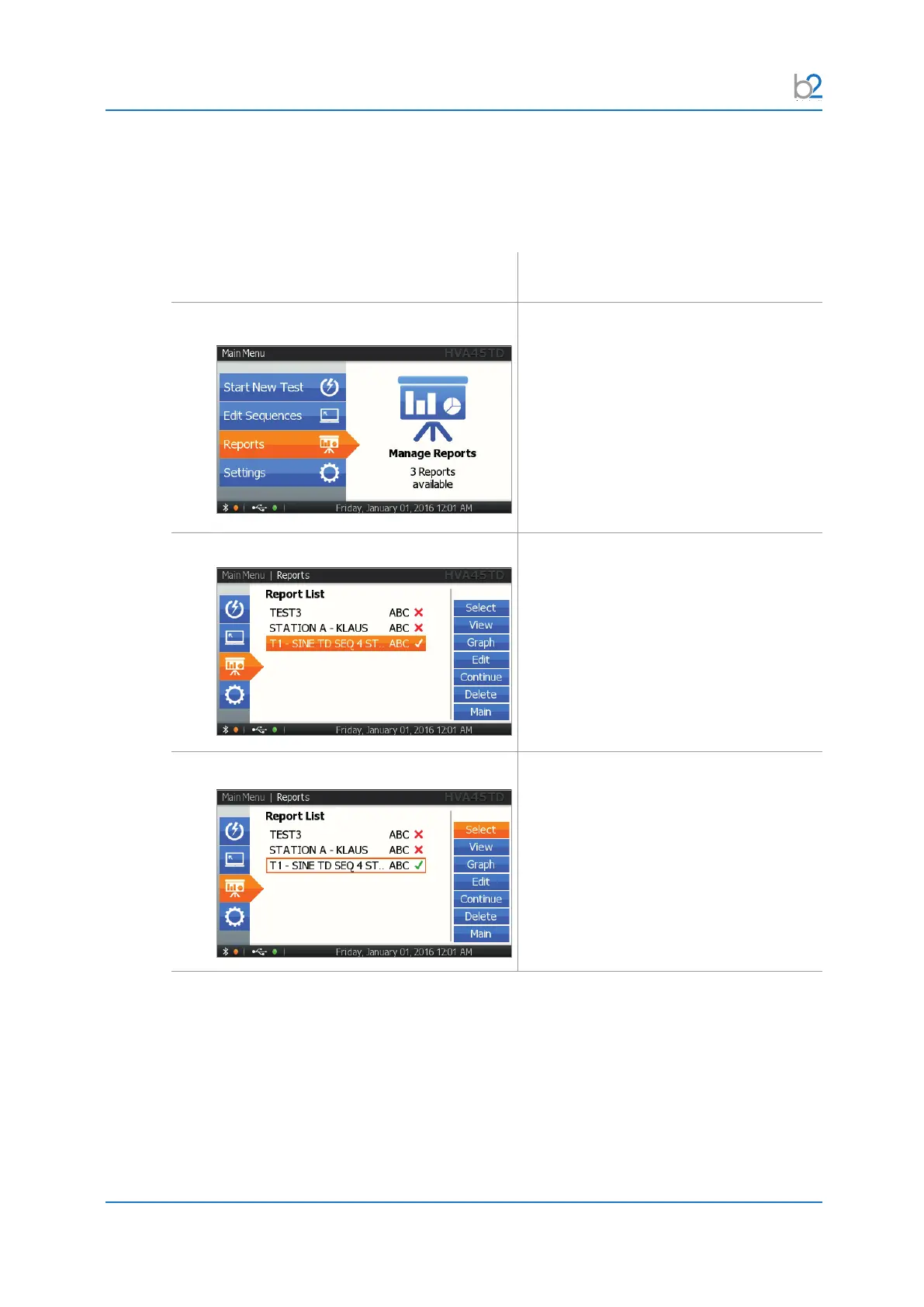
Step Procedure
Reports
Open “Reports”.
Report List
All reports are listed.
“Graph” indicates if TD data are available
to be displayed in graph form.
Choose Report
Choose one of the reports.



 To Next Page