Design and Construction
© b2 electronic GmbH DHV0086 Rev06 25
4�3 Instrument Setup
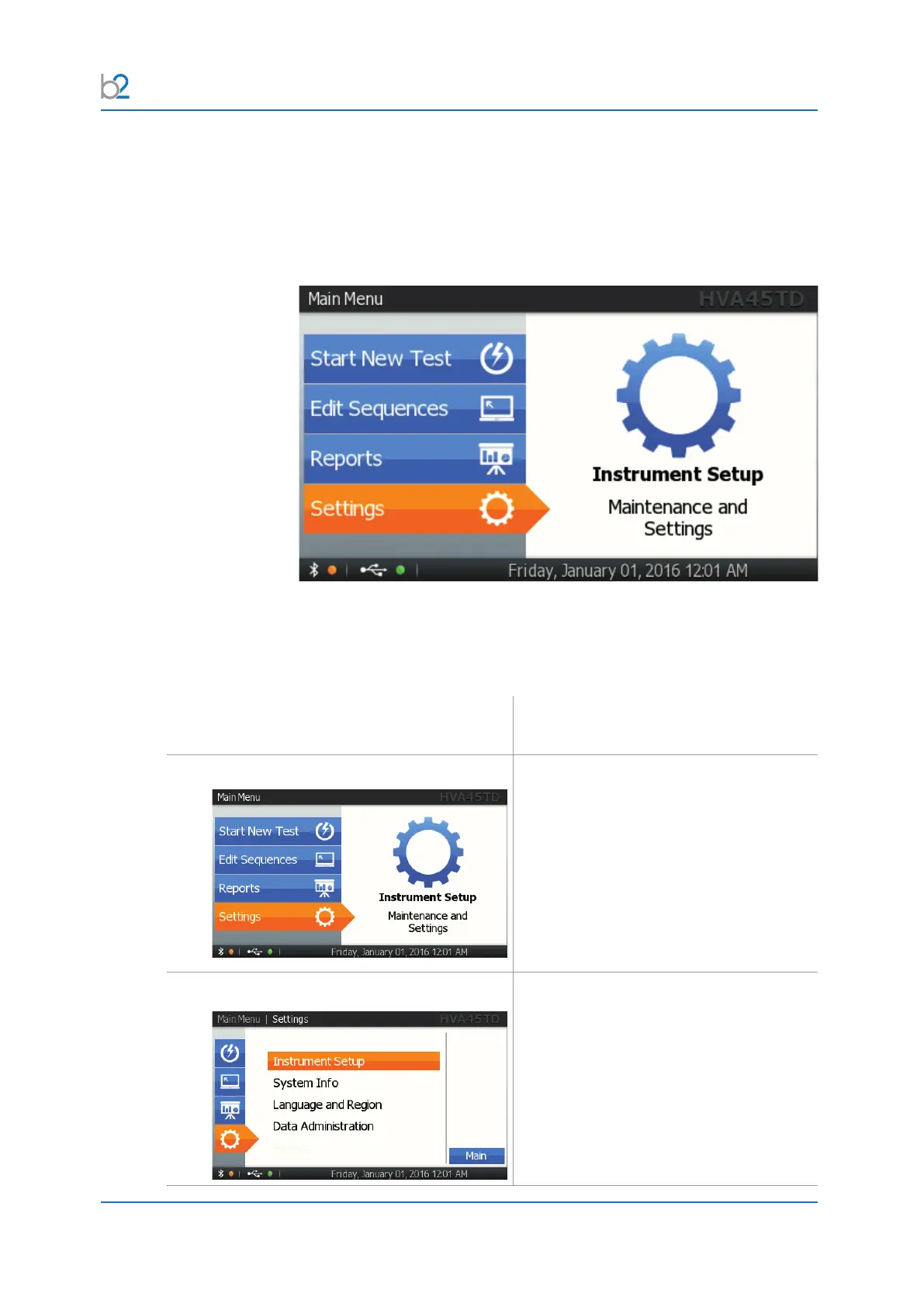
TheinstrumentsetupmustbemadepriortotheHVA’srstuse.Settingscan
bemodiedanytime.YouwillndtheselectionoptionInstrumentSetupin
the main menu under Settings.
4�3�1 Setup
Steps IS1-IS7 describe how to setup the instrument�
Step Procedure
(Instrument Setup)
IS1: Settings
Select “Settings”.
IS2: Instrument Setup
Select “Instrument Setup”.



 To Next Page