Design and Construction
© b2 electronic GmbHDHV0086 Rev0624
Situation Procedure
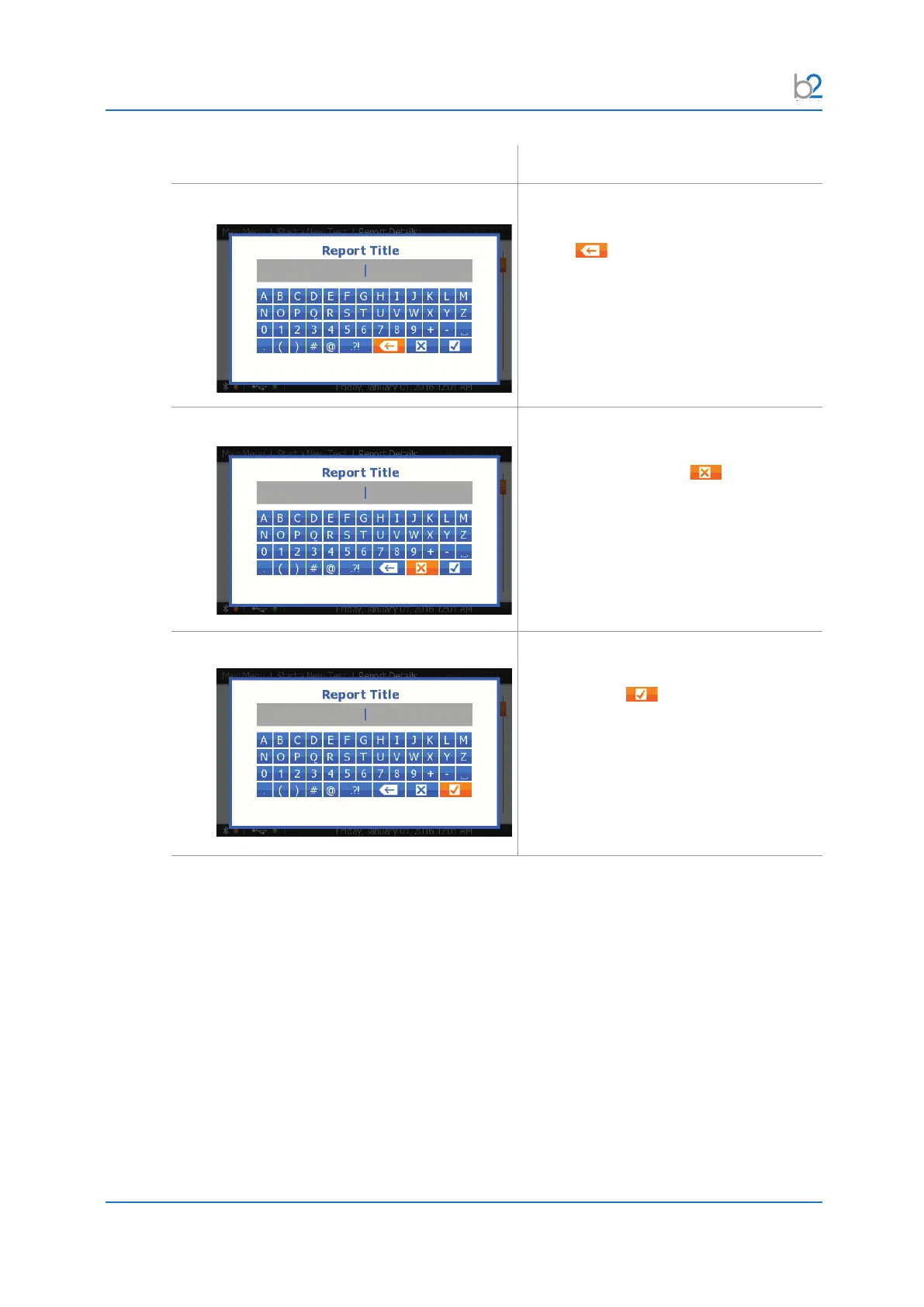
Delete
To delete characters, select the backspace
symbol and press Enter.
Press and hold “Enter” for auto-repeat.
Cancel Changes
Tocancelyourchangesinthetexteld,
select the cancel symbol and press
“Enter”.
Save Changes
Tosaveyourchangesinthetexteld,select
the OK symbol and press “Enter”.



 To Next Page