Reporting
© b2 electronic GmbH DHV0086 Rev06 91
Step Procedure
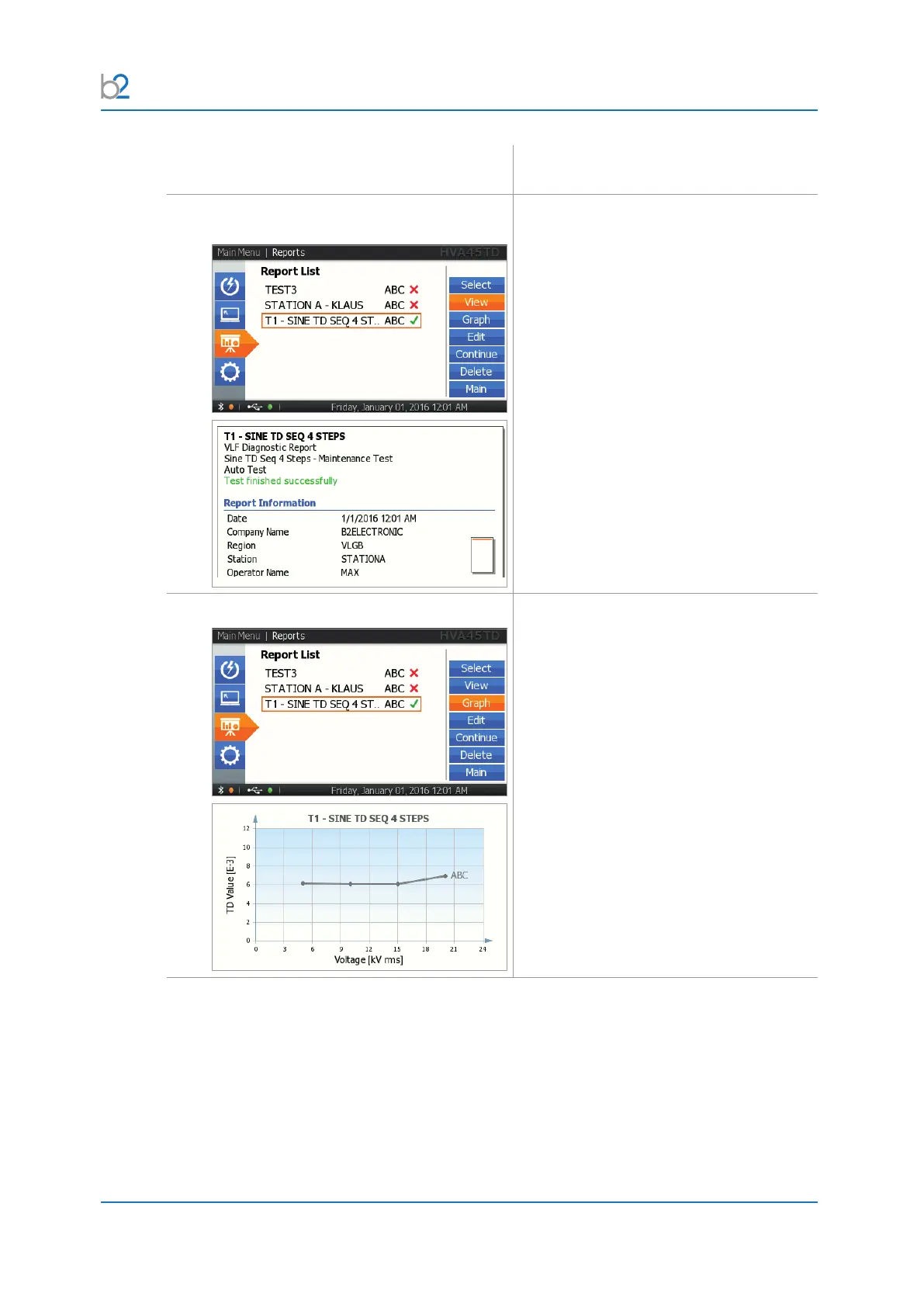
View Report
Select “View” for viewing the report on the
HVA screen. The whole Report appears.
Graph
Select “Graph” for viewing the TD Graph
on the HVA screen. The whole Report
appears.
Only possible if you use a TD unit.



 To Next Page