Reporting
© b2 electronic GmbH DHV0086 Rev06 93
Step Procedure
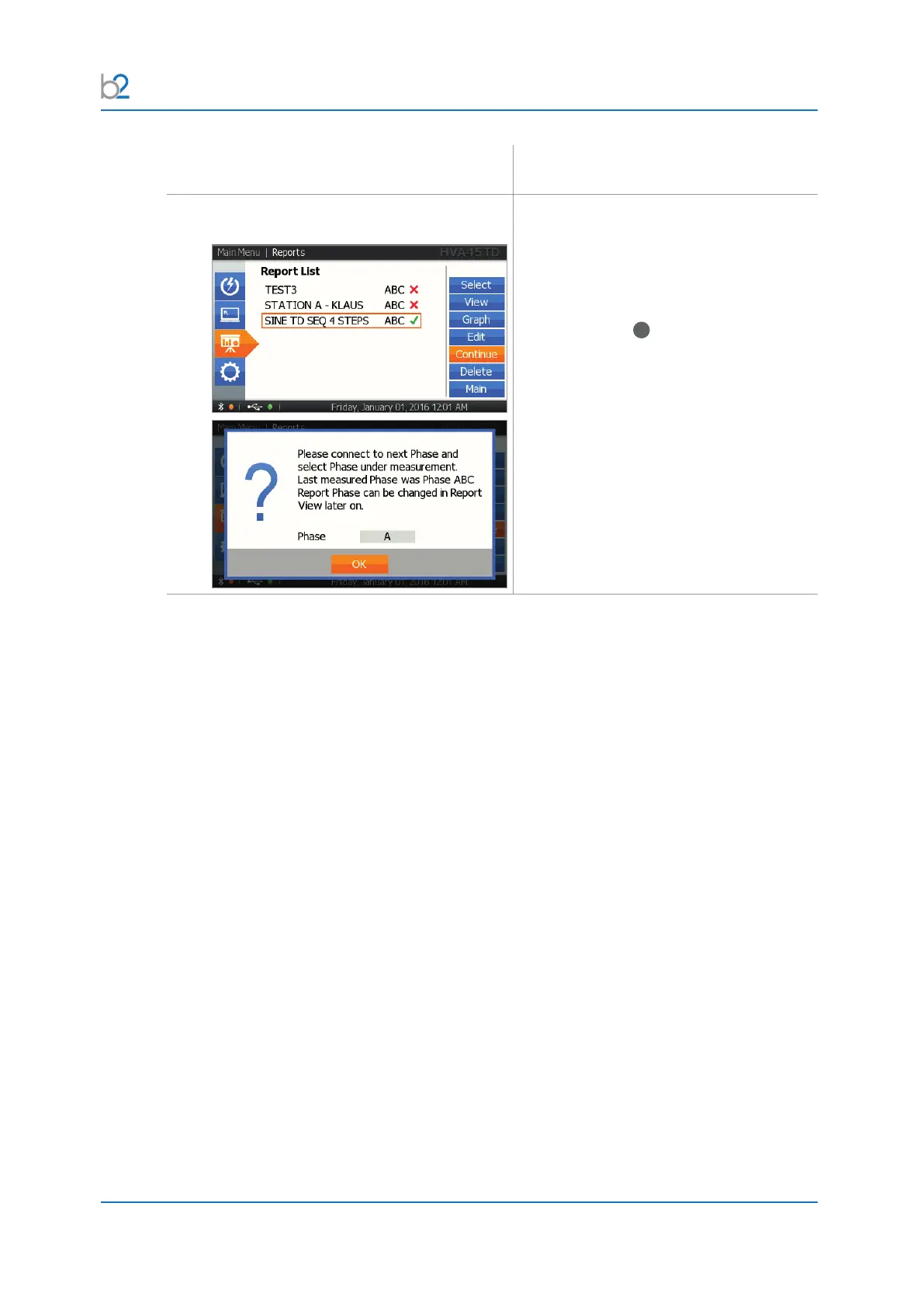
Continue Report
Select “Continue” to continue a
measurement.
Select the phase to be tested. The phase
last measured is indicated.
To enter, push in/click “OK” with the
navigation knob
41
.
This functionality allows you to start a
measurement on a three-phase system at
onetimeandnishitlater.



 To Next Page