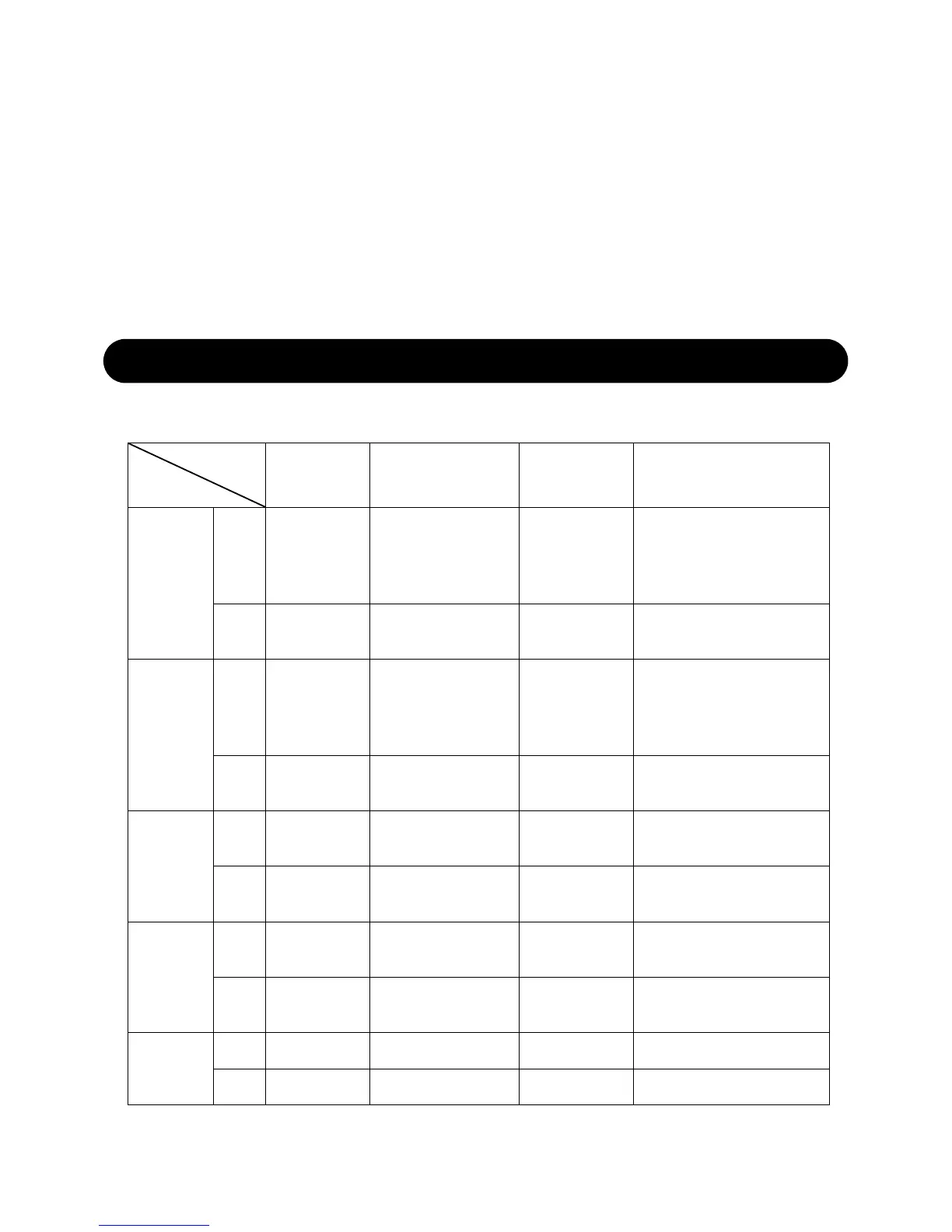
FUNCTION BUTTONS
1. Remove the battery compartment cover.
2. Insert 2xAAA batteries matching the polarity (+and-).
After power on, LCD will full display for 1 second, and in the meanwhile hygr-
ometer will detect indoor temperature & humidity, and then it will start to rec-
eive outdoor signal which lasts for max 3 minutes
SENSOR INSTALLATION
Initialize
Function
Operation
MEM/▼
AL/SET
CH/▲
SNOOZE/LIGHT
Standard
Time
Mode
Press
Check
Max/Min
Record
Switch to
Alarm Time
Mode
Switch channel Backlight on
Hold ------
Standard Time
Mode
Switch channel Backlight on
Hold ------
Enter Into Alarm
Time Set Mode
RF
re-registration
-----
Time Set
Mode
Press
Decrease 1
step
Confirm and go next Increase 1 step Backlight on
Hold
Decrease in 8
steps
------
Increase in 8
steps
-----
Alarm
Time Set
Mode
Press
Decrease 1
step
Confirm and go next Increase 1 step Backlight on
Hold













 To Next Page