6 Manual Documentation Number M3640D1598
B&B Electronics -- PO Box 1040 -- Ottawa, IL 61350
PH (815) 433-5100 -- FAX (815) 433-5104
4. PRE-OPERATION CHECK
To ensure correct operation and familiarize yourself with the meter, follow
these steps before you use it.
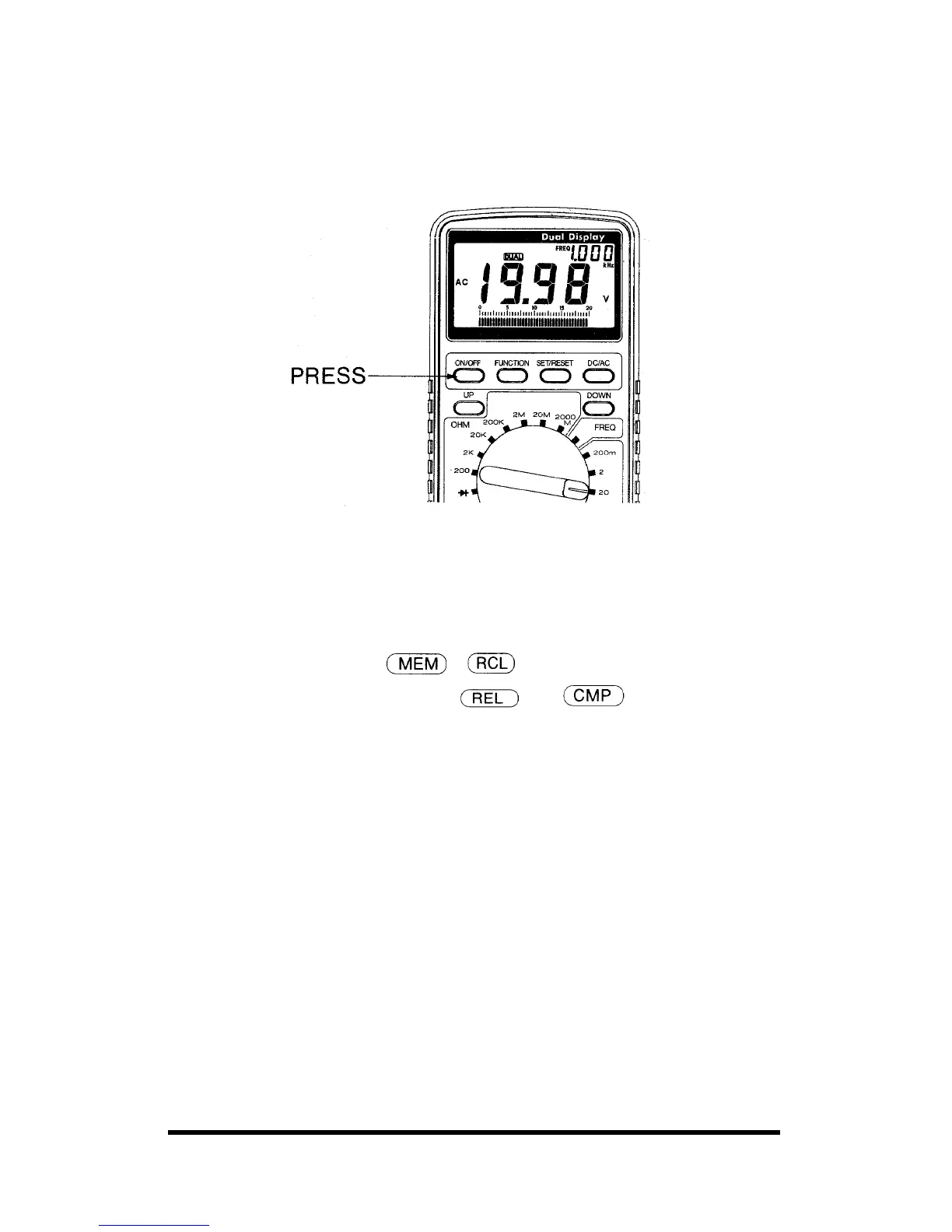
4-1. Press the ON/OFF button to ON
4.2 To select a function, turn the rotary switch to the appropriate switch
position at your desire. The meter is ready for normal operation.
4.3 To select an additional operation, press the appropriate push buttons
above the rotary (See Table 2)
• To operate the UP DOWN buttons, press to address the stored
reference value in the
; modes, press to determine the
polarity, reference value in the
and modes.
• To operate the FUNCTION button, press to select the function mode
at your desire, press again to scroll and press SET/RESET button
twice to exit.
• To operate the SET/RESET button, press to enter, and press again to
exit.
• To operate the DC/AC button, press to toggle between AC and DC
when the rotary switch set to Voltage or Current.



 To Next Page