Manual Documentation Number M3640D1598 27
B&B Electronics -- PO Box 1040 -- Ottawa, IL 61350
PH (815) 433-5100 -- FAX (815) 433-5104
6-12. Using the Meter with a Computer
6-12-1 Interfacing the Meter with a Computer
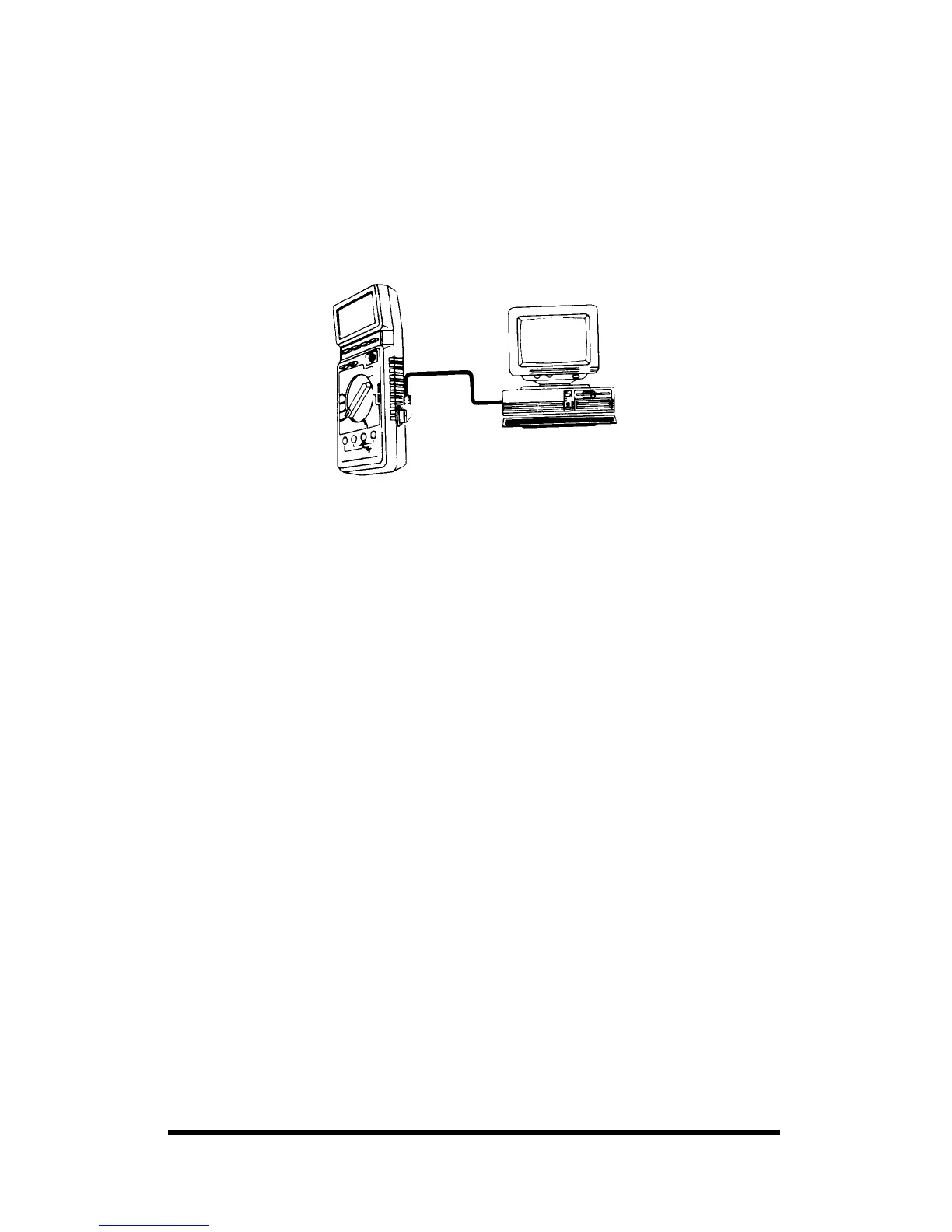
Follow these steps to connect the meter to a computer:
1. Connect the supplied RS-232C cable between the meter's and the
computer's serial port, as shown.
2. Press ON/OFF to turn on the meter.
3. Turn on the computer.
6-12-2. Using the Supplied Software
We have included two programs to log and display data collected with
your meter. The MS-DOS program is called METEX, and is in the
GRAPHIC subdirectory on the supplied diskette. The Windows program is
called Scopeview, and is in the SCOPE directory on the supplied diskette.
Note: You cannot log frequencies on the computer if the voltage exceeds
20V AC.
6-12-3. Using the DOS Software
Follow these steps to install and run the MS-DOS software.
Note: The following steps assume a basic knowledge of MS-DOS
commands, and also assume you have a hard disk. Refer to your computer
s MS-DOS User s Guide for information about MS-DOS commands. This
software requires a VGA monitor.
1. Insert the supplied diskette in your computer’s drive.
2. Create a directory on your hard disk for the software. For example, to
make a directory called METER for the software, type:
cd \ <ENTER>
md METER <ENTER>
3. Make the directory you created the current directory. For example, if
the directory is METER, type:
cd\METER <ENTER>
4. Copy the files from the GRAPHIC subdirectory on the floppy drive to
your hard disk. For example, type:



 To Next Page