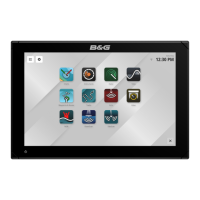
B&G LCD Plotter
Part 2 - Operating Information
HB-0847-02
2-5
2.2 Quick Tour
The default language for the B&G LCD Plotter is English. Should you wish
to change this, press the MENU key to access the main menu. Using the
cursor, select SETUP, and then scroll down to highlight LANGUAGE. Select
the desired language by using the left/right cursor keys and press the DATA
key to exit.
To quickly gain confidence using the B&G LCD Plotter, use it intuitively. No
damage may occur by pressing an incorrect button. For correct operation,
ensure your GPS is switched on, insert a chart cartridge and press the ON
key. After a short introductory screen, press the ON key once to activate
screen illumination. Repeatedly press the ON key to select the desired
intensity setting. Press any other key, except OFF, to continue.
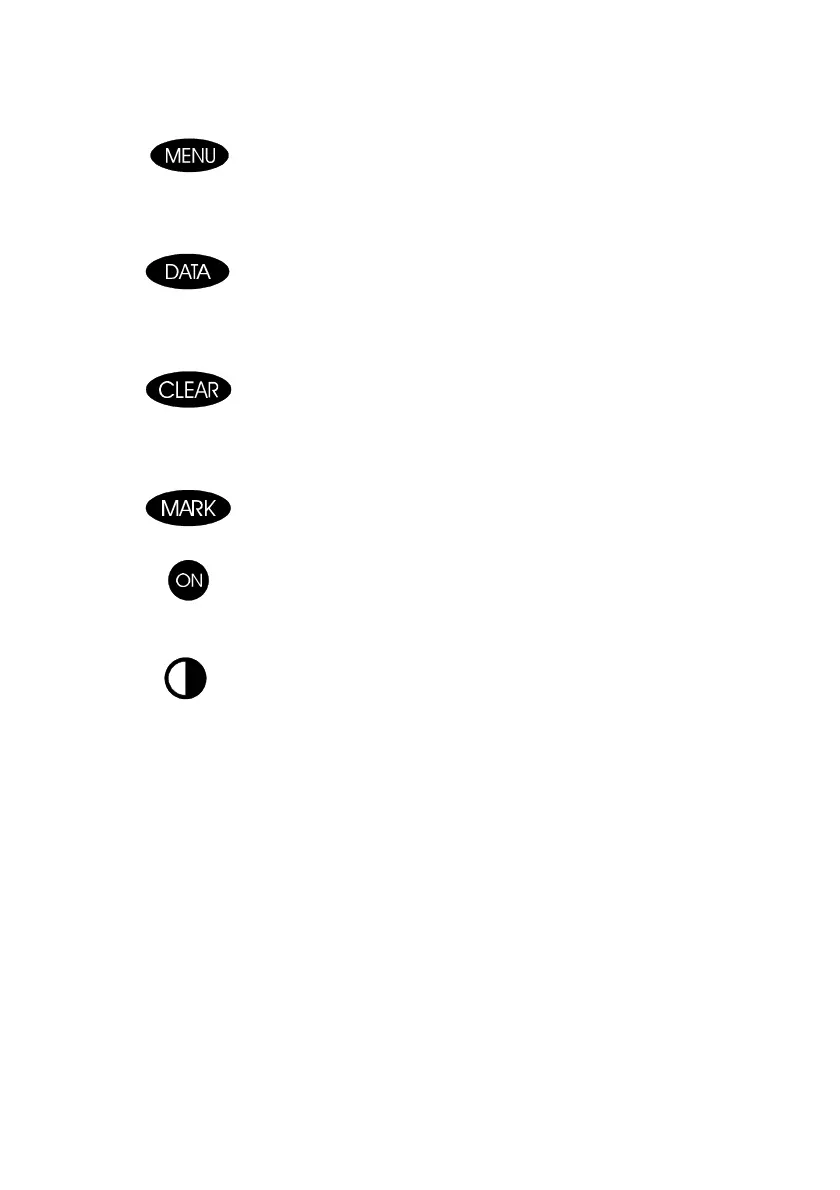
Menu Key
• displays the main menu bar across the top of the screen
• displays route information from the data window
• configures speed during route planning
Data Key
• selects page of information containing navigational data
• returns to the map
• deletes the last route segment
• aborts a function that is not required
Clear Key
• deletes individual waypoints
• deletes routes
• deletes markers
Mark Key
• inserts a marker at the cursor or boat position
On Key
• switches unit on
• adjusts illumination setting
Contrast Key
• adjust contrast level in conjunction with left/right cursor keys



 To Next Page