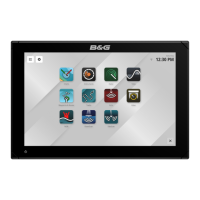
B&G LCD Plotter
Part 2 - Operating Information
HB-0847-02
2-4
PART 2 - OPERATING INFORMATION
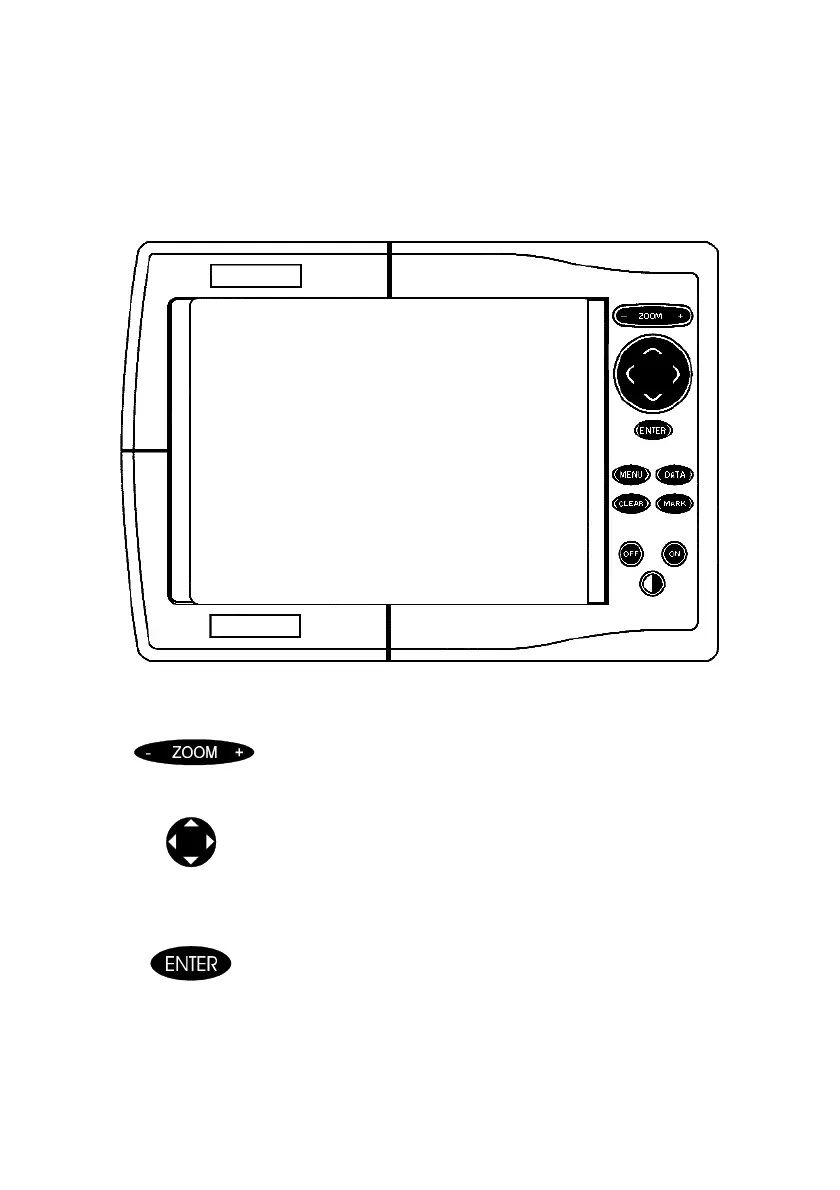
2.1 The Keyboard
B&G LCD Chart Plotter
Zoom +/-
• increases or decreases the chart range
• activates and deactivates the Autozoom feature
Cursor Keys
• provides cursor control in all directions
• allows selections in Menu windows
• selects Automatic Mode or Manual Mode of operation
Enter Key
in manual mode:
• inserts a waypoint at the cursor position
within menus:
• confirms a selection
in automatic mode:
• changes the target waypoint



 To Next Page