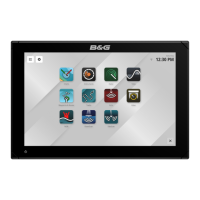
B&G LCD Plotter
Part 3 - Installation Information
HB-0847-02
3-3
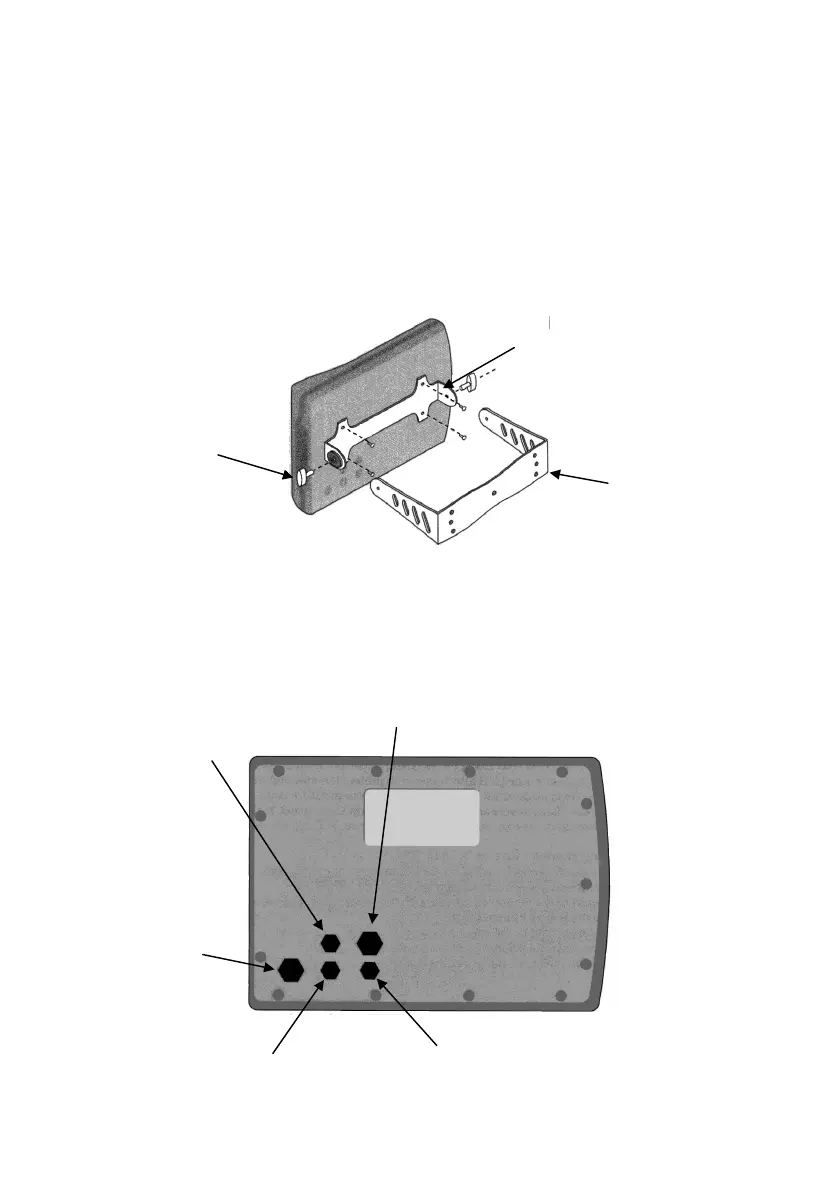
3.4 Bracket Mounting
The LCD Plotter can be installed on the instrument panel using the
mounting bracket supplied. The bracket in contact with the plotter
should be secured with the screws supplied in the packaging. The “U”
shaped section of the bracket should be secured to the panel using 4
flat-head screws, 6mm diameter.
Irrespective of the type of mounting chosen, be sure that the connecting
cables on the rear of the plotter are properly tightened to ensure that the
connection is water resistant.
3.5 ELECTRICAL CONNECTIONS
Mounting Bracket
Lock Nut
Plotter Angle Bracket
Data Out 1
Data In 1
Data In 2
Power
Data Out 2



 To Next Page