24
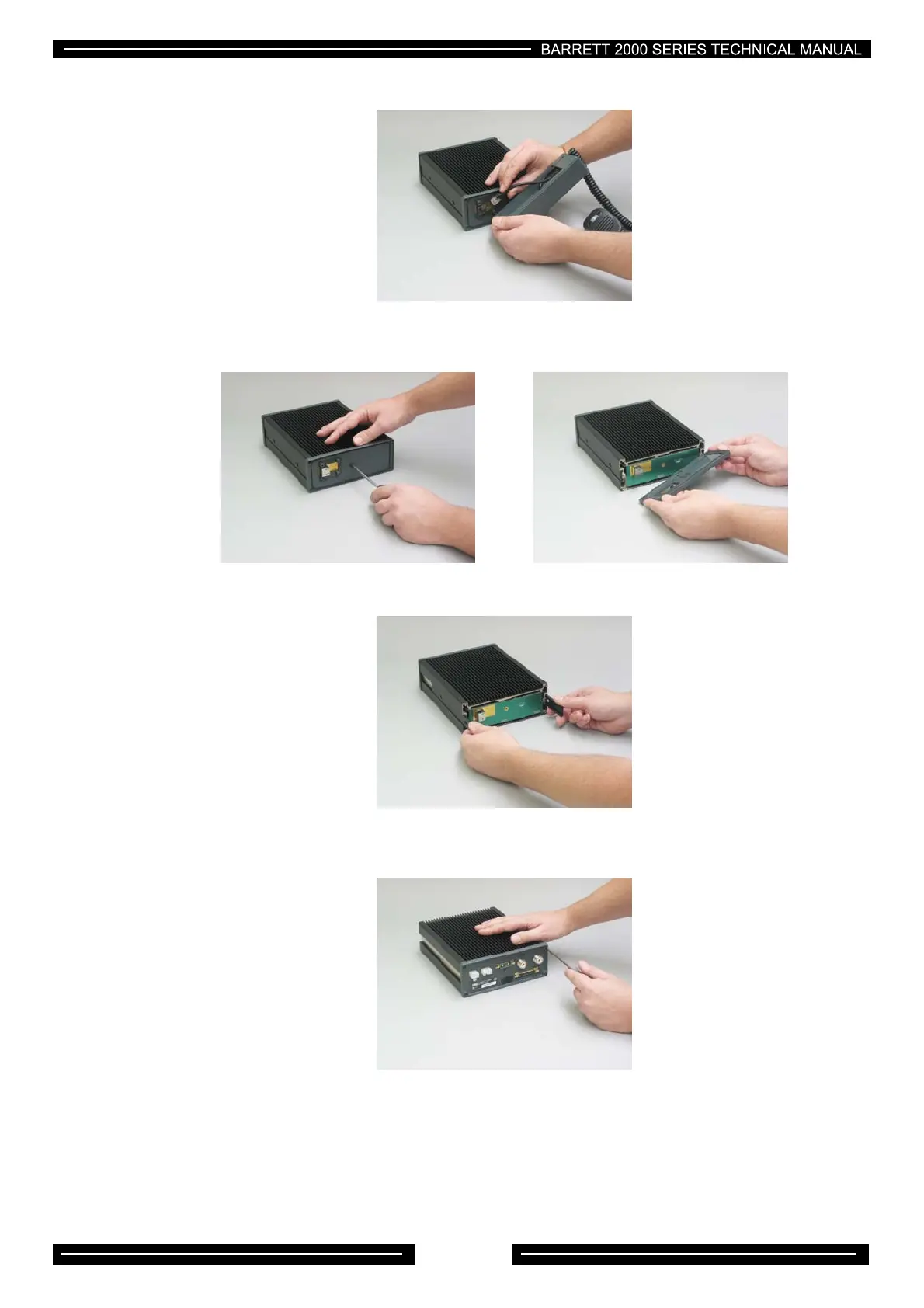
Using the Barrett tool or a #2 Philips head screw driver remove the strain relief/weather proofing cover,
then remove the short RJ-45 interconnect cable:-
Using the Barrett tool or a #2 Philips head screw driver remove the central panel screw:-
Grasp both side lock slides and pull out.
Using the Barrett tool or an M4 Allen key remove two M4 x 16 cap screws on the rear panel



 To Next Page