Configuration through graphical interface– 12
In call menu
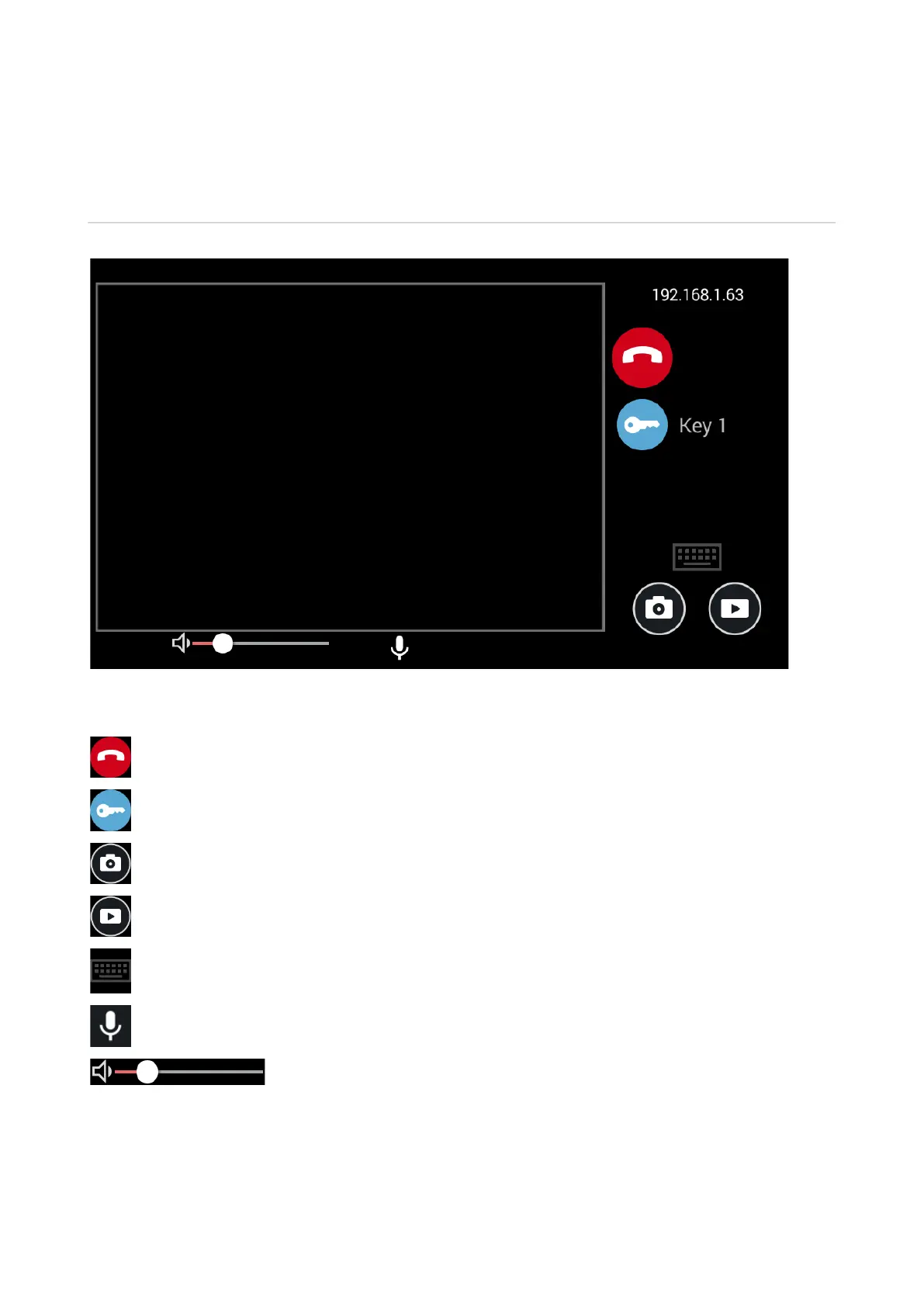
During the call, following window appears:
192.168.1.63 -The address of the device with which the connection is established.
- End call button.
- Open the lock button.
- Save photo button.
- Save video button.
- Button to open the keypad.
- Turn on/off microphone button.
- Volume level adjustment.



 To Next Page