Configuration through web interface– 61
•
•
•
•
•
•
•
Configuration through web interface
Login(see page 61)
Dashboard(see page 62)
Intercom(see page 63)
Network(see page 67)
Security(see page 67)
Advanced(see page 72)
System(see page 74)
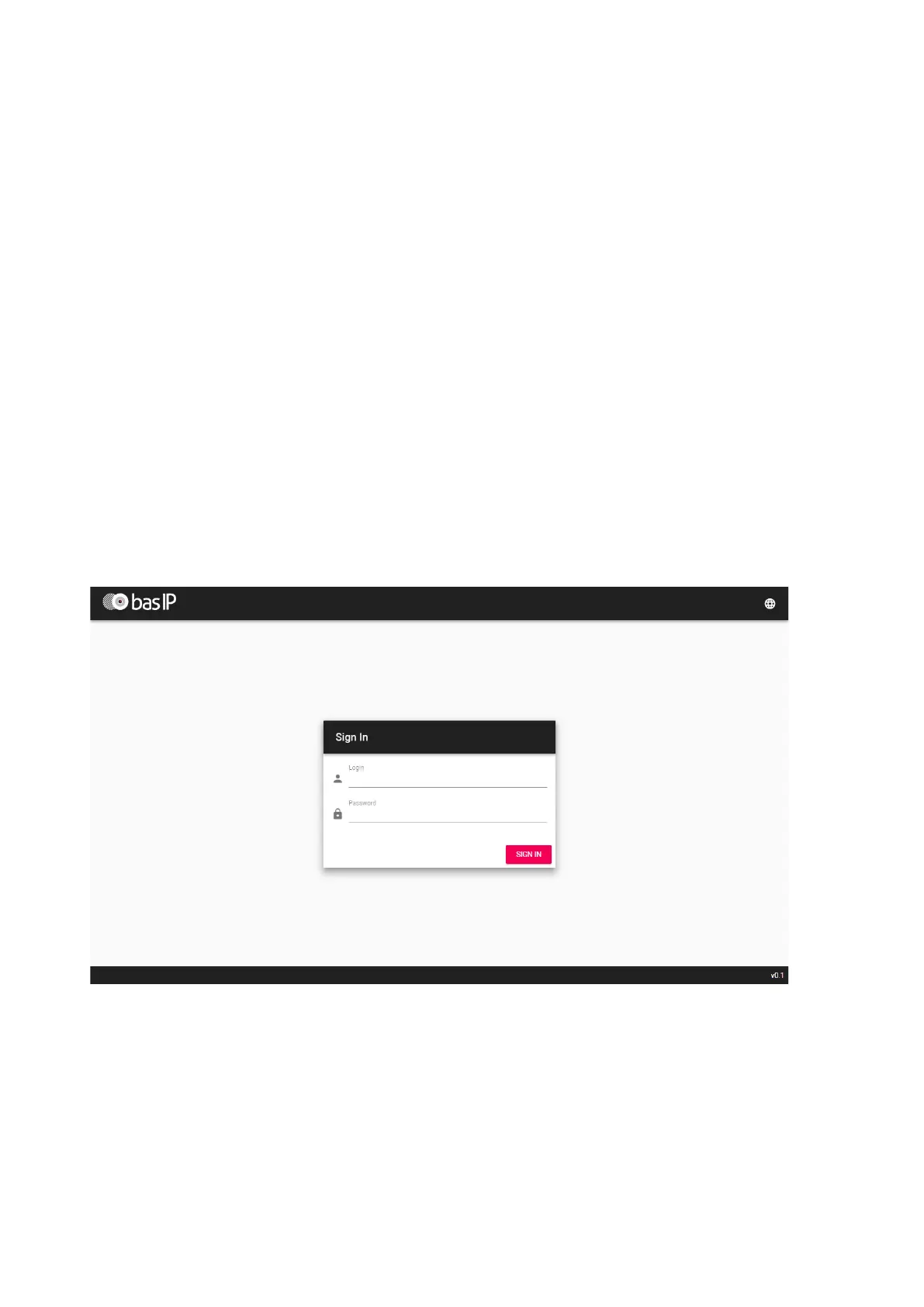
Login
To configure the internal monitor remotely through the Web interface, you need to connect to it
via the Internet browser on your PC. The intercom must be connected to the same network
segment as the PC from which you plan to configure.
In the Internet browser, in the address line, you must enter the IP address of the internal monitor,
and then a window for entering the username and password will appear.
Username to enter settings: admin
Password required for input, corresponds to password for access to the settings of internal
monitor and is the password of the installer (default password: 123456).



 To Next Page