Configuration through graphical interface– 36
All calls to the monitor in this mode will be displayed in Missed Calls on the main screen.
Silence mode
To enable this function, you can set the time mode, at which all incoming calls will appear
without sound.
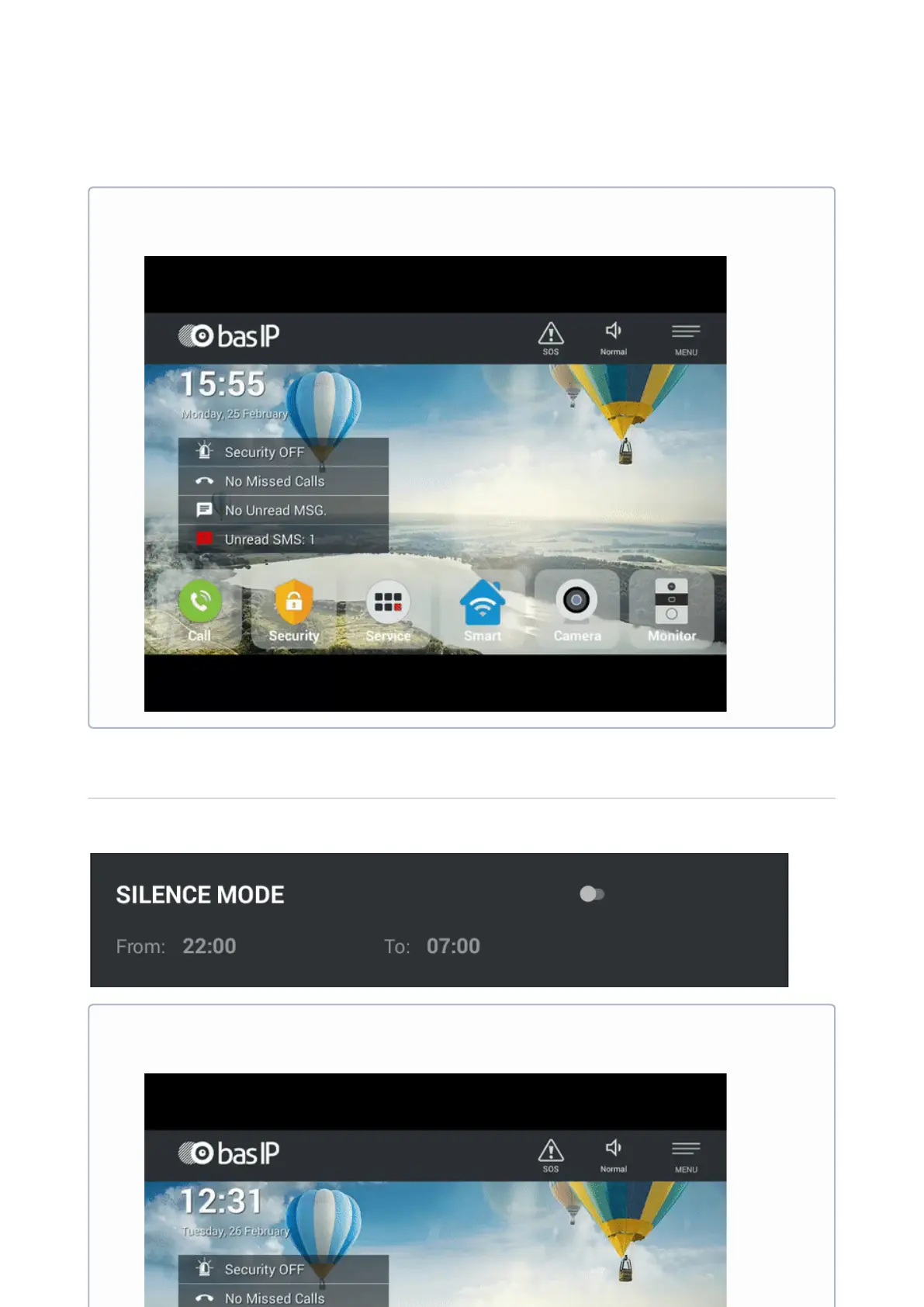
Enable mode from main screen of the monitor
To turn on this mode from the monitor's main screen, it is enough to press "Sound
modes" button and choose "Do not disturb".
Enable mode from main screen of the monitor
To turn on this mode from the monitor's main screen, it is enough to press "Sound
modes" button and choose "Silence mode".



 To Next Page