Configuration through web interface– 75
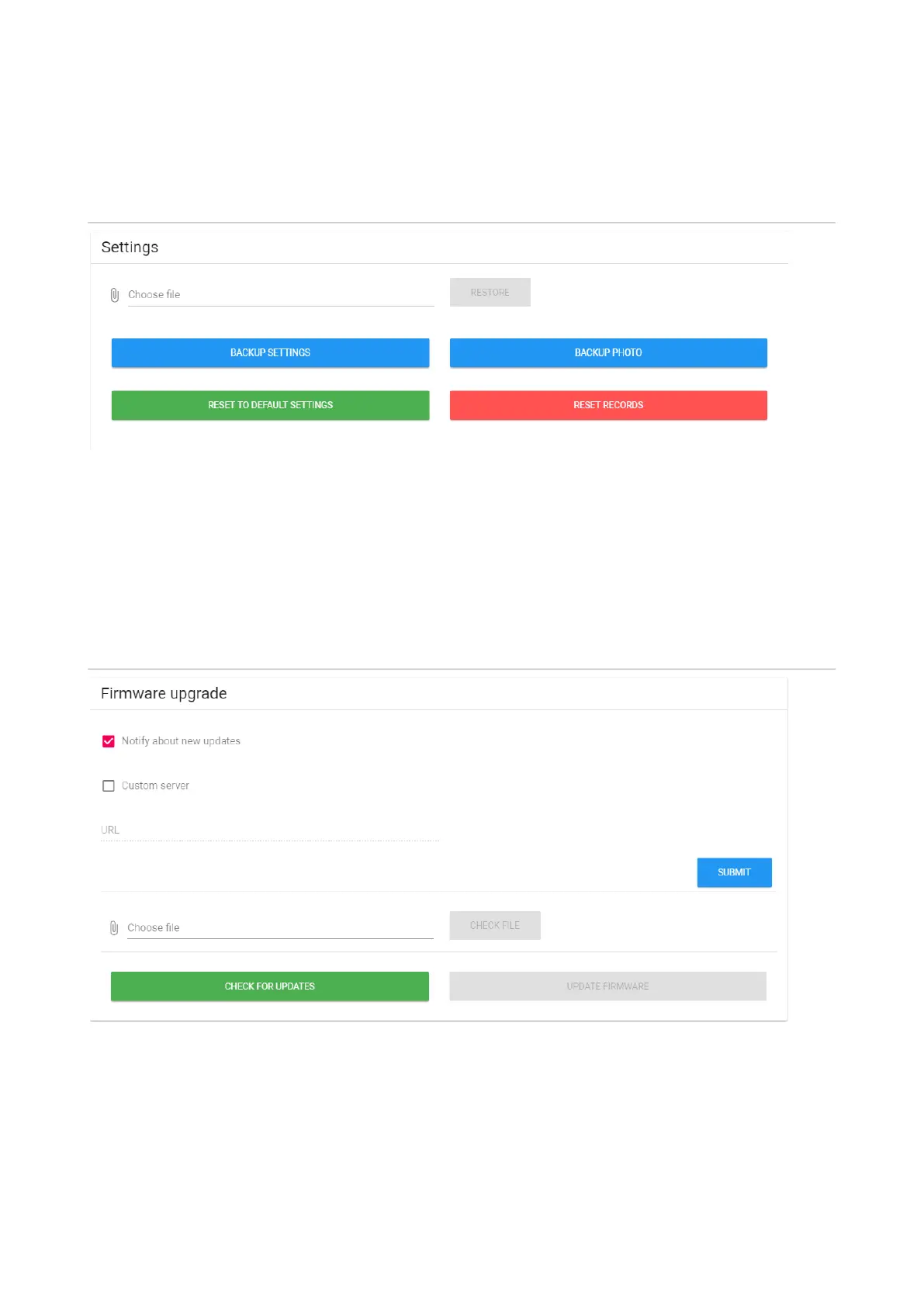
Settings
Choose file: Select a monitor configuration file from the PC file system.
Backup settings: Save and export monitor configuration files.
Backup photo: Save and export all photos of visitors to the PC file system.
Reset to default settings: Reset all internal monitor settings to factory settings.
Reset records: Delete all calls from the the call menu.
Firmware upgrade
Notify about new updates: Enable/disable notifications when new software versions are
released.
Custom server: Enable/disable use of custom update server. Used in closed networks of door
intercommunication.



 To Next Page