Configuration through graphical interface– 34
Widget
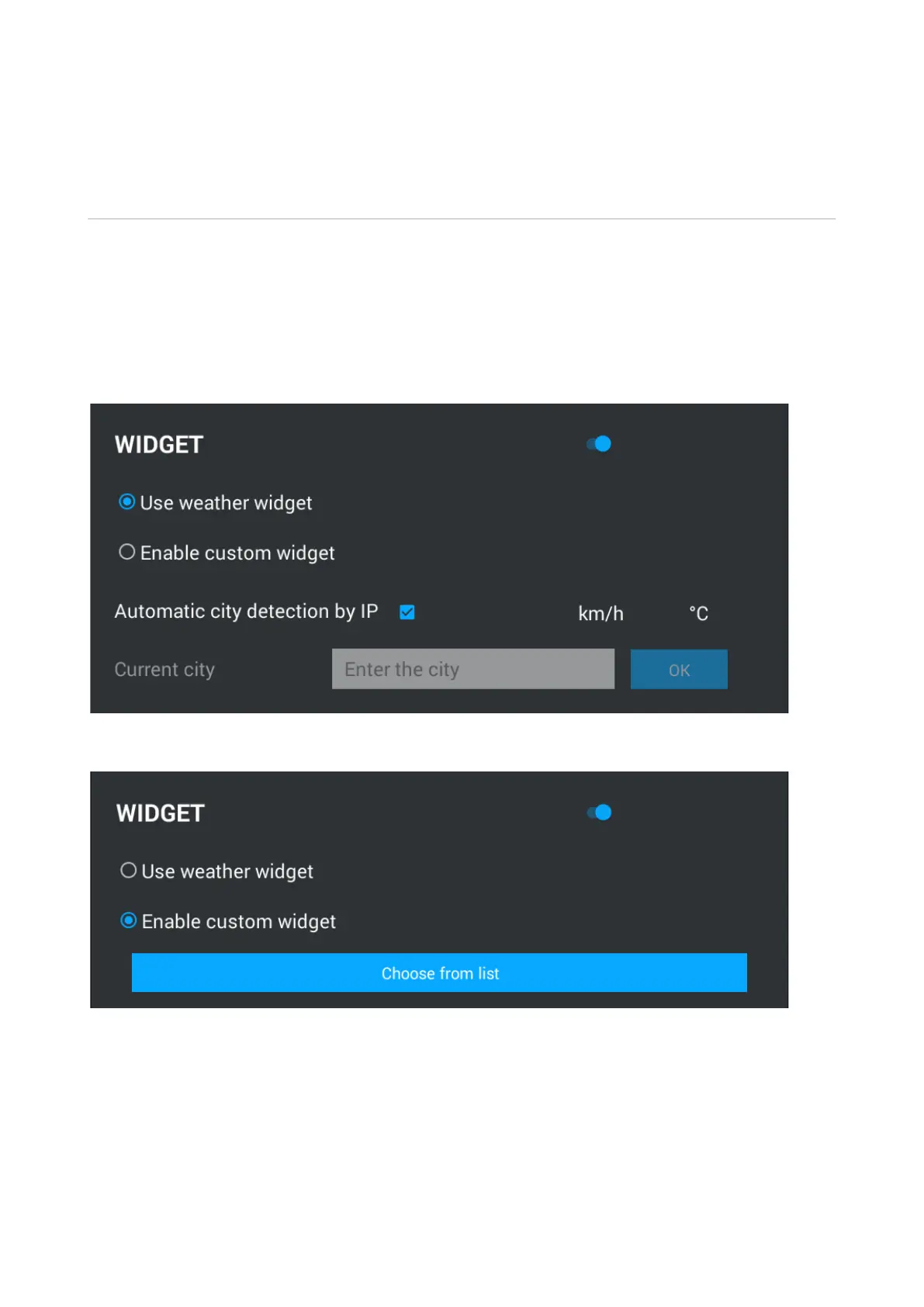
Monitor supports several different widgets: weather widget and application widgets.
Using weather widget:Enable/disable weather widget displayed on the main display.
Auto-detect city by IP:Enable/disable automatic weather detection function by IP address (If
there is Internet access).
Current location: Choosing a location by entering the name and selecting a city from the list.
Wind speed can be displayed both in km/h and miles/h. Temperature can be displayed both in
Celsius and Fahrenheit.
Allow using other widgets: Turn on/off function of using application widgets installed on the
monitor.
After pressing the "Select Widget" button, the widget selection menu will appear:



 To Next Page