Configuration through web interface– 68
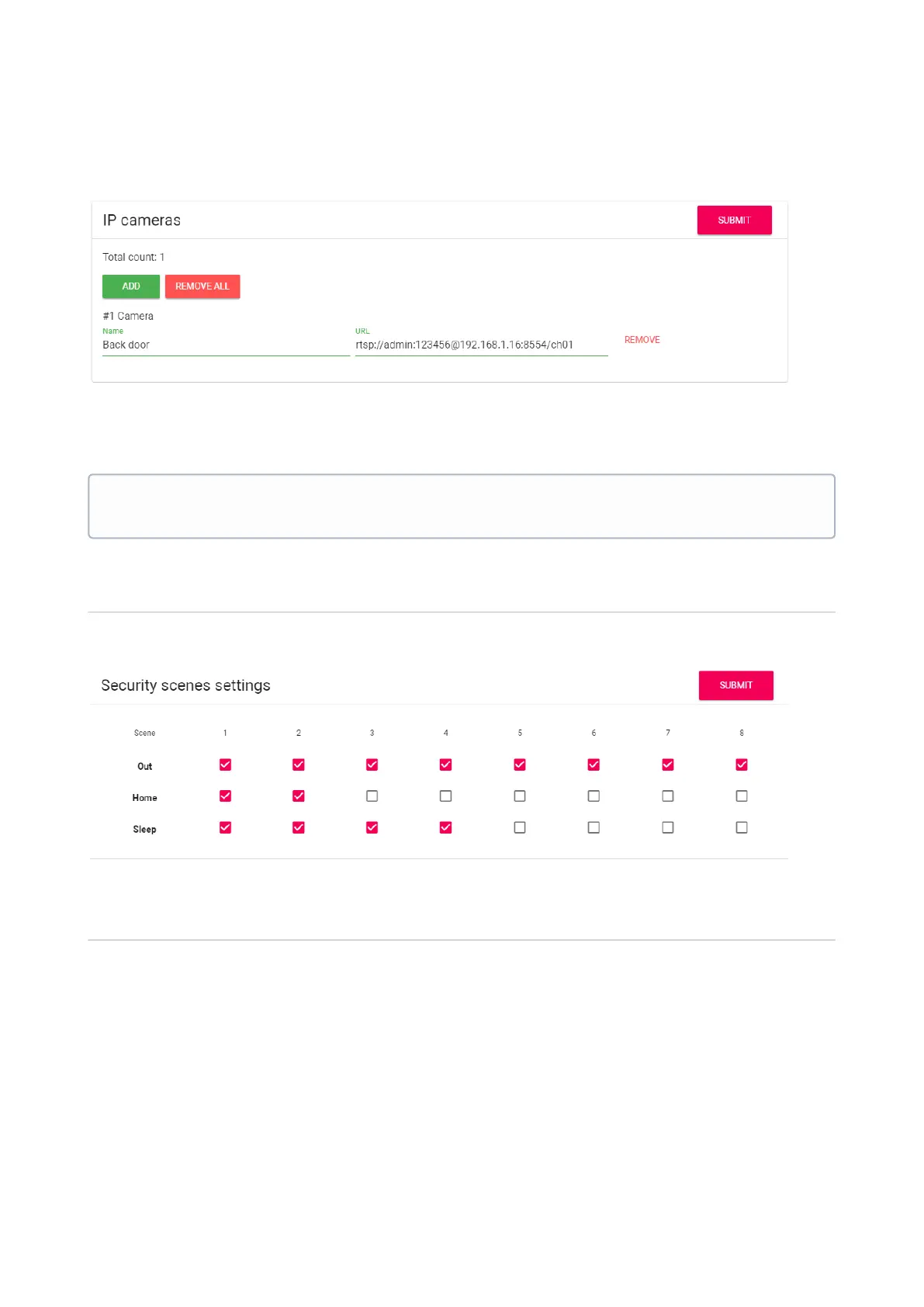
After selecting the necessary number of cameras, the following fields will be available in this
window:
Name: Display the desired name of the camera.
URL: RTSP-line to get the camera stream. The string is usually listed in the installation
instructions that come with the camera.
Security scenes settings
A total of 3 scenarios are available: Out, Home, and Sleep. Depending on each scenario, you can
customize the logic of the triggering of certain loops.
Security sensors settings
Example
rtsp://admin:123456@192.168.1.178:8554/ch01



 To Next Page