Configuration through graphical interface– 33
General settings
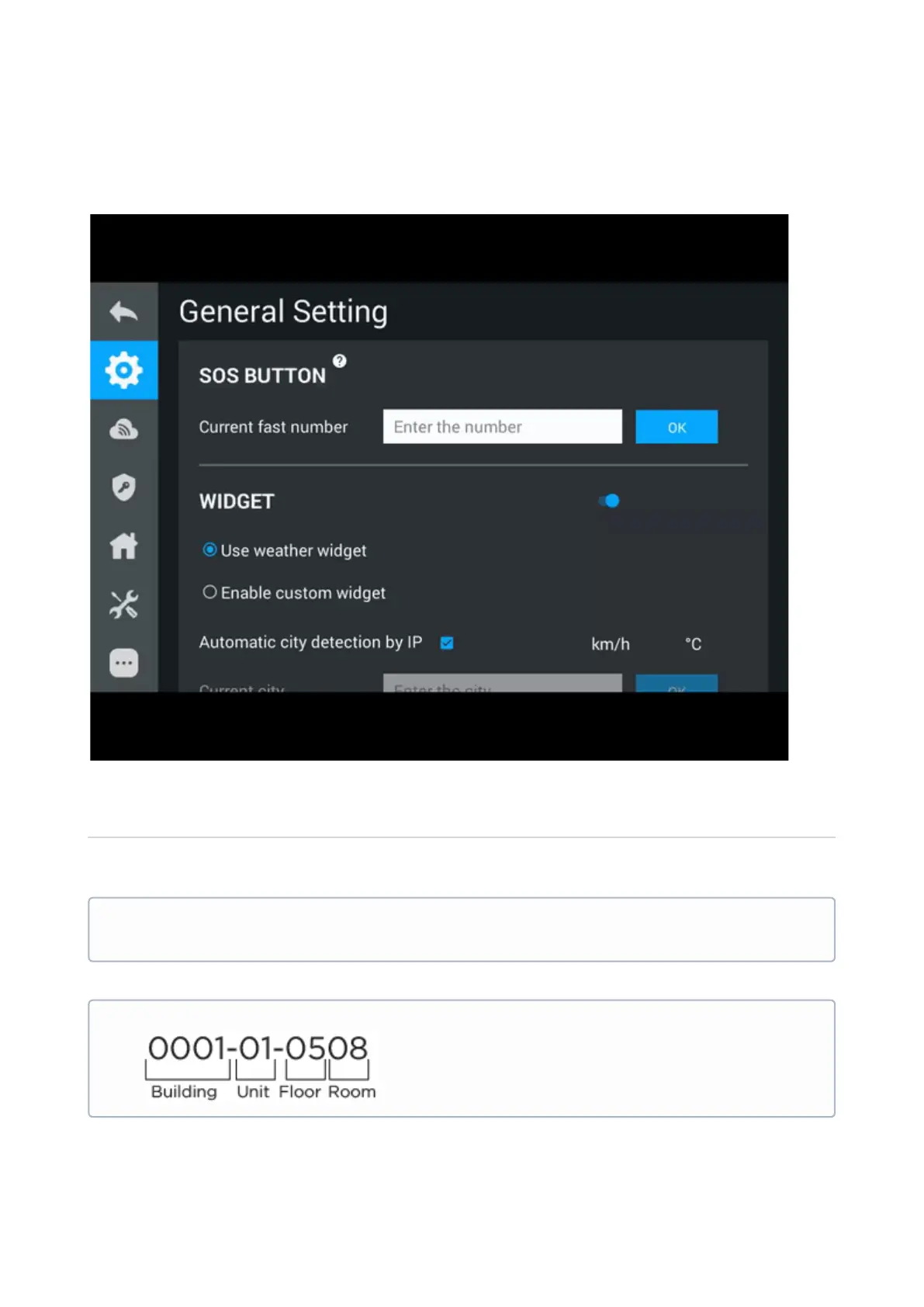
SOS button
The button is displayed on the main screen of the monitor and makes a call in a specified
direction (through SIP or internal protocol), when pressed.
Where 5544 - number of called subscriber, sip.bas-ip.com - SIP server address.
Data format for calling through SIP:
sip:5544@sip.bas-ip.com
Data format for internal calls:



 To Next Page