Configuration through web interface– 76
URL: The input field for the IP address or domain of the custom update server.
Choose file: Select software update file from PC file system.
Check file: File validation.
Check for updates: Check for software update on BAS-IP server or user server.
Update firmware: Start fimware update.
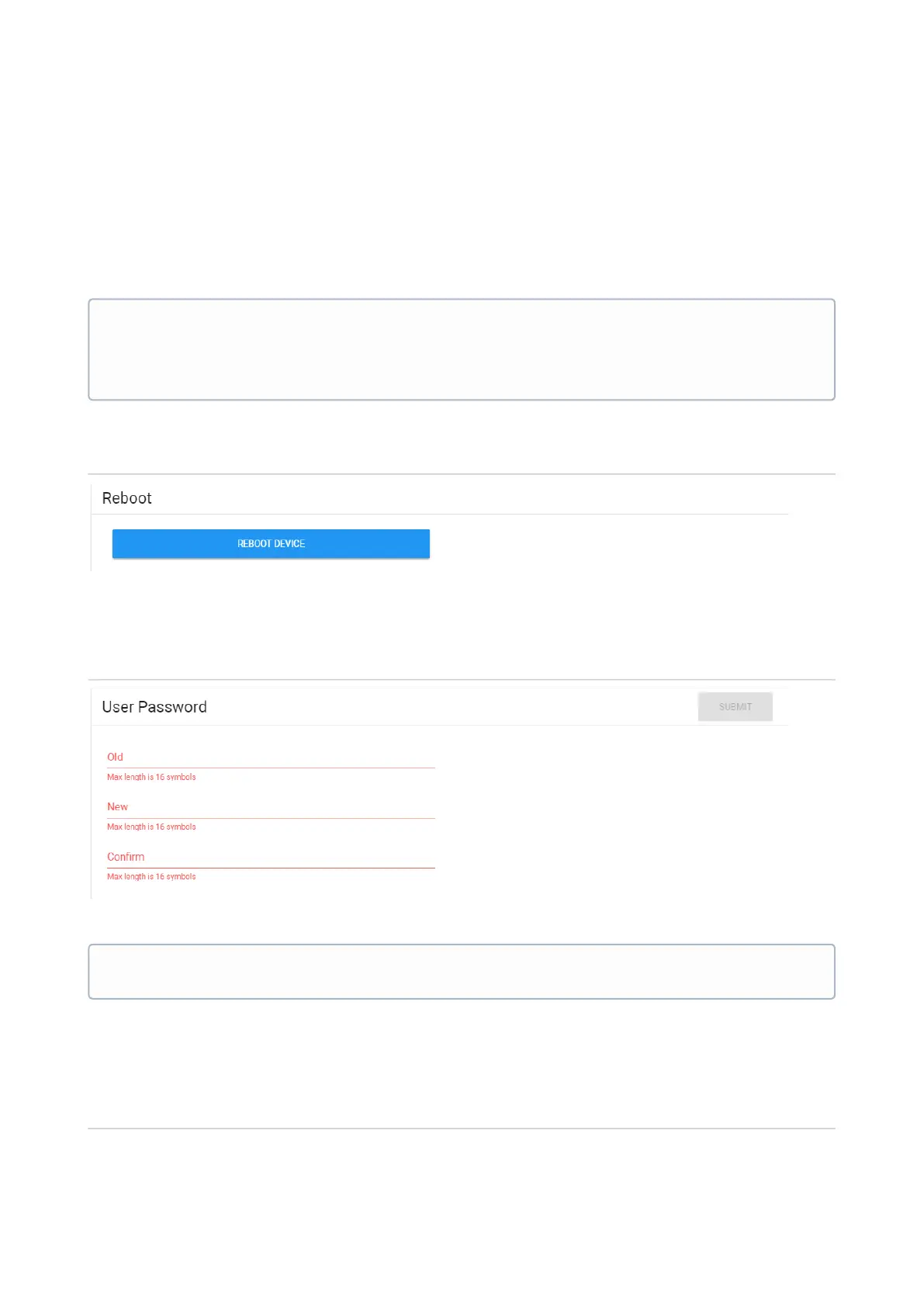
Reboot
Reboot: Soft reboot of the monitor.
User password
Old password:Current password input field.
New:New password input field.
Confirm:New password confirmation field.
Admin password
Software update features:
When updating the system via WEB or a graphical interface, a backup copy of all
applications installed on the monitor is automatically created, and all configuration files
are saved. Each subsequent update will overwrite the backup file.
By default, user password is1234.



 To Next Page