Configuration through graphical interface– 51
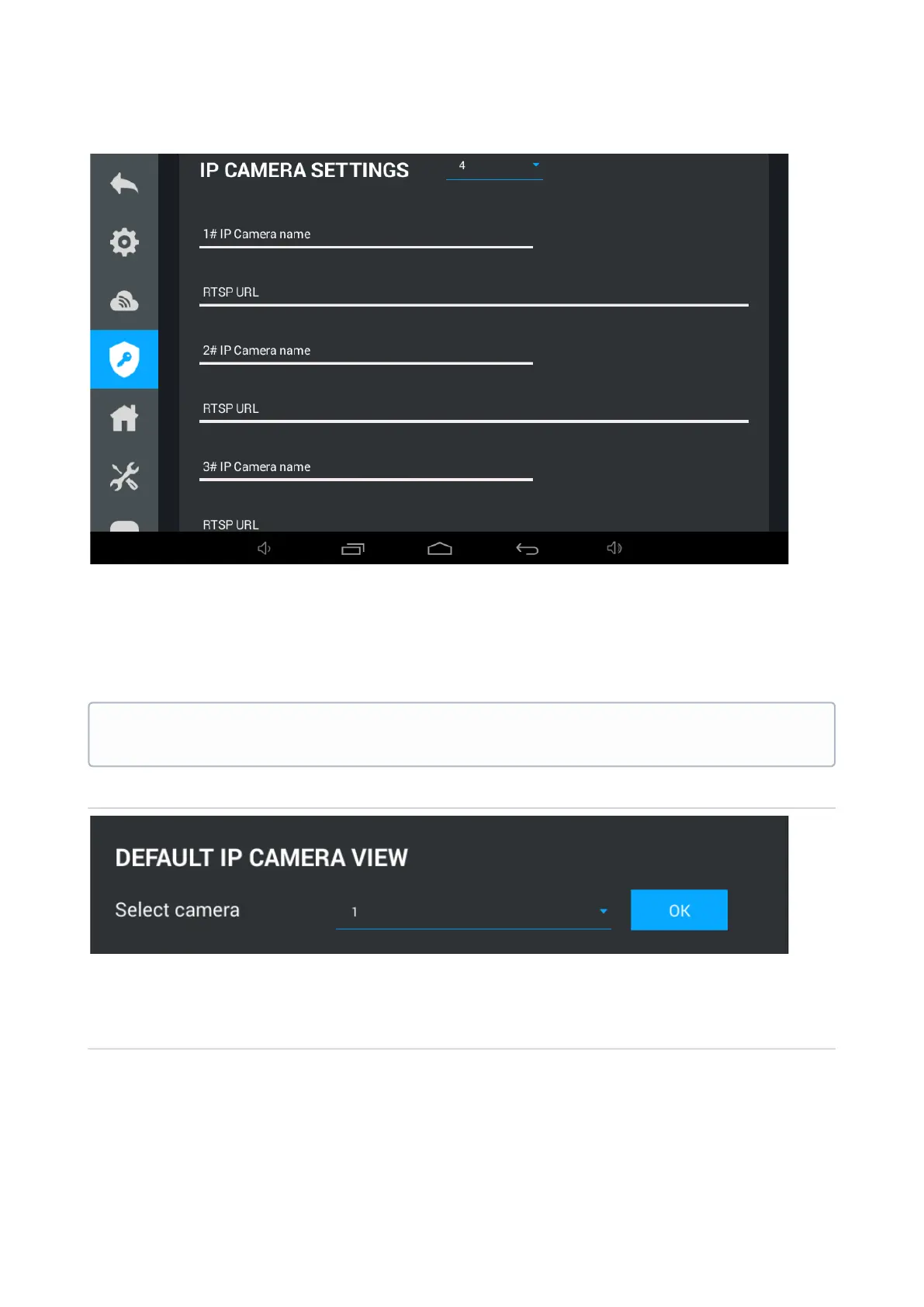
After selecting the required number of cameras, the following fields will be available in this
window:
IP Camera Name: Desired to display the camera name.
RTSP URL: RTSP string to get the camera stream. The string is usually indicated in the
installation instructions that comes with the camera.
Default IP camera
Select camera:Selection of IP camera which will be displayed first when you open IP cameras
view menu.
User password
Example:
rtsp://admin:admin@192.168.1.87:8554/ch01



 To Next Page