Configuration through graphical interface– 57
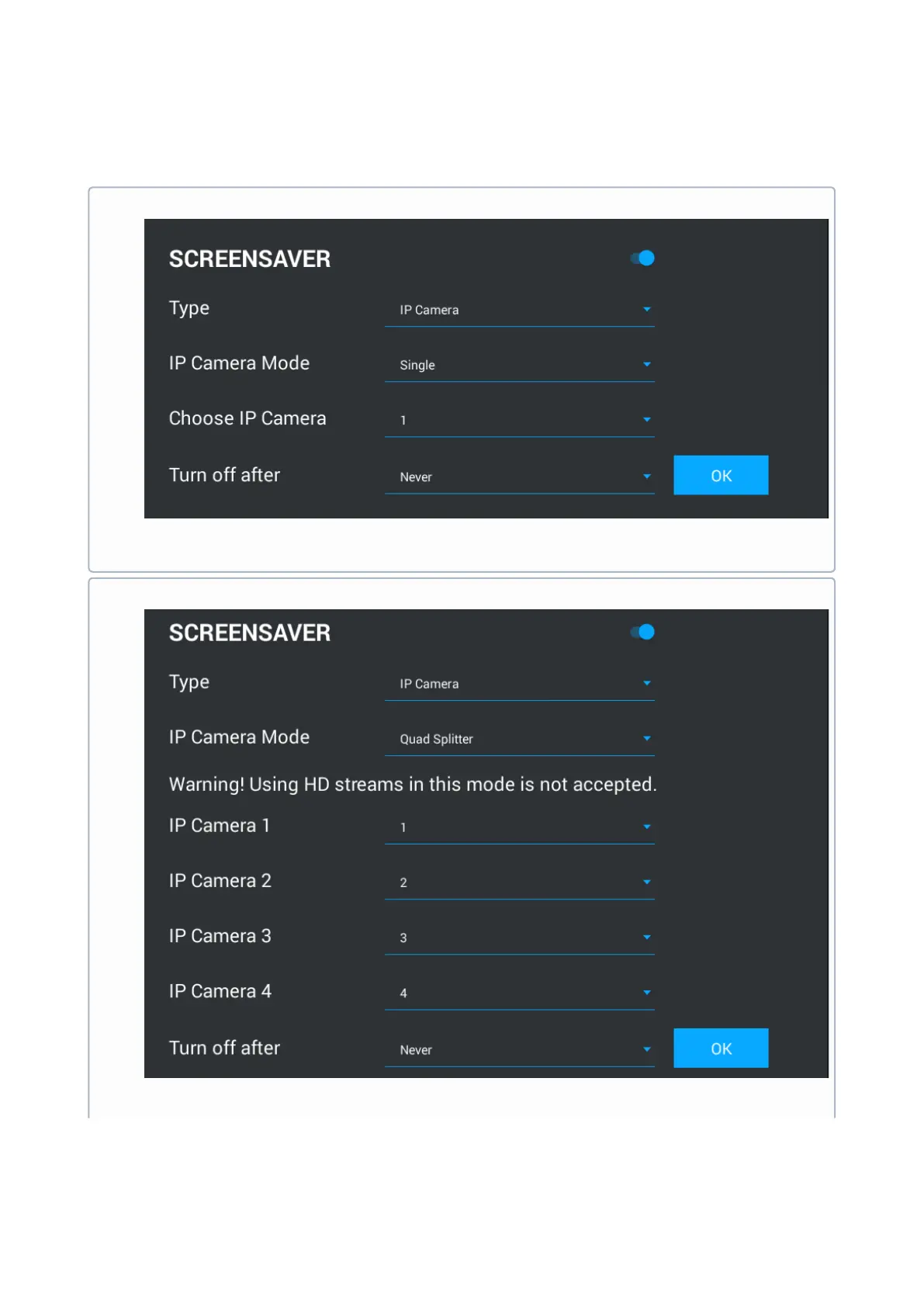
IP cameras: In this mode IP cameras can be shown in three modes:
Single camera
Choose IP camera: Select the camera to be displayed in standby mode.
Turn off after: IP camera view timeout.
Quad splitter
IP camera 1-4: Selection of cameras which will be displayed.
Turn off after: IP camera view timeout.



 To Next Page