21-20 9440300990
BESTlogic™Plus DECS-250
Name Description Symbol
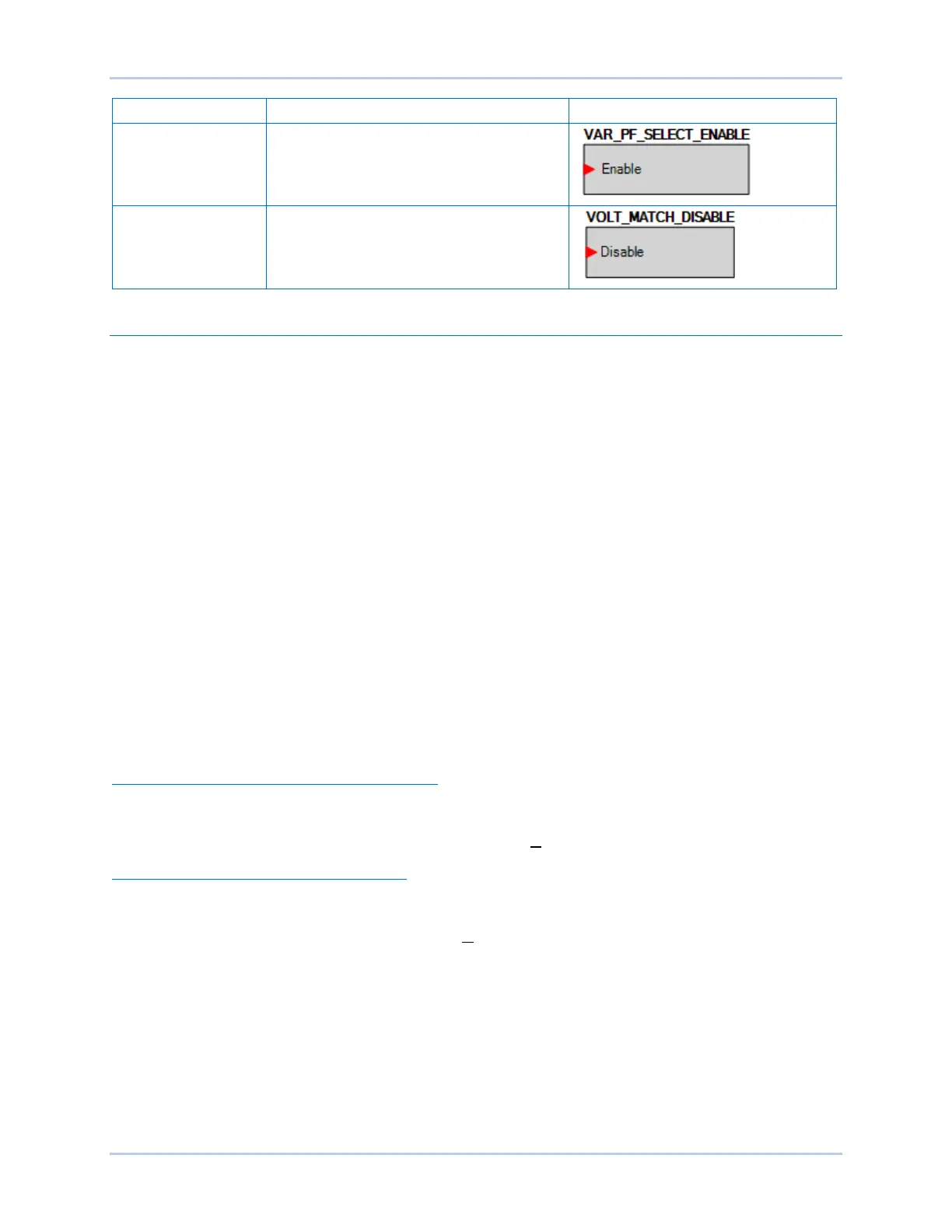
VAR/PF SELECT
ENABLE
When true, this element allows the selection
of Var and PF.
VOLTAGE
MATCHING DISABLE
When true, this element disables voltage
matching when the unit is operating in AVR
mode.
Logic Schemes
A logic scheme is a group of logic variables written in equation form that defines the operation of a DECS-
250 Digital Excitation System. Each logic scheme is given a unique name. This gives you the ability to
select a specific scheme and be confident that the selected scheme is in operation. One logic scheme is
configured for a typical protection and control application of a synchronous generator and is the default
active logic scheme. Only one logic scheme can be active at a given time. In most applications,
preprogrammed logic schemes eliminate the need for custom programming. Preprogrammed logic
schemes may provide more inputs, outputs, or features than are needed for a particular application. This
is because a preprogrammed scheme is designed for a large number of applications with no special
programming required. Unneeded logic block outputs may be left open to disable a function or a function
block can be disabled through operating settings.
When a custom logic scheme is required, programming time is reduced by modifying the default logic
scheme.
The Active Logic Scheme
The DECS-250 must have an active logic scheme in order to function. All DECS-250 controllers are
delivered with a default, active logic scheme preloaded in memory. The functionality of this logic scheme
is similar to the scheme provided with the DECS-200. If the function block configuration and output logic
of the default logic scheme meet the requirements of your application, then only the operating settings
(system parameters and threshold settings) need to be adjusted before placing the DECS-250 in service.
Sending and Retrieving Logic Schemes
Retrieving a Logic Scheme from the DECS-250
To retrieve settings from the DECS-250, the DECS-250 must be connected to a computer through a
communications port. Once the necessary connections are made, settings can be downloaded from the
DECS-250 by selecting Download Settings and Logic on the Communication pull-down menu.
Sending a Logic Scheme to the DECS-250
To send settings to the DECS-250, the DECS-250 must be connected to a computer through a
communications port. Once the necessary connections are made, settings can be uploaded to the DECS-
250 by selecting Upload Settings and Logic on the Communication pull-down menu.



 To Next Page