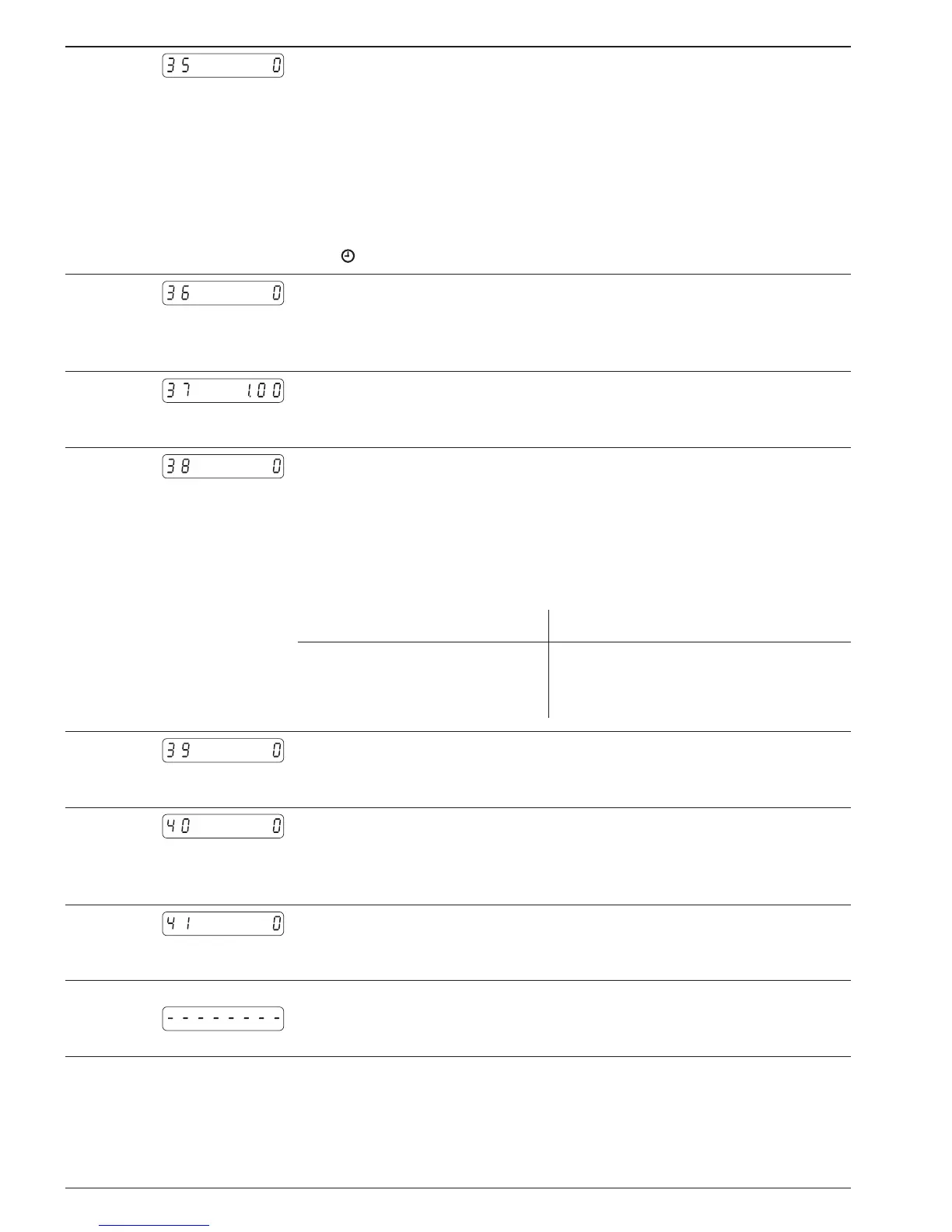
Line 35 Adresses for function key F
0 * No function
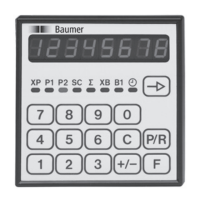
1 XP - Current main counter status
2 P1 - Preset value 1
3 P2 - Preset value 2
4 SC - Main counter start count value
5 ∑ - Totalizing counter
6 XB - Batch counter status
7 B1 - Batch counter preset value
8 - Time meter
Line 36
Batch counter functions XB
0 * Triggering via external input XB
1 Automatic triggering on reaching P2 (e. g. for batch counting)
2 Tachometer function (signal input on XB)
Line 37
Pulses per unit of measurement, as tachometer
* 1.00
0.01-9999.99
Line 38
Input of time measurement in seconds (s)
0 * Time base 1 s
1 Time base 2 s
2 Time base 3 s
3 Time base 6 s
4 Time base 10 s
5 Time base 20 s
6 Time base 30 s
7 Time base 60 s
The time base must be selected in accordance with pulse rate:
Example Pulses per rev. Time base in seconds
≥60 pulses/rev.
<60 ≥30 pulses/rev
up to 1 pulses/rev
1 s
2 s
up to 60 s
Line 39
Assignment output B1
0 * Batch counter XB
1 Zero contact output for main counter XP
Line 40
Function, input XP stop
0 * XP stop
1 Operating hours on/off; on while signal preset
2 Hold for display/keys disabled while signal preset
Line 41
Code setting
* No code
1-9999
At the conclusion of these programming lines, a broken line will
appear in the display, signifying the completion of the third pro-
gramming segment.


 To Next Page