55
Programming field 4
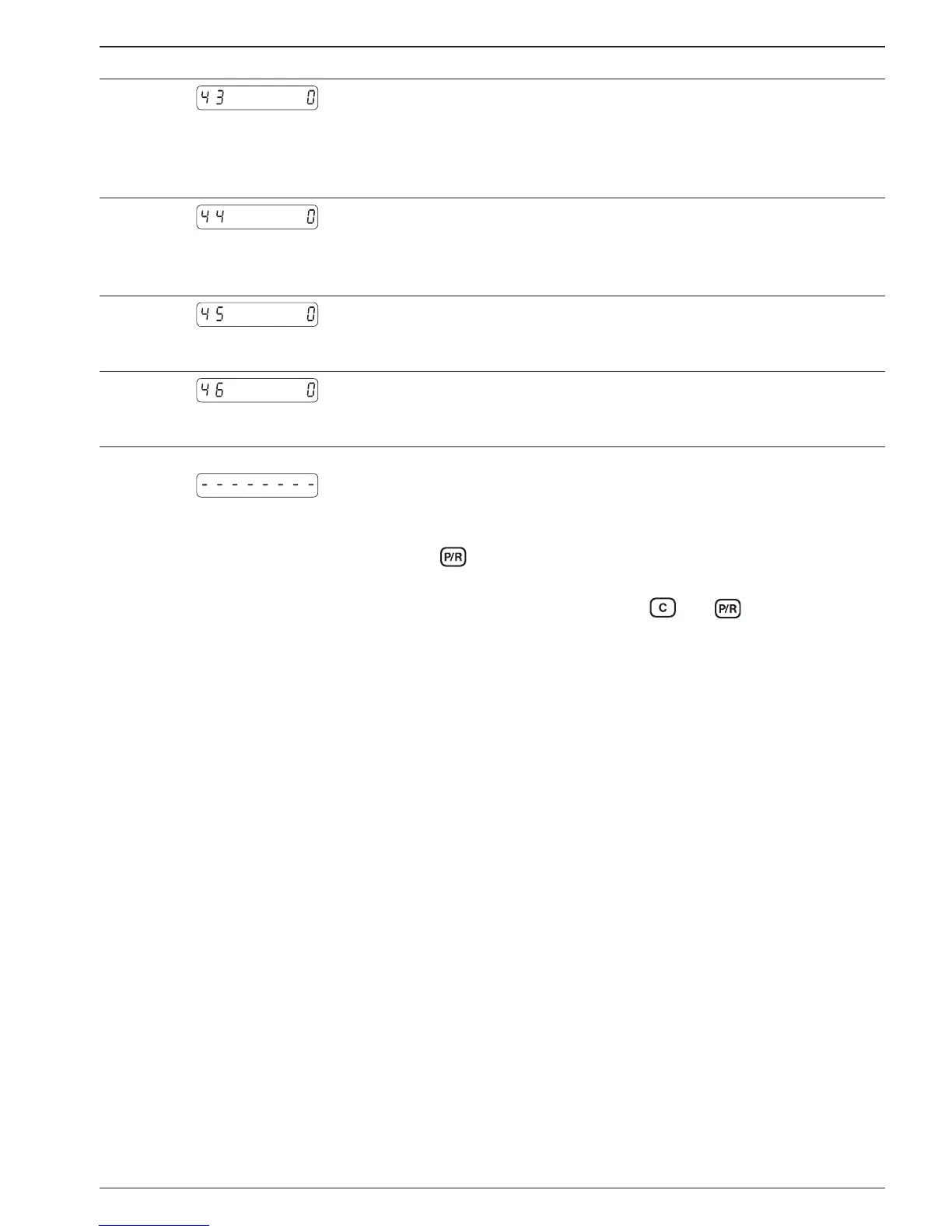
Line 43
Baud rate
0 * 4800 Baud
1 2400 Baud
2 1200 Baud
3 600 Baud
Line 44
Parity
0 * Even parity (7 data bits)
1 Odd parity (7 data bits)
2 No parity (8 data bits)
Line 45
Address
* 0
1-99
Line 46
Stop bits
0 * 1 Stop bit
1 2 Stop bits
At the conclusion of these programming lines, a broken line will
appear in the display, signifying the completion of the fourth pro-
gramming segment.
To leave the ➜ Press the
key.
programming mode ● Counter now reverts to the operating mode.
Reprogramming the ➜ Switch on the instrument and press
and keys
counter to default settings simultaneously
● All the programmed values will now revert to their default set-
tings. The message „ClrPro“ appears briefly in the display.


 To Next Page