TA202
www.baumer.com
39
Access programming
➜ Press the key
.
● The system switches from the operating to the programming mode.
➜ Press the key .
● The CodE display appears.
The code exists for programming field 1 - 3
➜ Enter the code
and , than press the key .
There is no code entered on delivery.
Incorrect code Entering an incorrect code:
● CodE appears in the display after pressing the
key.
● After 15 seconds the system switches back to the operating mode.
➜ Press the key und , enter the correct code.
Unknown correct code
If you do not know the correct code, send it back to the manufacturer.
Correct code If the code is correct, press the key .
● The programming fields are then accessed one after the other.
Programming field 1
For information on the displays and on modification of the individual
values, see chapter 4.
➜ Press the key
again.
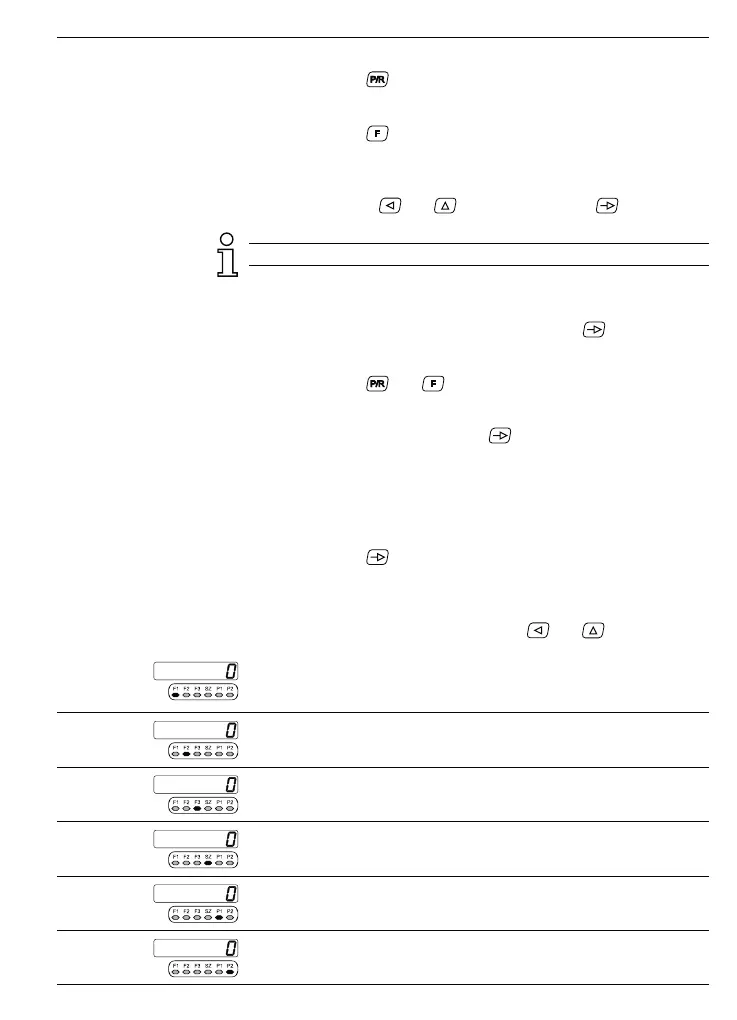
● The programming lines are selected in sequence. The respective
LED flashes.
Altering operating param. ➜ Enter the altered value using the keys
and .
Line 1
F1 - display tachometer 1
Line 2
F2 - display tachometer 2
Line 3
F3 - display for the measurement function
Line 4
SZ - display for „Max hold“ (maximum memory)
Line 5
P1 - limit value 1
Line 6
P2 - limit value 2



 To Next Page