10. Operating Instructions – Make Adjustments
10-4 HomeChoice APD Systems Patient At-Home Guide October 2, 2009 07-19-61-244
10.2.2 Adjust Loudness
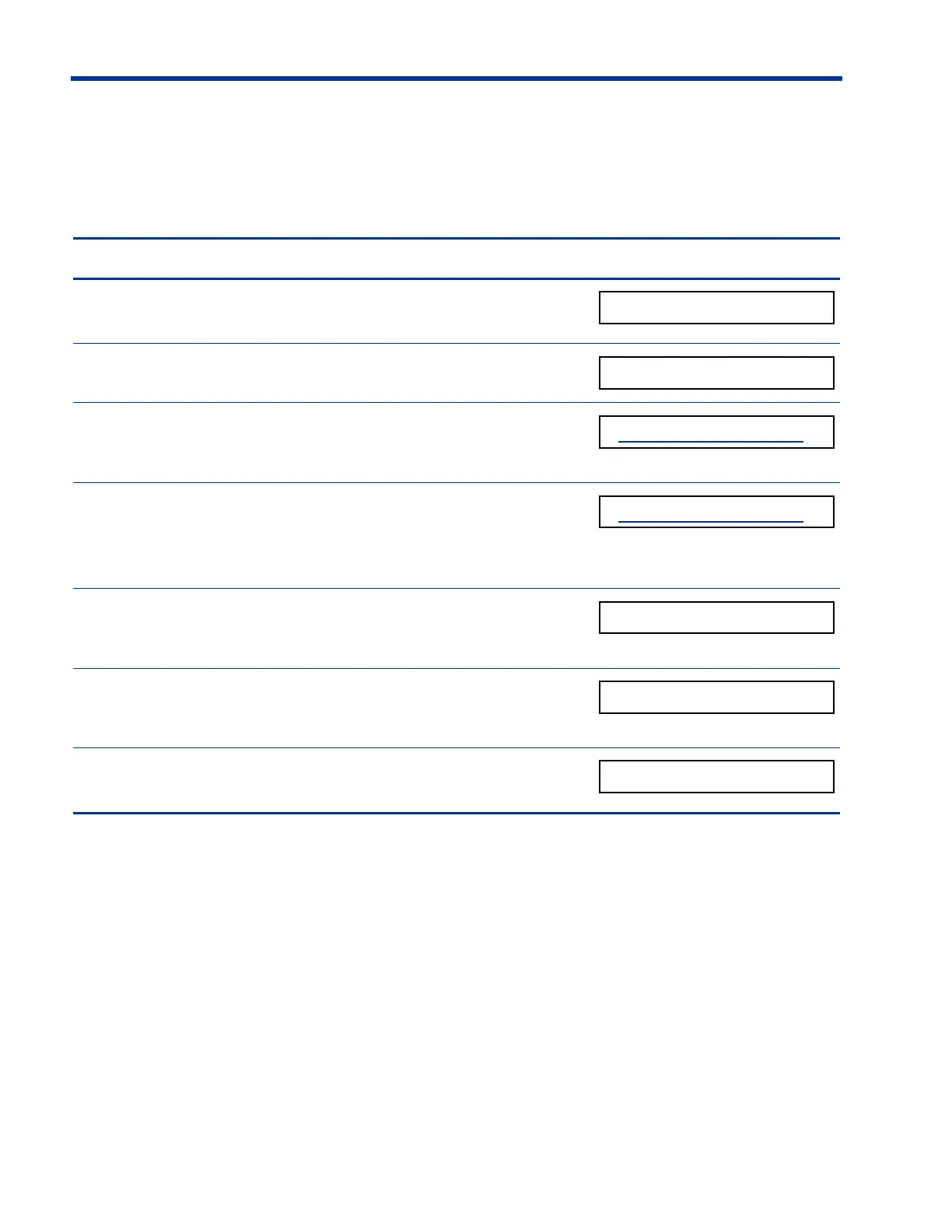
Follow the steps below to adjust the loudness of the beeps and alarms.
Steps to Adjust Loudness Display screen
1. Press
ENTER to access the MAKE ADJUSTMENTS
menu.
2. Press
V until ADJUST LOUDNESS appears.
3. Press
ENTER.
The display screen blinks.
(The display screen blinks)
4. Press U or V.
The loudness of the beep will change as you
press
U or V.
5. Press
ENTER to save the new loudness level.
The display screen stops blinking.
(Blinking stops)
6. Press V to display the next option.
– OR –
7. If you do not want to make any other adjustments,
press
STOP to exit Make Adjustments.













 To Next Page